WGW1002 User Manual
OpenVox Communication Co.Ltd
4
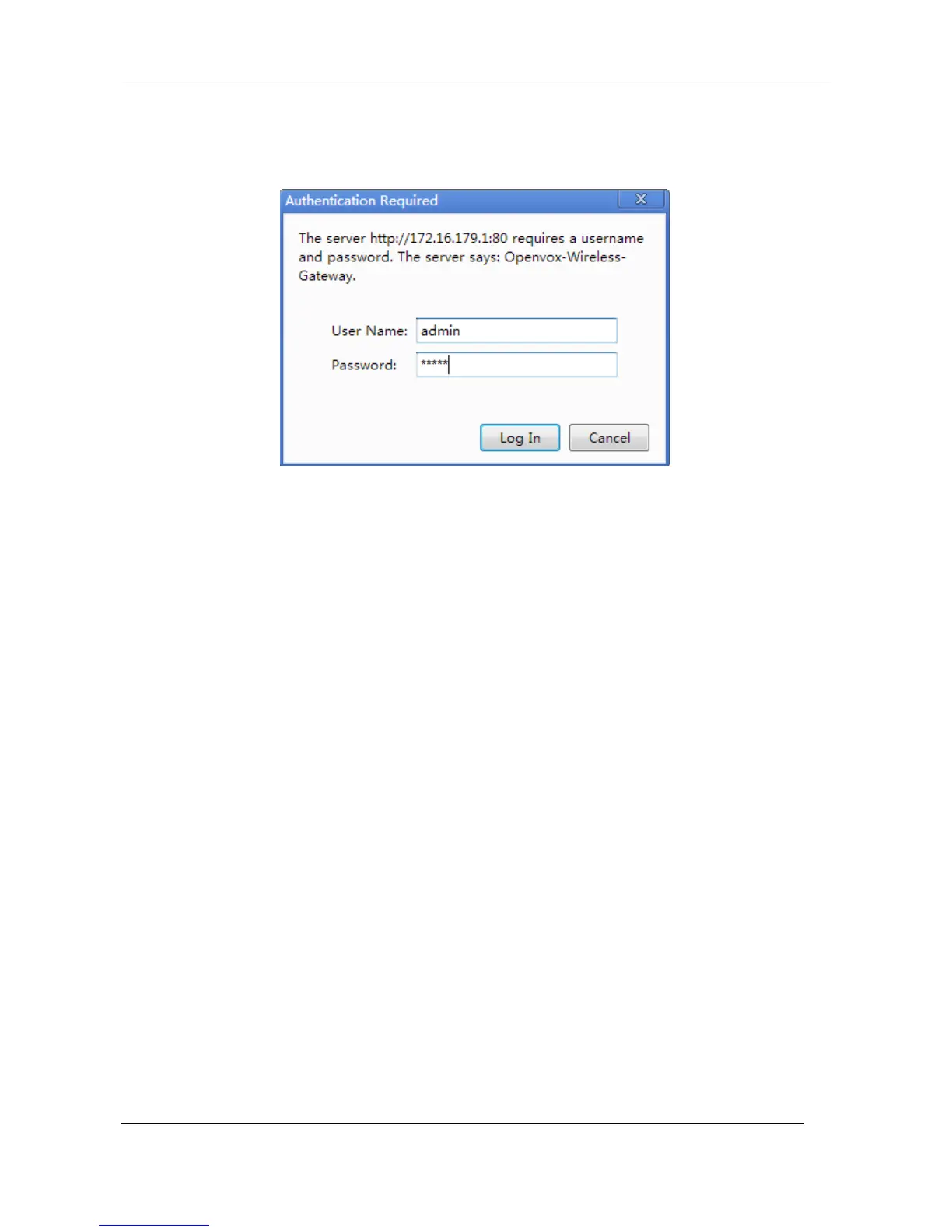
Password: admin
Please enter the default IP in your browser to scan and configure the module.
Log in:
Figure 1-6-1 LOG IN Interface
2. System
Status
On the “Status” page, you will find all GSM, SIP, Routing, Network information and status.



 To Next Page