WGW1002 User Manual
OpenVox Communication Co.Ltd
20
Call Forwarding
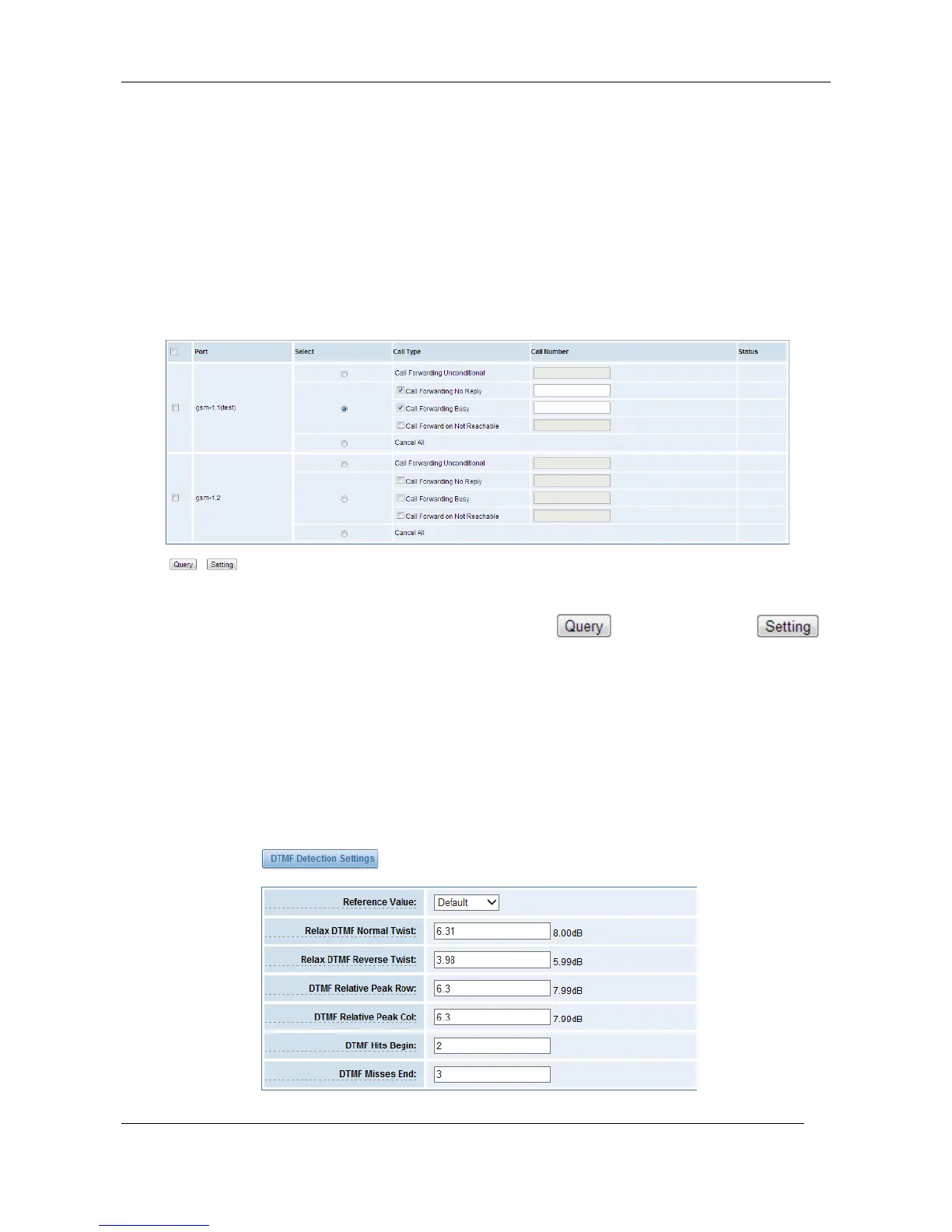
Sometimes it’s not convenient for you to answer a call, if you don’t want to lose some important
calls, you can choose Call Forwarding. You can choose Call Forwarding Unconditional, Call
Forwarding No Reply, Call Forwarding Busy or Call Forwarding on Not Reachable.
If want to cancel your call forwarding settings, you can choose Cancel All.
Figure 3-3-1 Call Forwarding
Notice: Don’t forget to save your settings. Please first press button, then press
button.
DTMF
You can do some DTMF Detection Settings if you choose “GSM -> DTMF”.
Figure 3-3-1 DTMF Detection Settings



 To Next Page