WGW1002 User Manual
OpenVox Communication Co.Ltd
45
The subnet mask of your gateway.
Default getaway IP address.
A reserved IP address to access in case your gateway IP is not
available. Remember to set a similar network segment with the
following address of your local PC.
A switch to enable the reserved IP address or not.
ON(enabled), OFF(disabled)
The reserved IP address for this gateway.
The subnet mask of the reserved IP address.
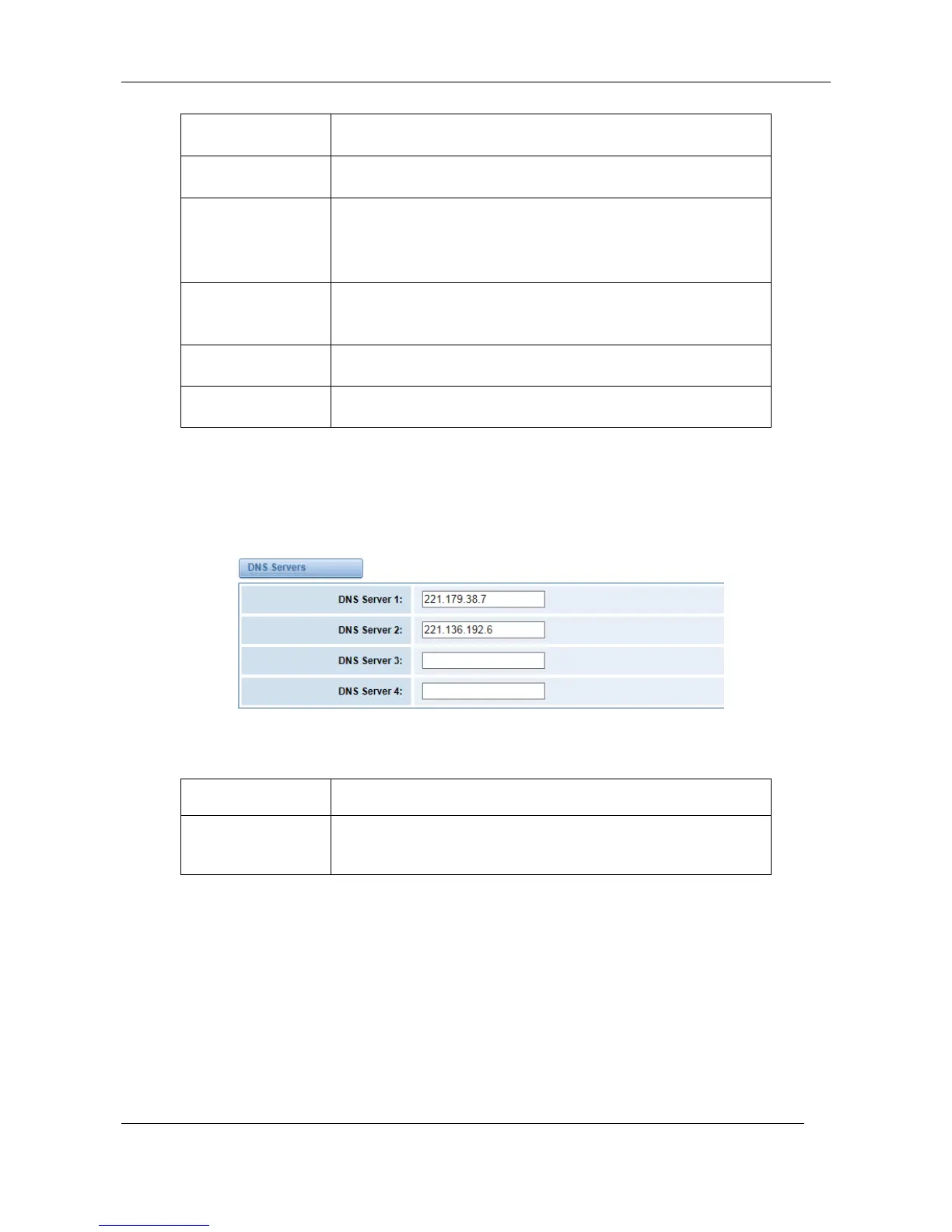
Basically this info is from your local network service provider, and you can fill in four DNS servers.
Figure 7-1-2 DNS Interface
Table 7-1-2 Definition of DNS Settings
A list of DNS IP address. Basically this info is from your local
network service provider.
DDNS Settings
You can enable or disable DDNS (dynamic domain name server).



 To Next Page