WGW1002 User Manual
OpenVox Communication Co.Ltd
7
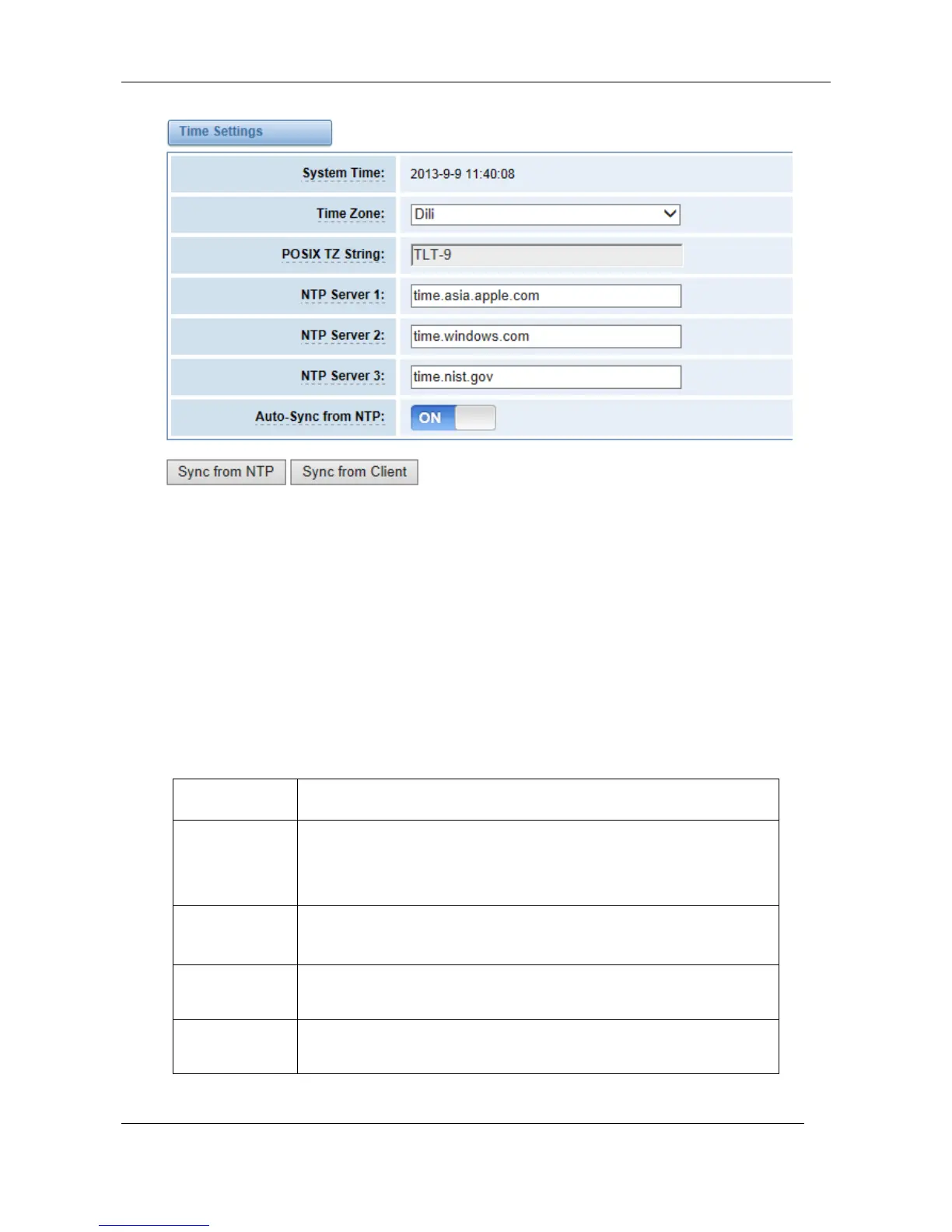
Figure 2-2-1 Time Settings
You can set your gateway time Sync from NTP or Sync from Client by pressing different buttons.
Login Settings
Your gateway doesn't have administration role. All you can do here is to reset what new username
and password to manage your gateway. And it has all privileges to operate your gateway. You can
modify “Web Login Settings” and “SSH Login Settings”. If you have changed these settings, you
don’t need to logout, just rewriting your new user name and password will be OK. Also you can
specify the web server port number.
Table 2-3-1 Description of Login Settings
Define your username and password to manage your gateway,
without space here. Allowed characters
"-_+. < >&0-9a-zA-Z". Length: 1-32 characters.



 To Next Page