WGW1002 User Manual
OpenVox Communication Co.Ltd
50
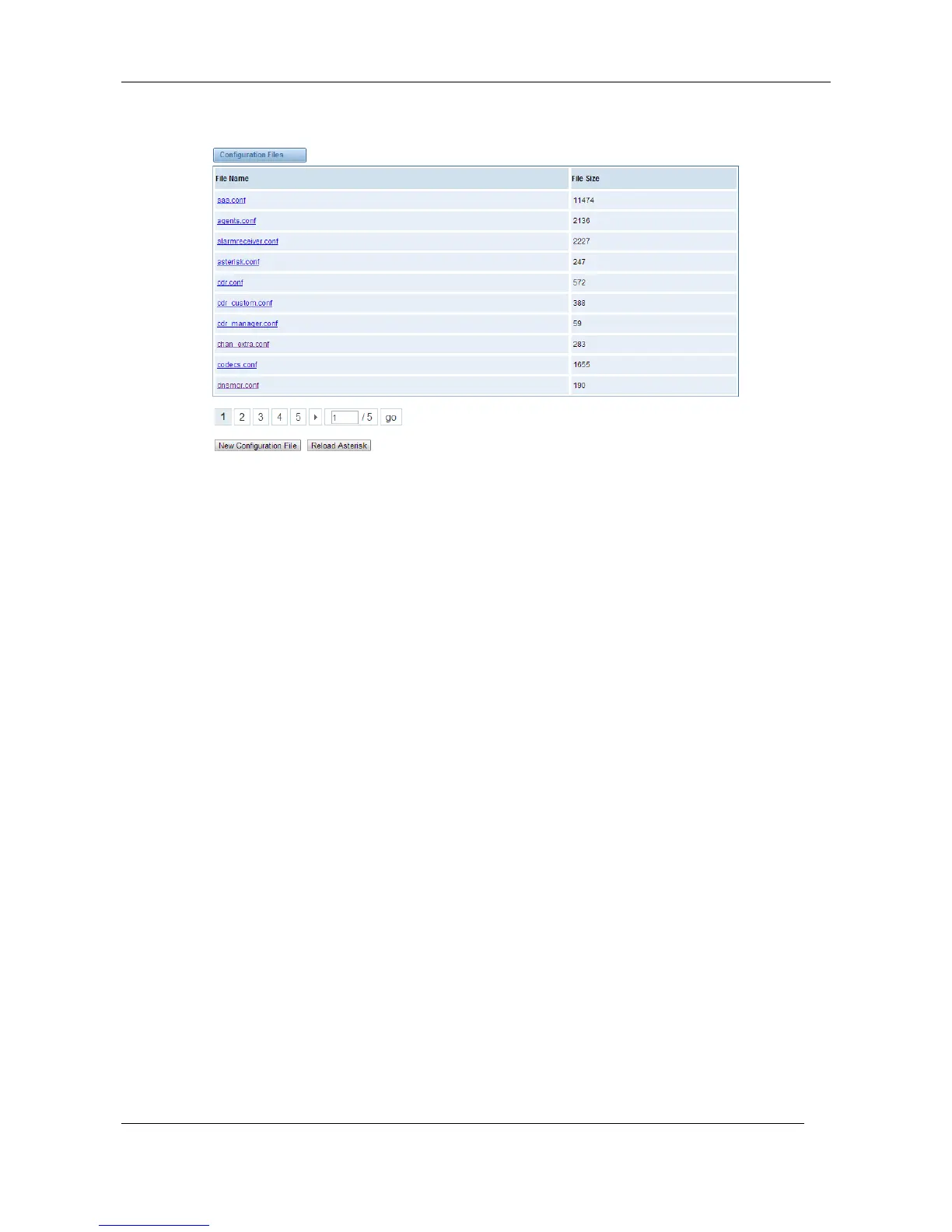
Figure 8-3-1 Configuration Files List
Click “New Configuration File” to create a new configuration file. After editing or creating, please
reload Asterisk.
9. Logs
On the “Log Settings” page, you should set the related logs on to scan the responding logs page.
For example, set “System Logs” on like the following, then you can turn to “System” page for
system logs, otherwise, system logs is unavailable. And the same with other log pages.
Log Settings



 To Next Page