WGW1002 User Manual
OpenVox Communication Co.Ltd
43
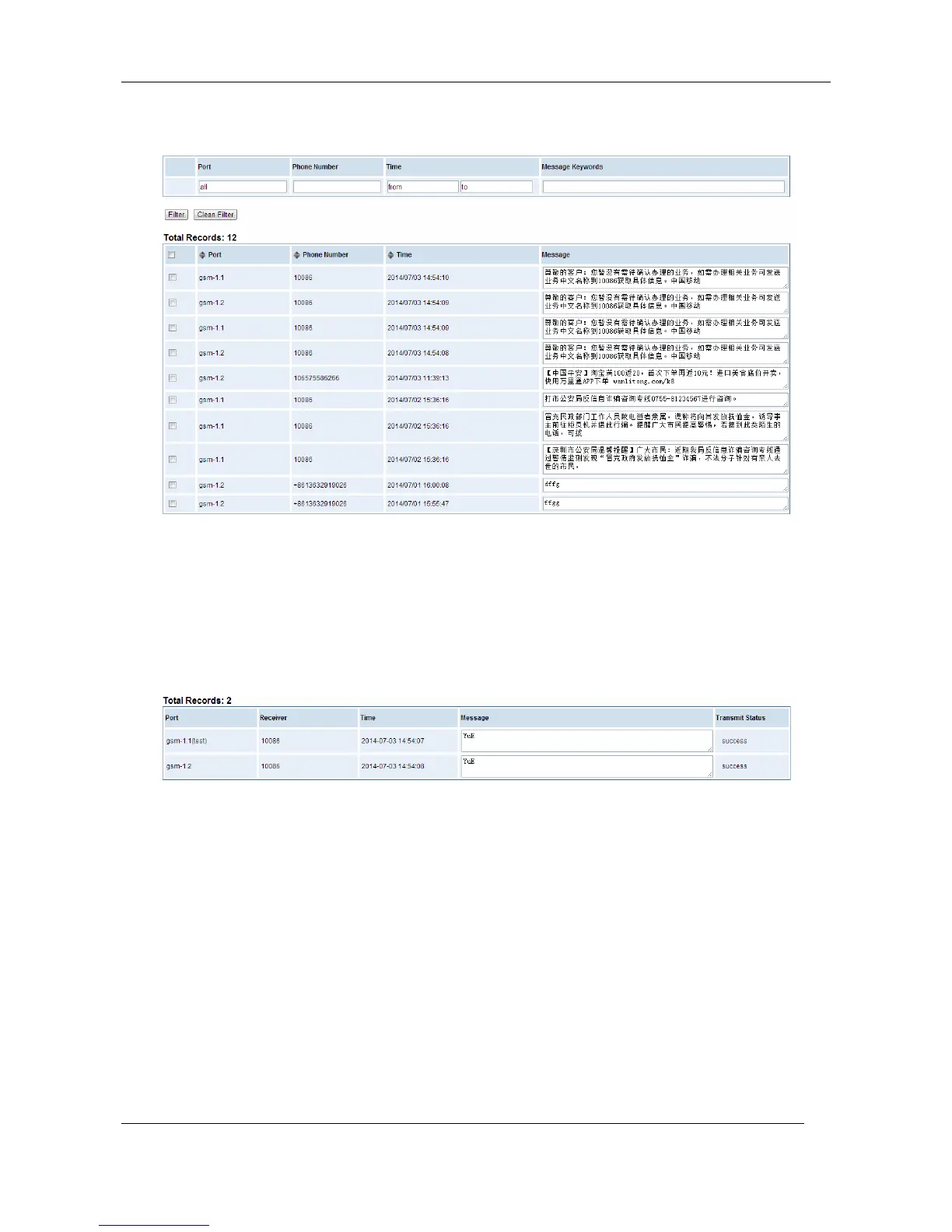
Figure 6-3-1 SMS Information
SMS Outbox
You will see your SMS recorder if you have enabled SMS Status Report on this page.
Figure 6-4-1 SMS Outbox
7. Network
On “Network” page, there are five sub-pages, “LAN Settings”, “DDNS Settings”, and “Toolkit”.
LAN Settings
There are three types of LAN port IP, Factory, Static and DHCP. Factory is the default type, and it is
172.16.99.1. When you Choose LAN IPv4 type is “Factory”, this page is not editable.
A reserved IP address to access in case your gateway IP is not available. Remember to set a similar
network segment with the following address of your local PC.



 To Next Page