WGW1002 User Manual
OpenVox Communication Co.Ltd
13
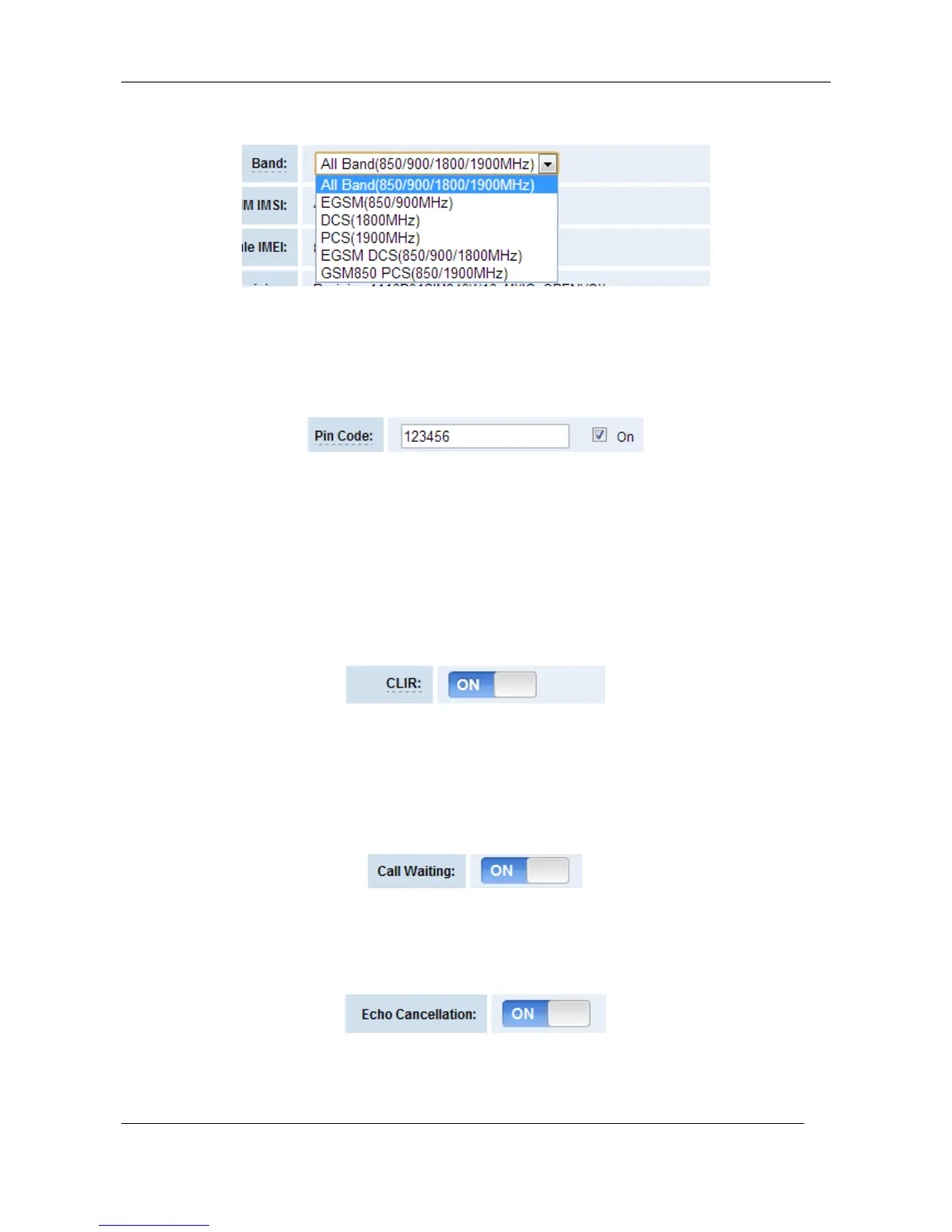
Figure 3-1-3 Band Binding
If you have set your Pin Code, you can check on like this:
Figure 3-1-4 PIN Code Application
Then input your password, system will identify numbers of SIM cards. It can help to prevent SIM
card from being stolen and improve security.
If you want to hide your number when you call out, you can just switch CLIR “ON” (Of course you
need your operator’s support).
Figure3-1-5 CLIR Application
When you are on the phone, other calls coming in, you can set Call Waiting on, and the coming
calls won’t be hung up.
Figure3-1-6 Call Waiting
If you have some voice quality problems, you can open Echo Cancellation for an attempt.
Figure3-1-7 Echo Cancellation



 To Next Page