WGW1002 User Manual
OpenVox Communication Co.Ltd
15
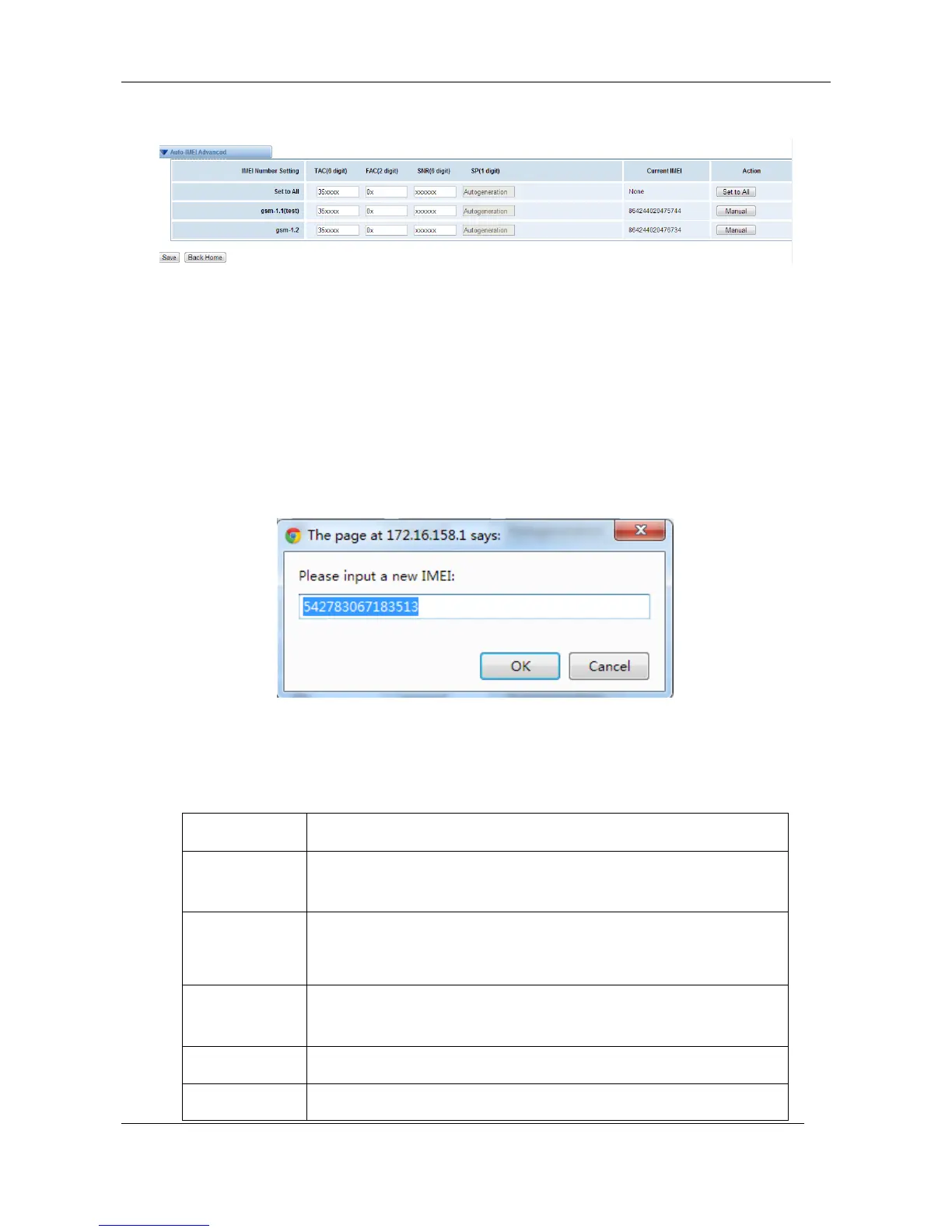
Figure 3-1-10 Advanced Settings
As you can see, you can set any number you wan for every port. “X” means any digits from 0 to 9.
You just need to fill in “Set to All ”, then press “Set to All”, you can see the interface as above. Don’t
forget to press “Save”. Then “Current IMEI” will change. That means Autogeneration. If you want to
set a certain number as your IMEI, you can press “Manual”. Then you will be required to input a
new IMEI.
Figure 3-1-11 Manual
After configuration, you can press “Back Home” to return your gateway interface.
Table 3-1-1 Definition of GSM Settings
The alias of the GSM port. Input name without space here.
Allowed characters "-_+.<>&0-9a-zA-Z".Length: 1-32 characters.
The speaker volume level, the range is 0-100.
This will adjust the loud speaker volume level by an AT
command.
The microphone volume, range is: 0-15. This will change the
microphone gain level by an AT command.



 To Next Page