Operating the System 25
DS2200 User Manual - OPEX Corporation use only - not for distribution
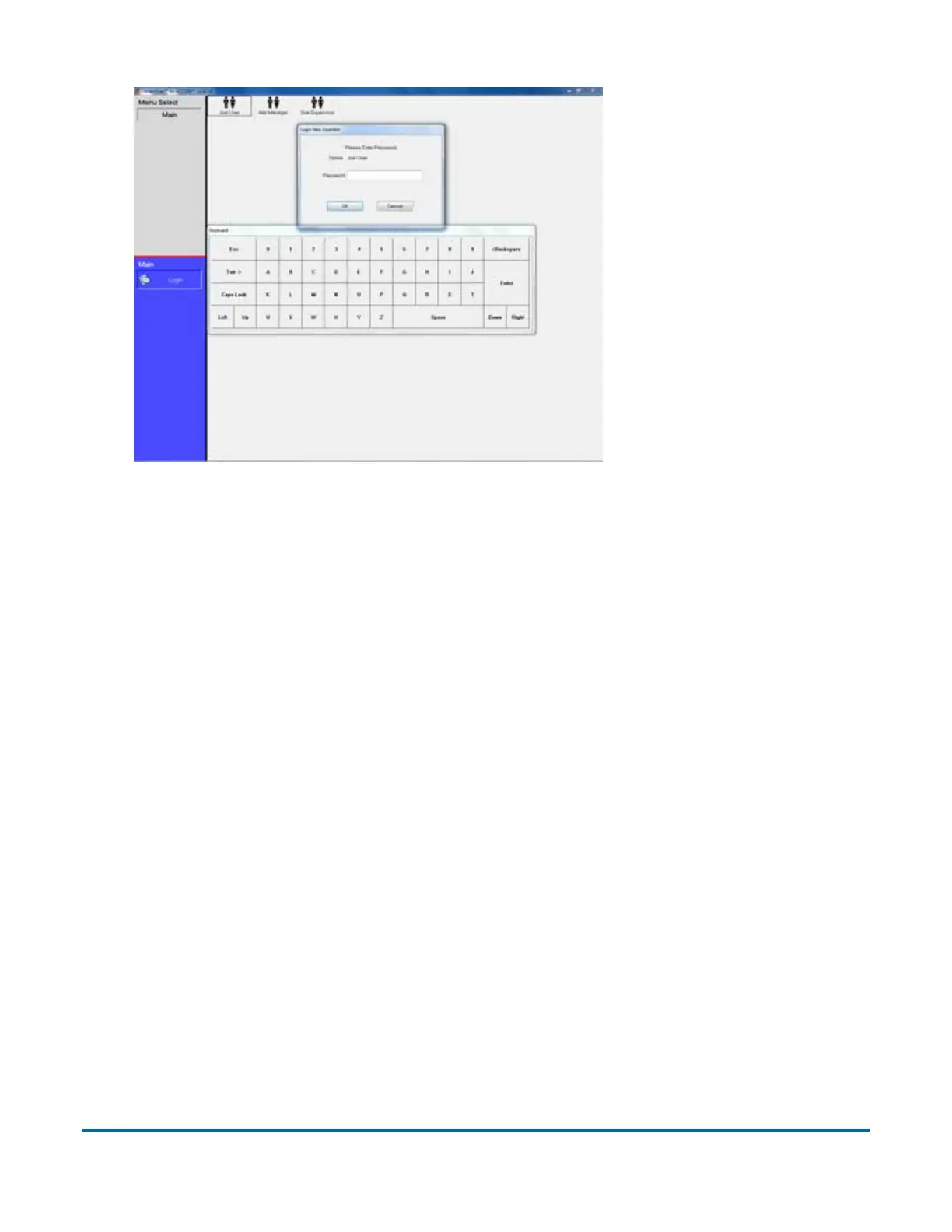
Figure 3: Login screen
5 Enter your password via the on-screen keyboard or computer keyboard.
Press OK.
Navigating the DS2200 CertainScan software
Use the CertainScan software to select jobs and process documents on the
DS2200 system. The CertainScan interface consists of:
Title bar The title bar displays the name of the current operator and other
pertinent information. Click the DS2200 icon in the title bar to access the
Windows functions (Restore, Move, Size, Minimize, Maximize, Close), as well
as the following menus:
- The Diagnostics menu contains the DS2200 system options. These
options are used by OPEX technicians to evaluate system performance.
- The Help menu accesses the About screen, which provides version
information for the DS2200 CertainScan software.
Menu bar The vertical menu bar provides access to the main system
functions. Select a category from the menu bar and make selections from the
main window or the menu options bar.



 To Next Page