Operating the System 27
DS2200 User Manual - OPEX Corporation use only - not for distribution
Running Jobs
Now that you have logged into the system and taken some time to familiarize
yourself with the main controls and components, you are ready to begin
operating the machine. This section will give you a general outline of how to
use the CertainScan software to process documents.
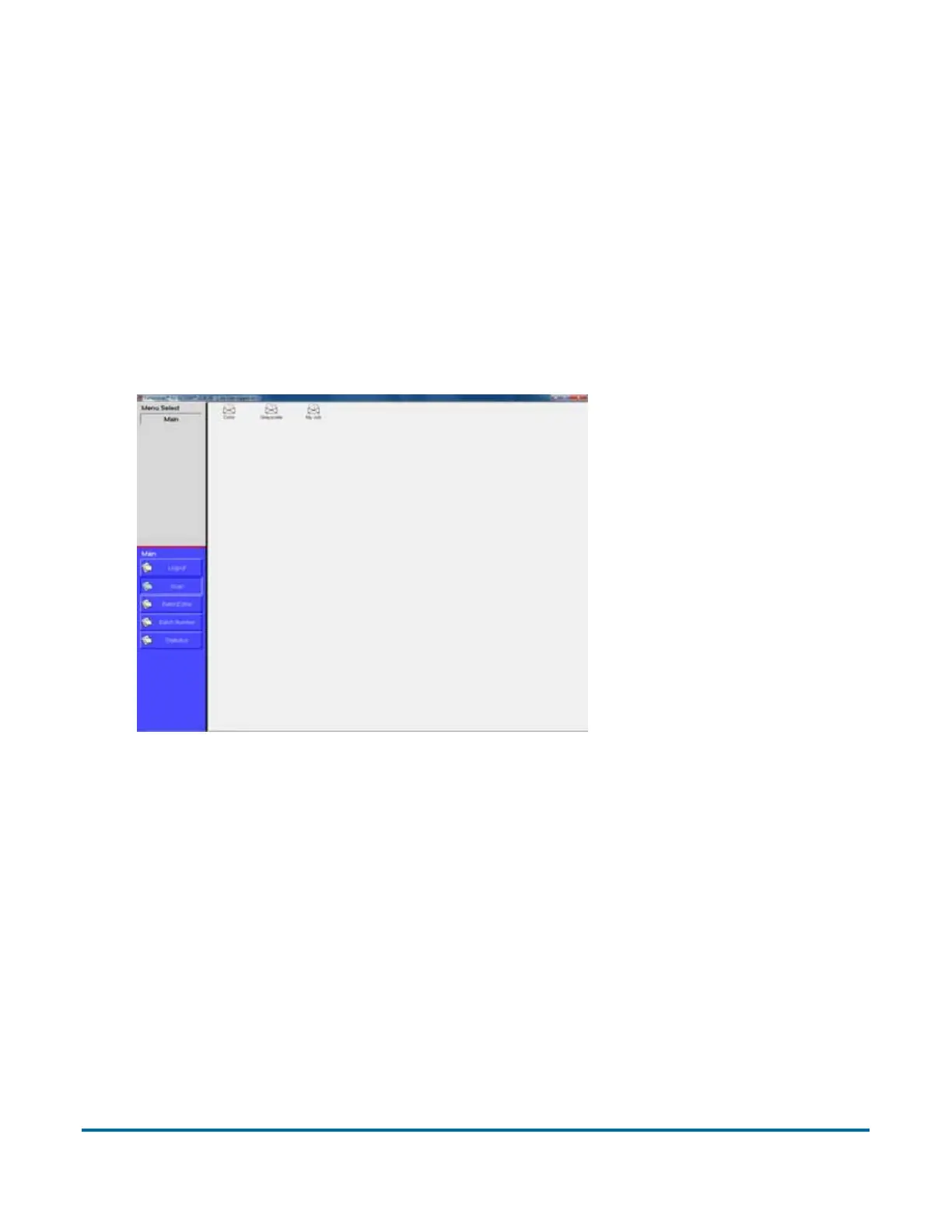
Select a job:
1 Select Main in the menu bar.
2 Select the icon for the job you want to run.
Figure 5: Main screen



 To Next Page