28 Operating the System
DS2200 User Manual - OPEX Corporation use only - not for distribution
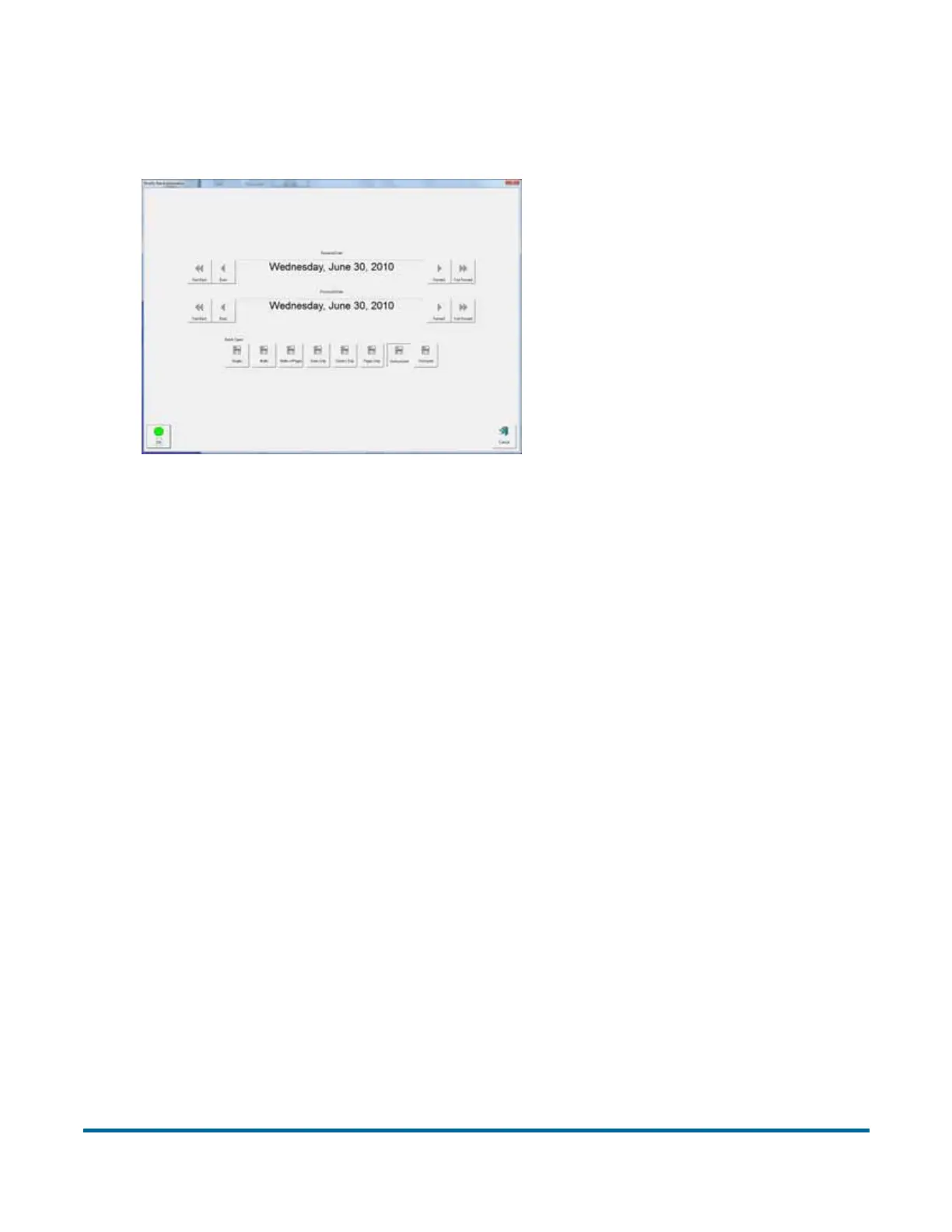
Note: Depending on how the job is set up, the Batch Information screen may
appear. Use the Batch Information screen to select a “received” date, a
“processed” date, and the type of batch you want to run.
Figure 6: Batch information screen



 To Next Page