Operating the System 61
DS2200 User Manual - OPEX Corporation use only - not for distribution
Note: Close the scanner cover gently. Slamming the cover down can damage
the image sensors.
Clearing the bins
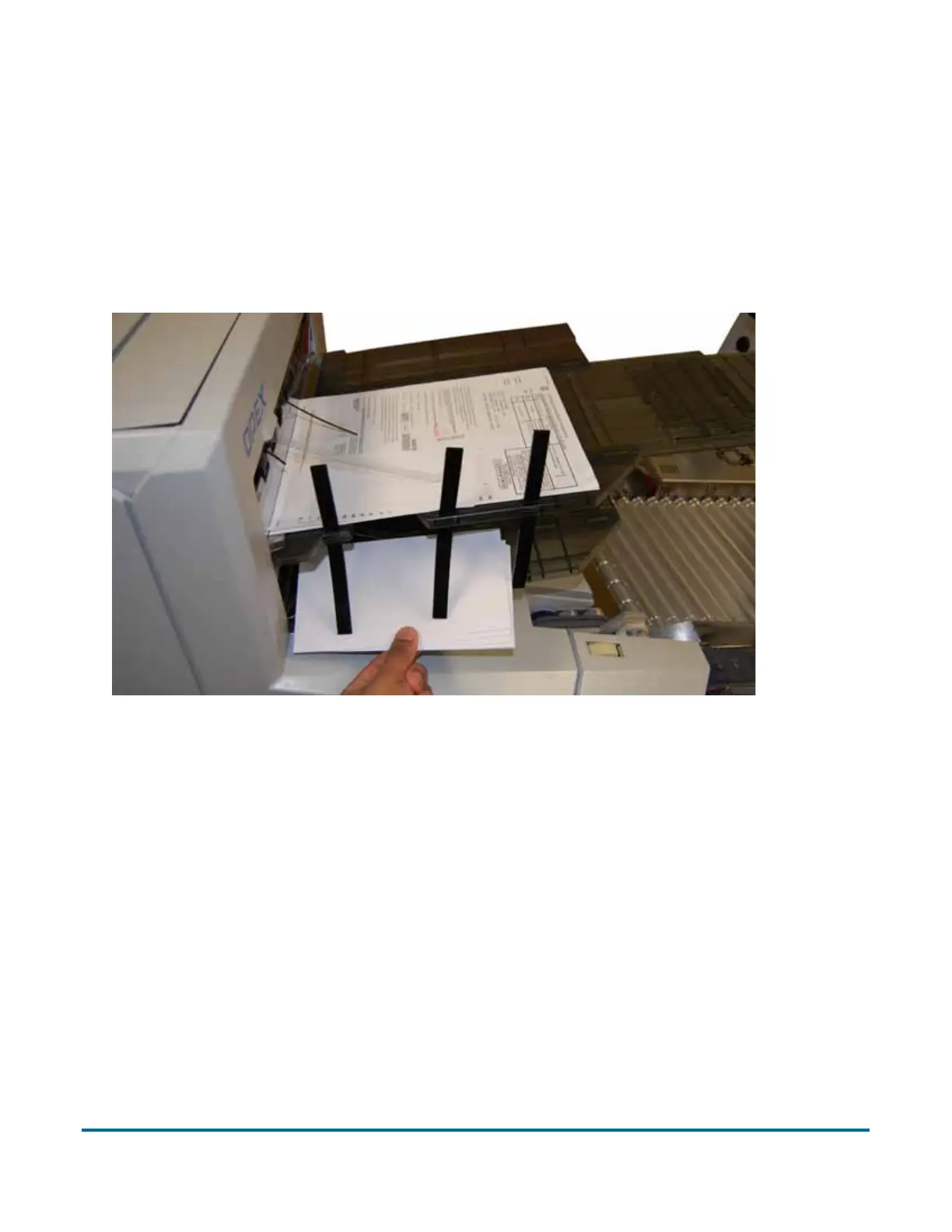
When removing the paper from the output bins, pull the piece from the side of
the bins. The trays have been designed to allow access to the smallest of
pages in the bins.
Figure 22: Clearing the output bins



 To Next Page