Operating the System 53
DS2200 User Manual - OPEX Corporation use only - not for distribution
Voiding documents and transactions
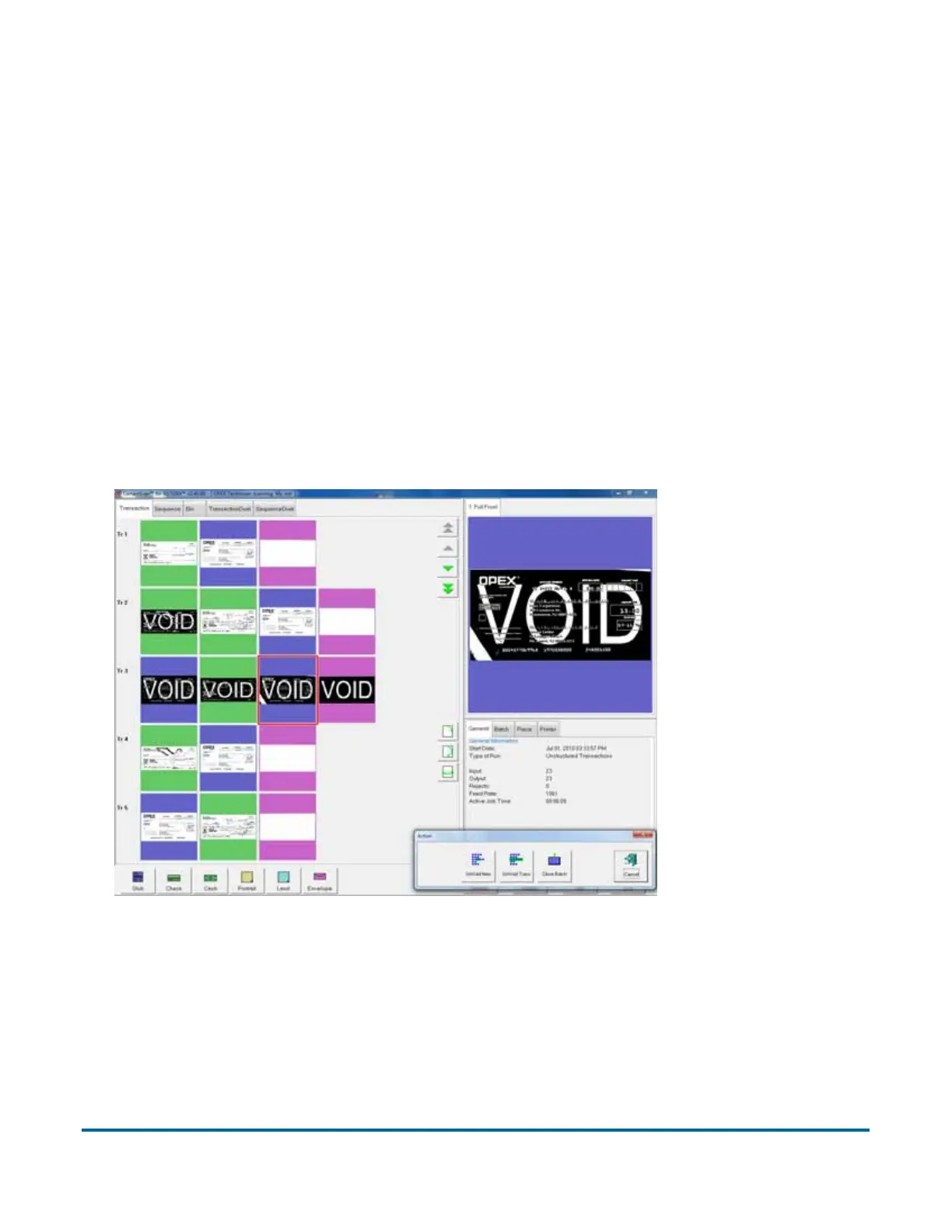
The void functions allow you to mark a scanned document or transaction as
invalid by placing a VOID stamp over the document’s image(s). Use the void
functions, for example, as an alternative to the delete functions if you would like
to keep a record of the fact that a document was scanned into the system and
later deemed invalid.
Note: The Void buttons will only be present if activated for the current job.
To mark a document as void, highlight the document’s thumbnail and press
Void Item to void only the selected document, or Void Transaction to void the
selected document and all other documents that are part of the transaction.
The VOID stamp will appear over the image and the document will be
designated as void in the batch file. Press UnVoid Item to remove the VOID
stamp.
Figure 16: Voiding documents



 To Next Page