Statistics 77
DS2200 User Manual - OPEX Corporation use only - not for distribution
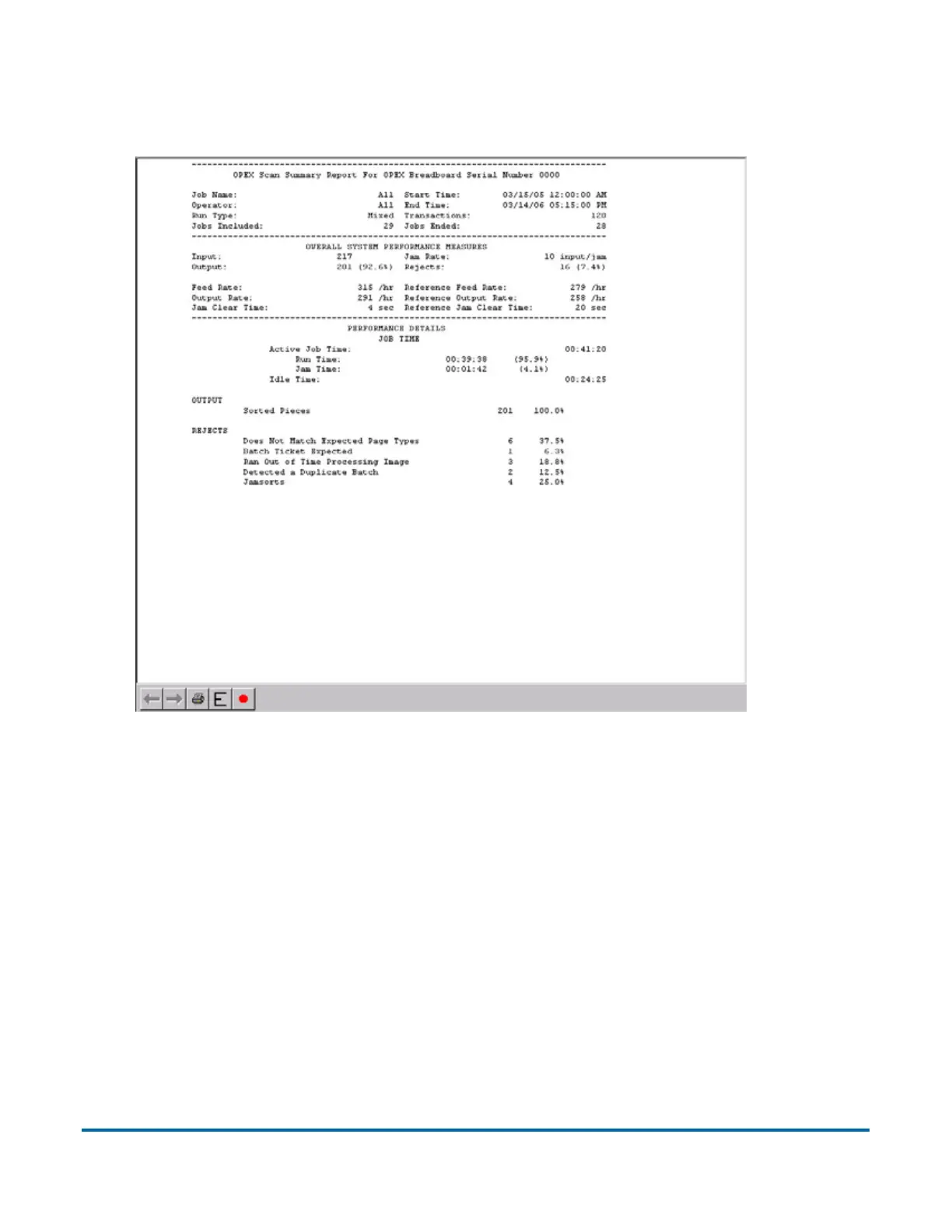
6 Click OK. The statistics report will appear. Figure 26 shows the report for
the above criteria.
Figure 26: Statistics Report window
The tool bar across the bottom of the Statistics Report window shows:
- Left/Right Arrows - use to move through the content of your report(s). If
unneeded, the arrows are disabled (grey).
- Printer button - click to open the printer dialogue window, where you can
select a printer (if one is connected) to print your report.
- Export button (the letter E) - click to automatically back-up the report to
the location specified by the Params > Config > Statistics Settings > Stat-
sExportFilename parameter.
- Exit button (red stop sign) - click to close the Statistics Report window.



 To Next Page