72 Operation
Falcon+ Operator Manual
OPEX Corporation
4.2.6.6. Throttling Status Window
Significant changes were made to how the system behaves when throttling.
Instead of gradually slowing the feed rate, the system will now pause the
feeder and conveyor when the system has reached capacity, either due to
network congestion or when extensive post image processing is consuming
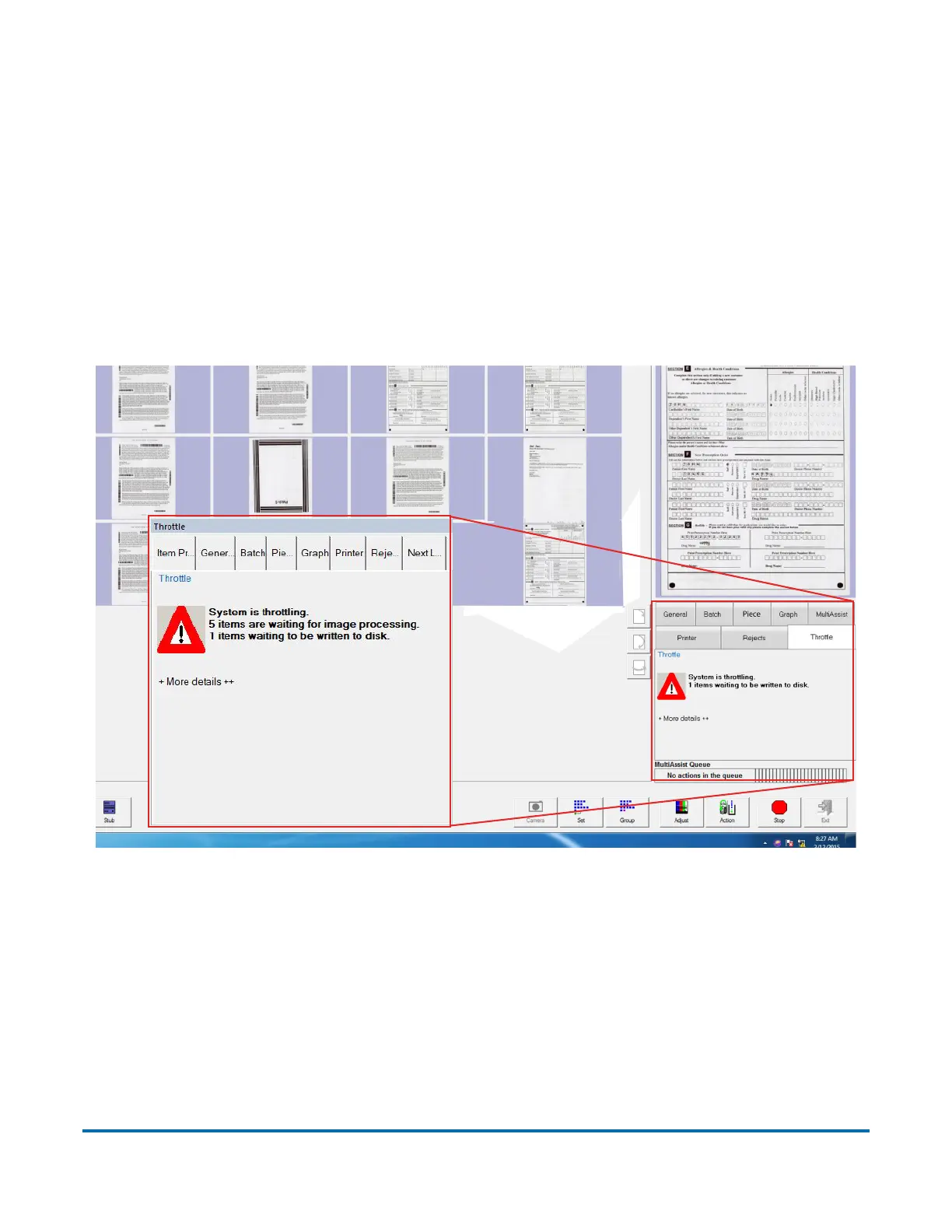
available buffers. Throttling status notifications are available in a new tab on
the run screen named “Throttle” (see Figure 4-34).
Note: A System > Configuration parameter controls whether or not to display
the run-screen throttle notification tab.
Figure 4-34: Run Screen Showing Throttle Tab
While running, if the system goes into a throttling state, the host displays a noti-
fication within the Throttle tab, showing that the system is throttling, along with
information about how many pieces are pending batching (see Figure 4-34).



 To Next Page