96 Operation
Falcon+ Operator Manual
OPEX Corporation
4.3.15.1. Using Batch Editor to Fix Incomplete Batches
If there is a problem with the machine and/or CertainScan does not close
properly during a run, a batch may not be closed and saved properly. If this is
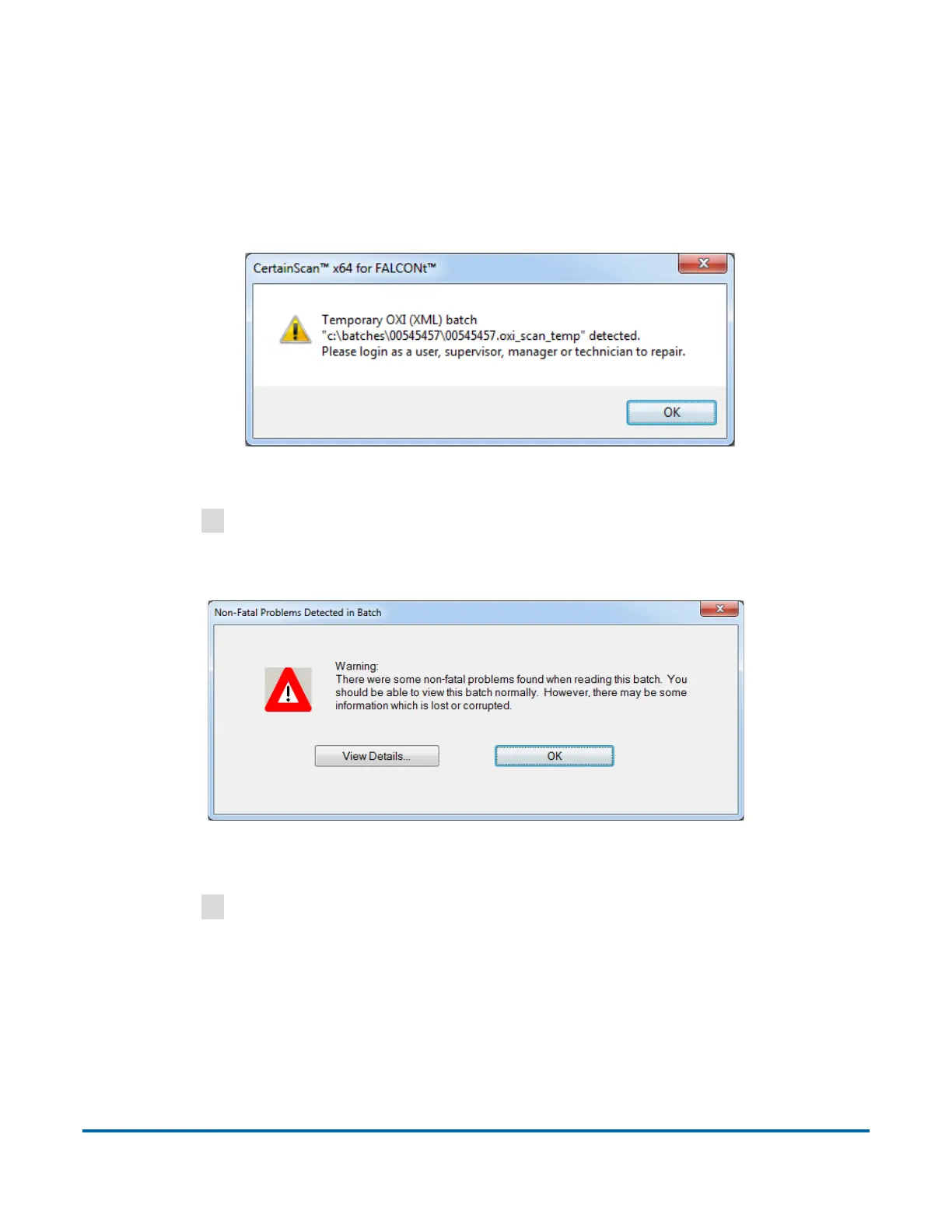
the case, you will be notified that a temporary batch file exists when restarting
CertainScan (see Figure 4-56).
Figure 4-56: Temporary Batch Error
Click the
OK
button to continue, and log into the system.
After logging in, the following message will appear (see Figure 4-57):
Figure 4-57: Non Fatal Problems Detected in Batch - Error Message
Click the
OK
button to continue.



 To Next Page