Operation 97
Falcon+ Operator Manual
OPEX Corporation
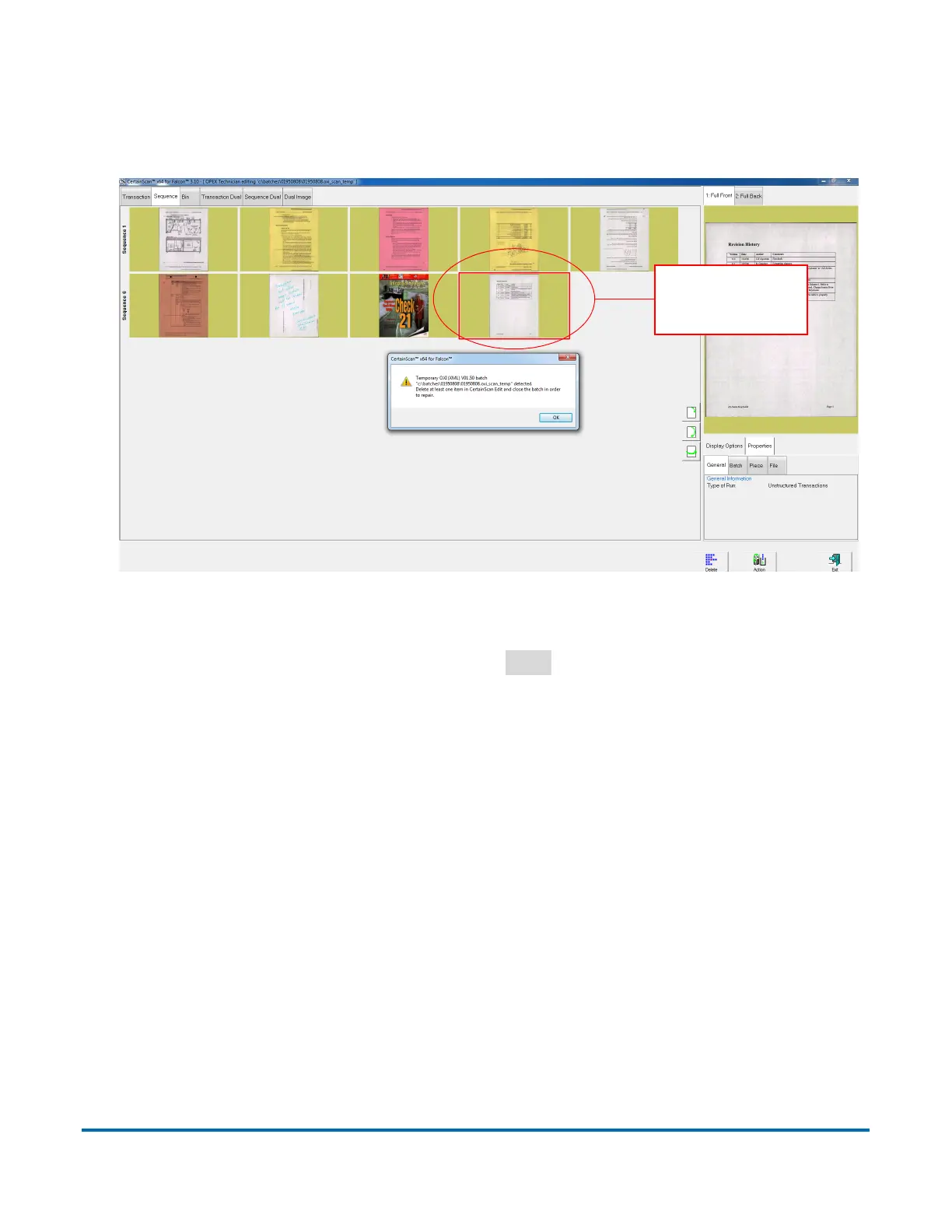
The Batch Editor opens with another error message instructing the operator to
delete at least one item (usually the last scanned item) and close the batch in
order to repair it (see Figure 4-58).
Figure 4-58: Repairing Invalid Batches
Once you have deleted an item, click the
Exit
button to close the Batch Editor.
If the batch was repaired properly, a dialog box will appear notifying the
operator that the batch is now valid. At this point, you can close the batch
within batch edit.



 To Next Page