100 Operation
Falcon+ Operator Manual
OPEX Corporation
“Poor Quality Original”, “No Check”, “Cash Enclosed”, etc. Or it can be used to
pass a code to provide more information to the back-end processor (None, Tag
Batch Item with Custom String 1-6).
Page Sub-Type Select (Id Assist only) The page sub-type selection function is
useful in jobs that have a page type with many page sub-types. Use the trigger
to bring up the page sub-type selection screen so you can choose from among
the available sub-types (Yes, No).
Note: When using the “Page Sub-Type Selection” ID Assist function, you must
select the sub-type before the item enters the scanner. If a page sub-type is not
selected, the item will be assigned the default page sub-type. If no default page
sub-type has been assigned, the item will be rejected.
Override feed control This function allows you to disable multi-feed detection
for thicker pieces that may not pass through normally (Yes, No).
Packet Swipe A stack of items (more than one item) is required for this
function. Packet Swipe allows a stack of items to be processed as 1 set or 1
group where all single items in the job are processed as 1 set or 1 group.
Deactivate Page Type Override this function allows you to deactivate any
Locked Page Type Overrides (Yes, No).
4.3.16.3. About the Multi-Slot ID Assist (optional)
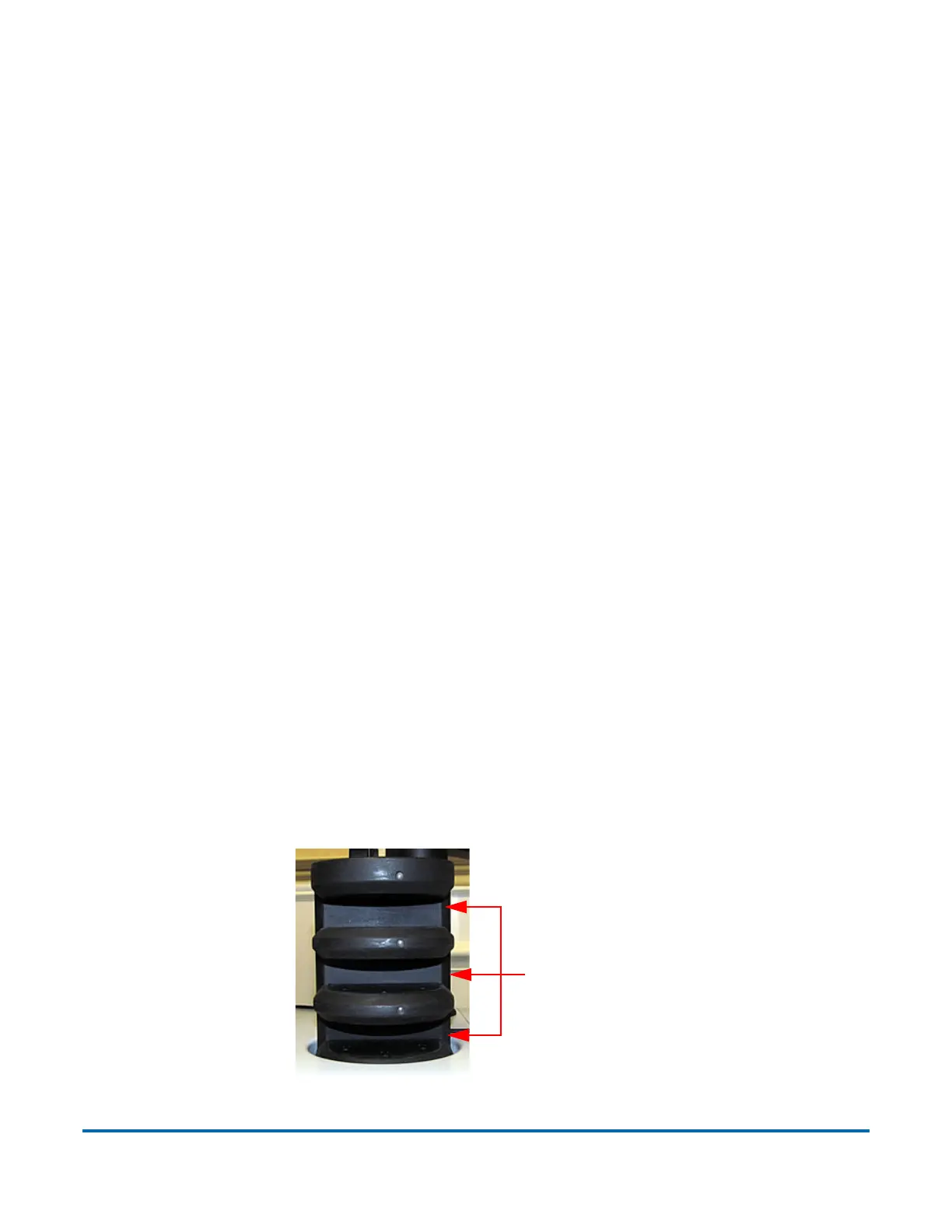
The functionality of the optional Multi-slot ID Assist is identical to ID Assist, but
offers up to nine different preassigned functions per job (see Figure 4-60). Note
that when Multi-slot ID Assist usage is defined in a job, ID Assist is disabled
since the two systems use different operator/piece tracking methods.
Figure 4-60: Multi-Slot ID Assist



 To Next Page