110 Maintenance
Falcon+ Operator Manual
OPEX Corporation
5.1. Calibrating the Touchscreen Monitor
The Falcon+ uses a ViewSonic
®
Touchscreen Monitor (OPEX # 2887800).
This 21.5 inch LED backlit touchscreen monitor features a 3-sensor optical
touchscreen, and is calibrated for its touch sensitivity before it leaves OPEX.
However, you may need to recalibrate, especially if it is in use for an extended
period of time.
To Calibrate the Monitor
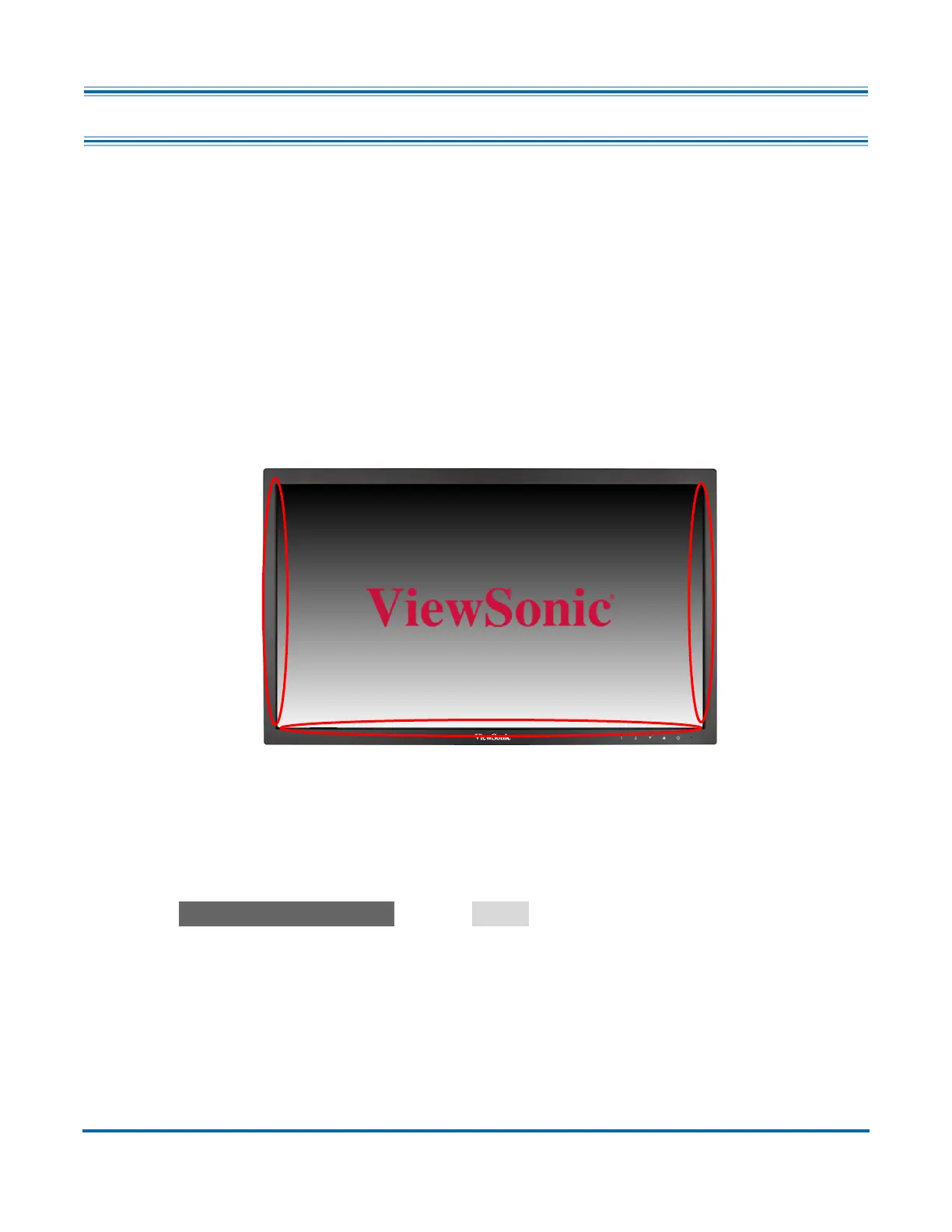
1. The monitor must be kept clean to operate properly. Use canned air to blow
off dust and debris, especially along the edges and seams in the encircled
areas (highlighted in Figure 5-1).
Figure 5-1: Touchscreen Monitor
2. Make sure the USB cable is connected from the computer to the monitor.
3. Access the Tablet PC Settings window.
- For Windows 10: In the Search field in the Windows 10 taskbar, type
Tablet PC Settings and hit
Enter
.



 To Next Page