Maintenance 111
Falcon+ Operator Manual
OPEX Corporation
Note: The Tablet PC Settings control panel will only appear after a connected
touchscreen monitor is recognized by the operating system.
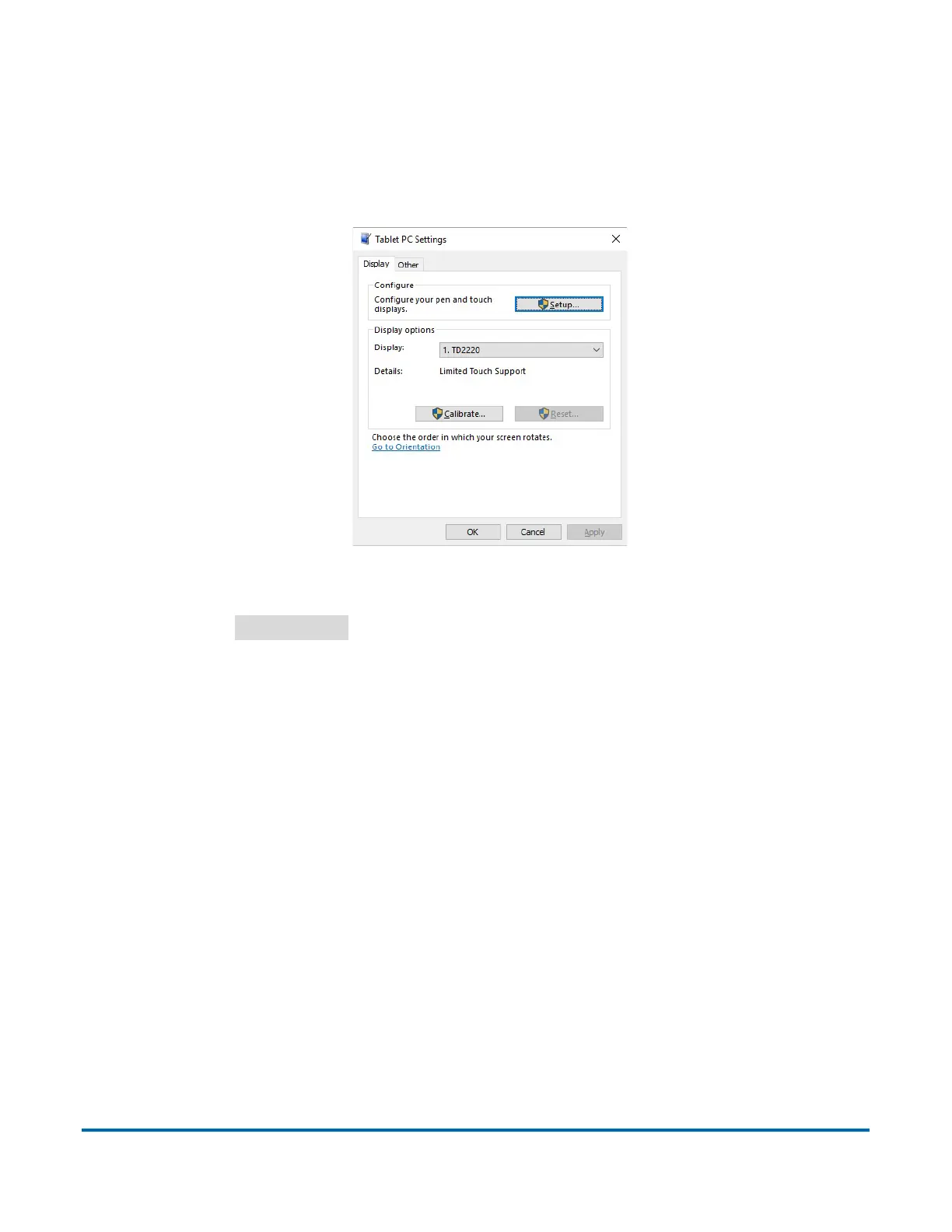
4. On the Display tab in the Tablet PC Settings window, select the name of the
monitor you want to calibrate from the drop-down menu (see Figure 5-2).
Figure 5-2: Select the Display
5. Click the
Calibrate…
button and follow the on-screen instructions.



 To Next Page