116 Maintenance
Falcon+ Operator Manual
OPEX Corporation
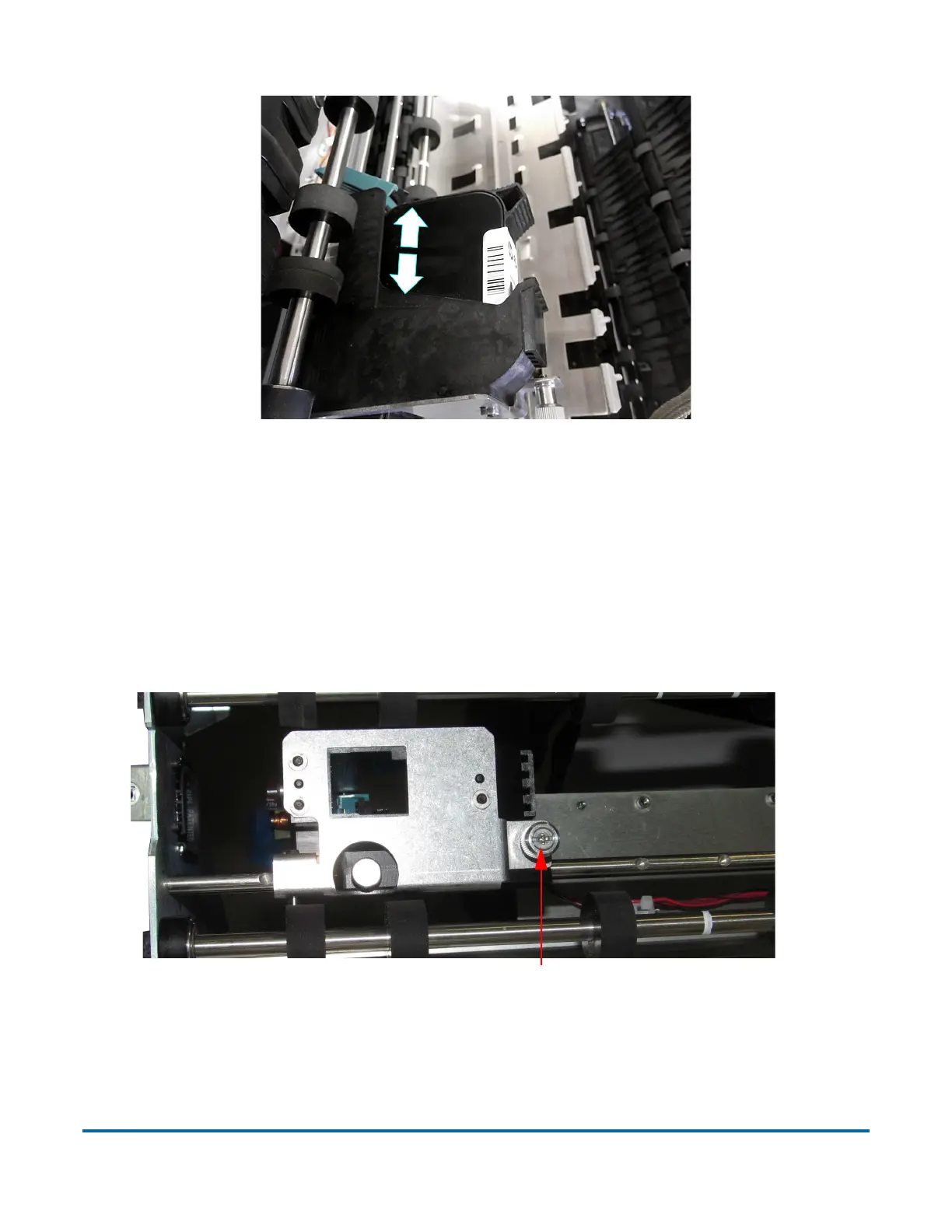
Figure 5-9: Removing/Inserting the Printer Cartridge
8. Insert a new cartridge into the assembly in the direction shown in Figure 5-
9.
9. Flip the release lever up to hold the cartridge in place.
10. Pivot the assembly back into the stacker cover and tighten the thumbscrew.
The IMTECH printer features an interlock on its door, which goes into effect
when the thumbscrew is not fully engaged (see Figure 5-10).
Figure 5-10: Graphics Printer Interlock
Thumb screw must be fully engaged to print



 To Next Page