124 Maintenance
Falcon+ Operator Manual
OPEX Corporation
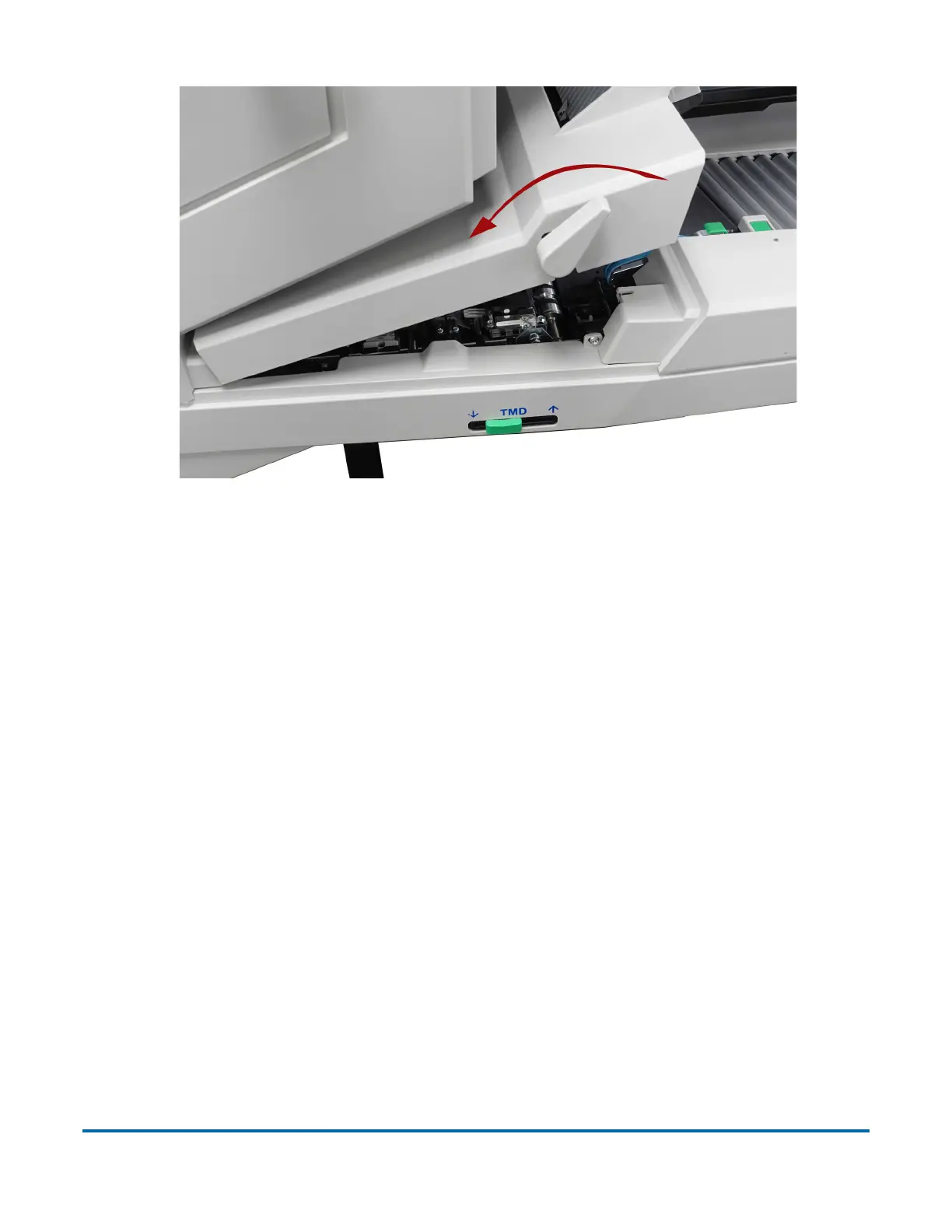
Figure 5-18: Clamshell
3. Vacuum dust and debris from the stacker bins.
4. Vacuum dust and debris from the conveyor rollers.
Contact Image Sensor
The glass contact image sensors should be cleaned at the beginning or end of
each shift, or as needed. If you see lines appearing on the image previewed on
the screen, then it is likely there is a speck (toner, white out, paper, glue, etc.)
attached to the glass obstructing the view. Wipe the glass clean and the line
should not appear on the image when the piece is scanned again. Be sure to
clean the top camera glass if the line appears on the front side of the image.
The contact image sensors are located underneath the transport door. Apply
Windex (the recommended glass cleaner) to a lint-free rag and wipe the
imager glass top (front camera) and bottom (back camera). The top camera is
on the underside of the door directly above the bottom camera (see Figure 5-
19).



 To Next Page