Overview 21
Falcon+ Operator Manual
OPEX Corporation
Multi-Slot ID Assist (optional) This option allows you to perform up to nine
different functions, which are determined by how you swipe items in the tower’s
three slots. For more information on using the optional Multi-slot ID Assist
feature, “About the Multi-Slot ID Assist (optional)” on page 100
.
Audit Trail Printers (optional) The optional audit trail printers are located
behind the sort bins. Audit trails can be applied to the front and/or back of each
scanned item.
Rear Graphics Printer (optional) In place of the standard rear audit trail
printer, this optional printer is capable of printing graphics such as signatures,
logos and Code 39 barcodes. Up to five different graphics can be sprayed.
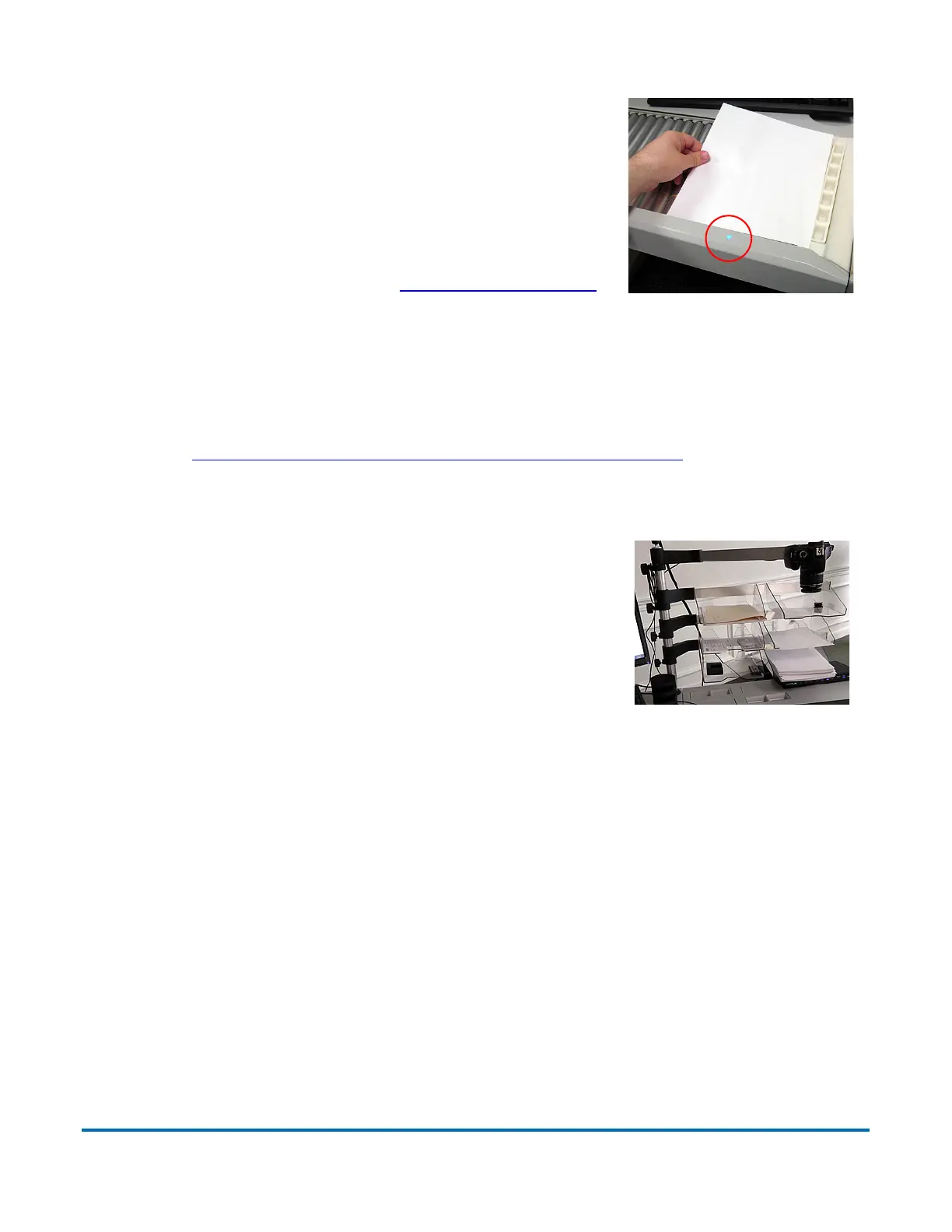
ID Assist Indicator The blue ID Assist indicator
LED will light up when running a job that includes
ID Assist. Also, when the operator triggers ID
Assist, the LED will go out briefly, indicating to the
operator that ID Assist has been activated. For
more on using ID Assist (see “ID Assist” on page 98
).
External Capture Device (optional) An optional
pole and mounting arm are available for a camera
which can be used to capture images of items
unable to be scanned by Falcon+ and inserted
directly into the batch.
Note: The camera is not included in this option,
just the pole, mounting arm, and software option
needed.



 To Next Page