40 Operation
Falcon+ Operator Manual
OPEX Corporation
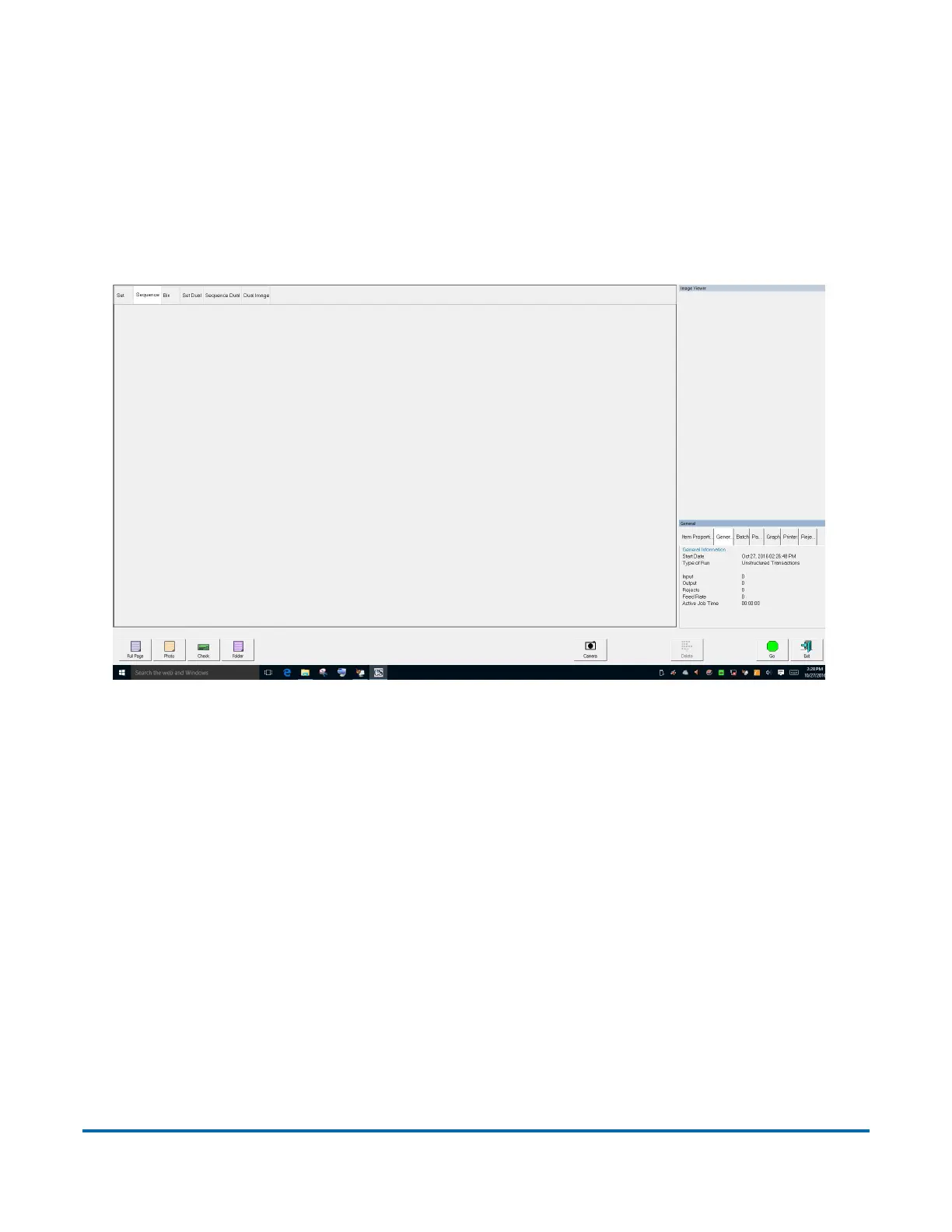
4.2.4. Using the Run Screen
The Run screen will appear after you select and open a job. This is the main
screen you will use for scanning items (see Figure 4-8). If CertainScan Edit is
installed and enabled on your Host Computer, you can also make instant edits
to a live batch directly from the Run screen (see the “CertainScan Edit software
manual” for details).
Figure 4-8: Run Screen
Note: The Manager level has the ability to alter the appearance and layout of
the run screen. They can rearrange the information and preview windows to
best suit their job requirements. For more information on customizing the run
screen at the manager level (see the “CertainScan 5.0 Software Manual”).



 To Next Page