SETUP MENU OPTIONS
52
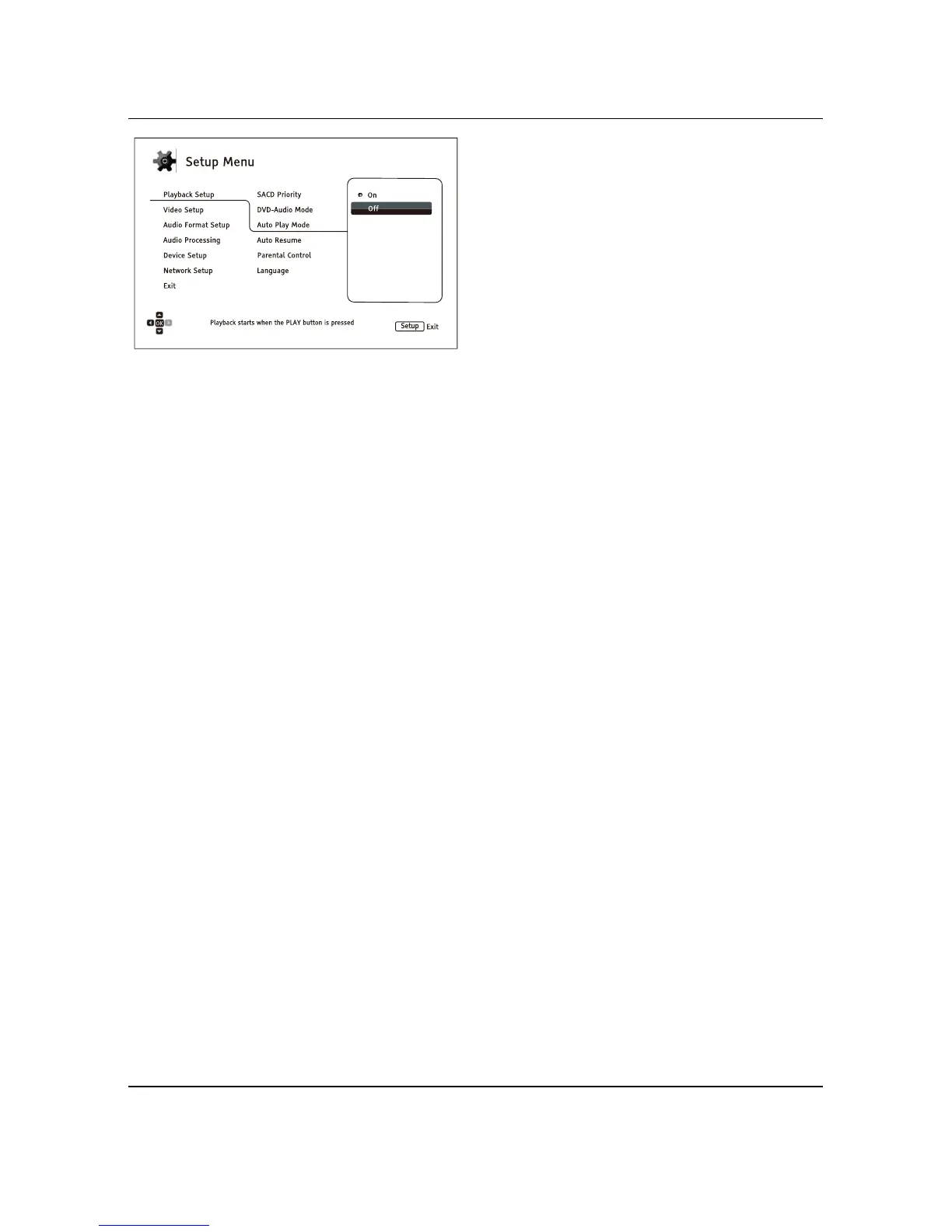
4. To select a value from the list of available
settings, press the UP/DOWN ARROW
buttons and then press the ENTER button
to confirm.
For example, to select Off for Auto Play
Mode, use the UP/DOWN ARROW
buttons to highlight the Off selection and
press the ENTER button.
5. To exit the Setup Menu at any time, press
the SETUP button on the remote control or
select Exit from the Setup Menu sections.
Settings are permanently saved when the player is turned off using either the front panel power button or
the remote control. If the AC power is interrupted before the player enters standby, the settings
will not
be saved. To ensure that the settings are saved, please turn off the player and turn it back on after you
make major changes to the Setup Menu options.



 To Next Page