MEDIA FILE PLAYBACK
46
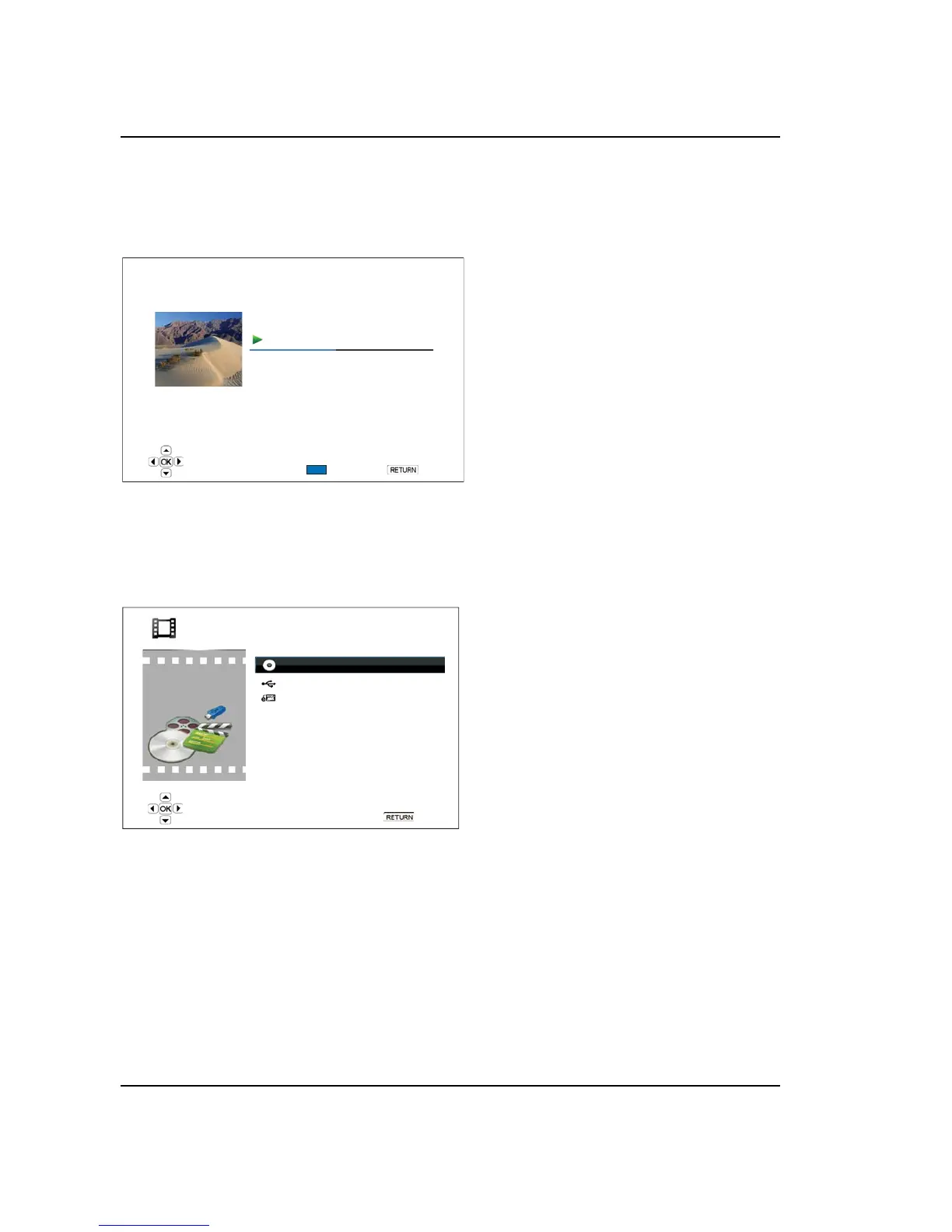
Playback status: Play, Stop, Pause
Playback mode: Shuffle, Random, Repeat One, Repeat All
Playback progress: track and time
Other embedded information: If the music file contains supported album art image and tags,
those will be displayed.
Back
Shuffle/Random
Play
Prelude I C major
02:40 / 05:38
1 / 11
Title: Prelude I C major
Artist: Various
Album: J.S. Bach
Genre: Classical
The following operations are available while
the “Now Playing” screen is shown:
Normal playback control: PLAY,
STOP, PAUSE, PREV/NEXT, REV,
and FWD
Special playback mode: REPEAT and
Shuffle/Random (BLUE color button)
Return to the Browser without stopping
the music: RETURN
Stop playback and return to the
Browser: Press STOP twice.
Playing Movie Files
To play movie files stored on an optical disc, USB or e-SATA drive, select “Movie” from the Home Menu. A
file browser will appear to assist you in navigating the files and folders.
1 / 3 items
Data Disc
USB1
HDD1
Movie
Back
The first step is to select the “Data Disc”, USB or
e-SATA device that contains the movie files. The
player will take a moment to read the media and
list the folders and movie files.



 To Next Page