U
U
s
s
e
e
r
r
m
m
a
a
n
n
u
u
a
a
l
l
12
9. Menu operations
This chapter assumes that the HD Receiver system has been installed correctly, meaning:
• The antenna for the receiver is installed and connected to the receiver.
• The receiver is connected to the TV.
• Batteries are installed in remote controller unit (RCU) and RCU is ready to control the
receiver.
If the HD Receiver has not been installed or connected properly, please refer to the “Connecting” on
this manual.
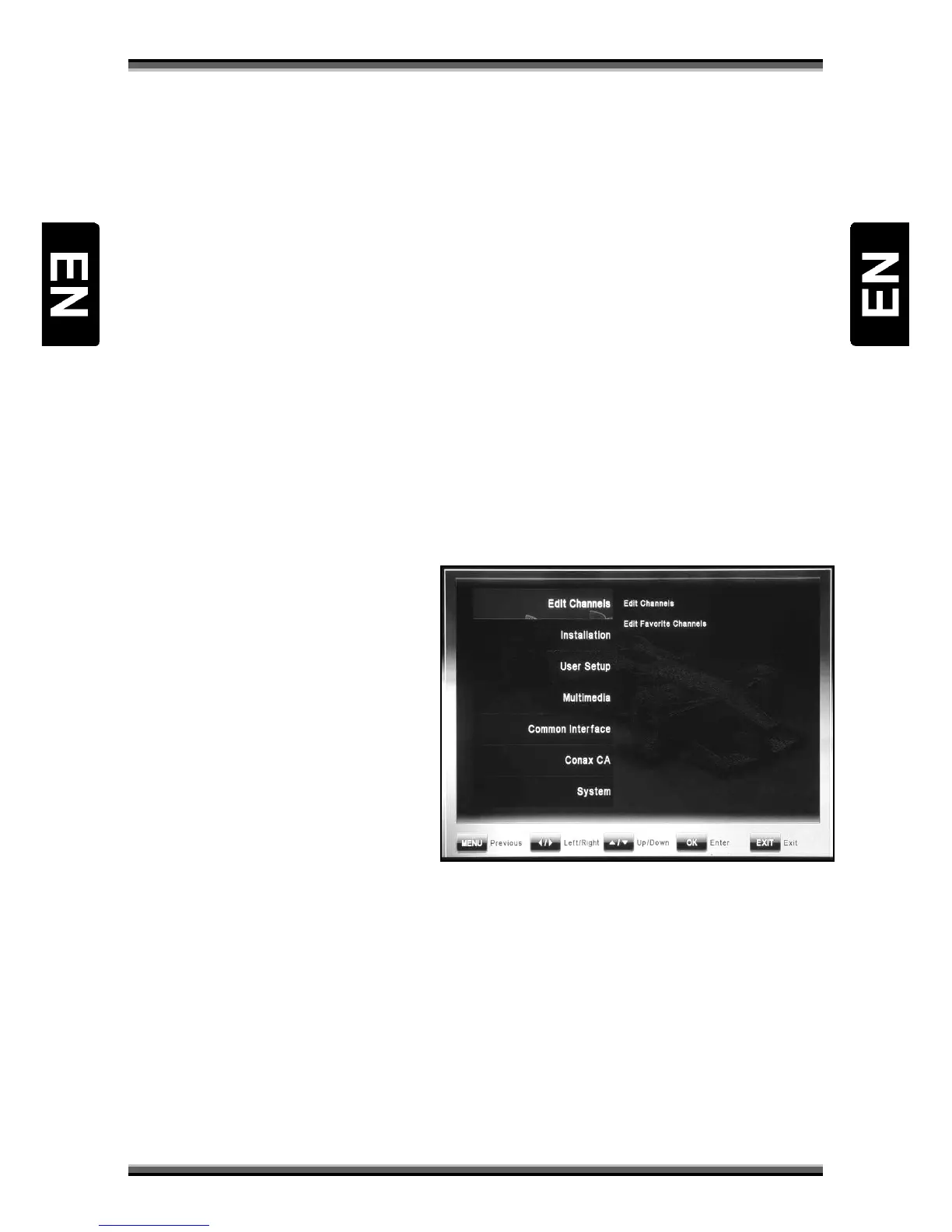
Many of the functions of the HD Receiver are available from the Main Menu. Press “ MENU ” button to
open it.
Buttons ↑,↓ changes currently selected submenu.
Buttons ←,→ changes level of submenu – switches between left and right list of menu functions.
Button OK pressed on marked function from right submenu, calls settings of this function.
MENU button pressed in menu, returns cursor to previous submenu level or quits from menu.
EXIT button pressed in menu, quits from menu.
9.1. Menu „Edit Channels”
Menu „Edit Channels” includes 2 submenu
items:
• Edit Channels
• Edit Favorite Channels
9.1.1. Edit Channels
This menu can be used to modify channels
parameters by delete, lock, skip, move, and
rename functions. For better and faster
management of list, functions select and
find are also available. Edit channels screen
consist channel list, preview window, signal and quality bar and functions bar. Functions can be
selected by color buttons listed on functions bar. Press one of color button on remote to call
corresponding function:
Delete (Red button): Marks channel name on red color. After quit from menu, selected channels will
be erased from channel list.
Lock (Green button): Marks channel by lock symbol. After quit from menu, user will have to enter
receiver’s pin code to watch those channels.
Skip (Yellow button): Marks channel by skip symbol. After quit from menu, channel will disappear
from channel list.
Move (Blue button): Marks channel by skip symbol and enable to change this channel position on



 To Next Page