U
U
s
s
e
e
r
r
m
m
a
a
n
n
u
u
a
a
l
l
18
9.5. Menu „Common
Interface”
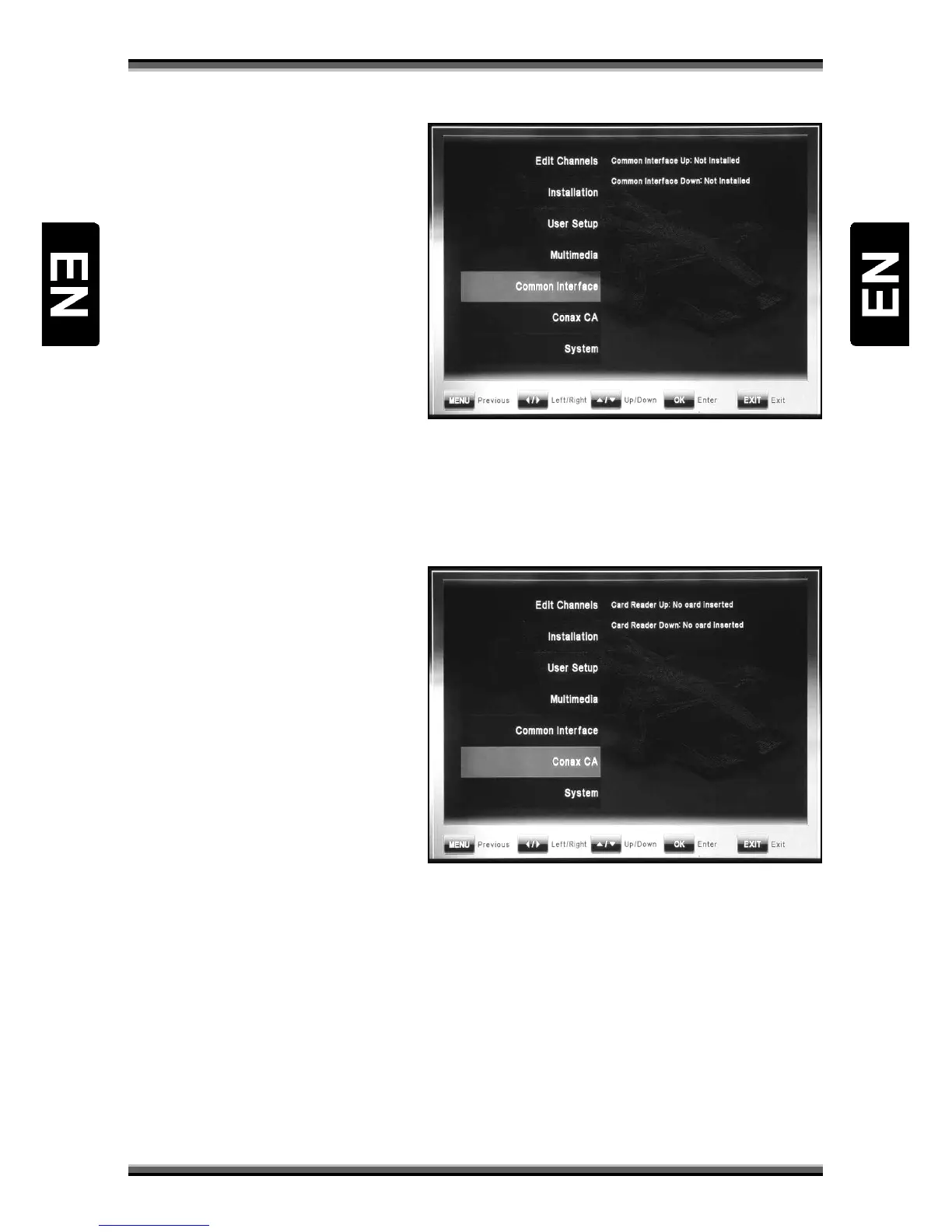
Menu „Common Interface” includes 1
(optional 2) submenu item:
• Common Interface (Up)
• Common Interface Down
(optional)
Receiver is equipped with one (optional
two) slot for Common Interface (CI)
modules.
To install CI set:
− Open the flap on the front panel of the product.
− Insert the smartcard into the CI module, and the CI module into the slot.
In menu “Common Interface”, user can check the information of CI module.
9.6. Menu „Conax CA”
Menu „Conax CA” includes 1 (optional 2)
submenu item:
• Card Reader (Up)
• Card Reader Down (optional)
Receiver is equipped with two Smartcard
Readers for CONAX CA.
To install CA card:
− Open the flap on the front
panel of the product.
− Insert the smartcard into the smartcard slot with the chip facing downwards.
In menu “Conax CA”, user can check the information of CA card.
NOTE: All information showed in this menu is abstract from CAM & card. In case something is
wrong, it may be the problem of CAM or card.
When you insert the CAM correctly at any time, a message will show in the screen to tell you that
which CAM has been detected by the receiver and is available now.



 To Next Page