PULSAR Minimal Stress Installation and operating Manual
OPTIKON 2000
Cod. 111001EN 2012-02-16 Rev.J
8-1
8. EQUIPMENT OPERATION
8.1 BIPOLAR DIATHERMY
User Interface
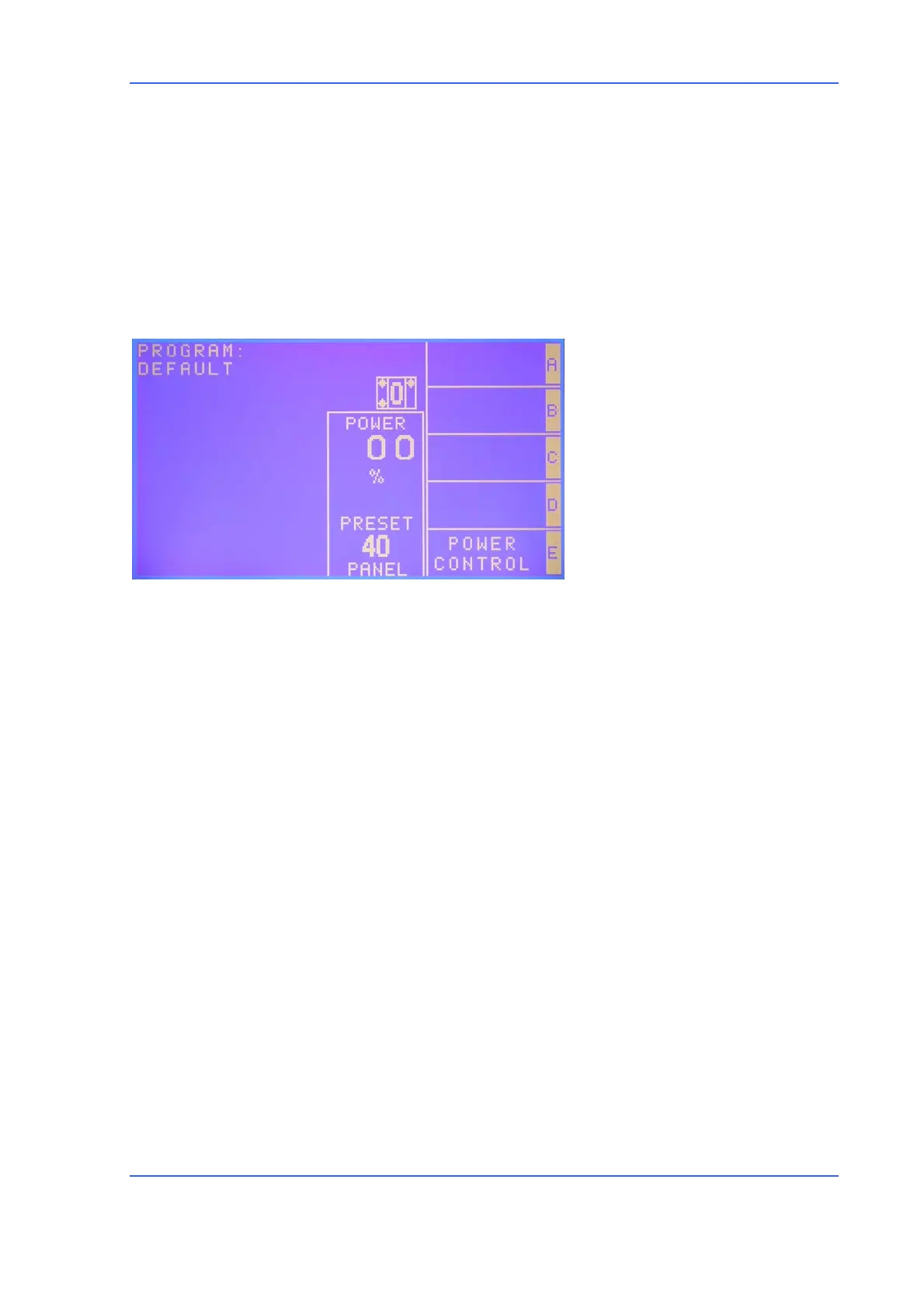
Parameter windows available
- Power
• Irrigation parameters
- Status IRR (ON/OFF)
- I.V. Pole height
• Diathermy parameters
- Power % (0–100%)
- Mode (linear/panel)
Operation
Touching the DTH function key, DTH screen will be displayed and the blue LED
corresponding to the key will light up. For footswitch operation please refer to the
relevant selection.
1) Insert the plug of the desired handpiece connecting cord into the “DTH” socket
on the control console (fig. 1-3)
2) Touch the “DTH” key to select the bipolar diathermy mode. The speech
synthesizer announces “DIATHERMY.” The window of the corresponding
parameters will show the energy output (middle value on the POWER window)
and the preset mode (the value at the bottom).
3) If you are satisfied with the actual settings, just go to step 5.
4) Preset power value can be adjusted by means of the <UP>/<DOWN> arrow keys
next to the POWER window (below). If you are uncertain about the power to
use, it is always advisable to begin with a low setting (such as 30%) eventually
increasing it gradually up to obtain desired surgical effect. The bipolar
diathermy can operate both in fixed panel power control mode or linear
surgeon power control mode. In the latter case, the delivered power is
linearly controlled by footswitch depression from 5% to preset limit. To switch
from LINEAR SURGEON mode to FIXED PANEL or vice-versa, use POWER
CONTROL, <E> key.



 To Next Page