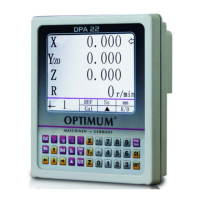
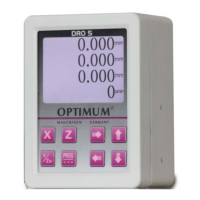
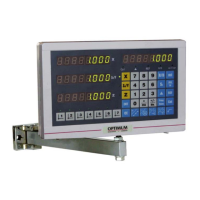
OPTIMUM
MASCHINEN - GERMANY
The front panel and rear panel
15 / 06 / 2011 Page 11The front panel and rear panel Digital position display DPA 2000/ DPA 2000S ; Version 2.1.2
© 2011
GB
12
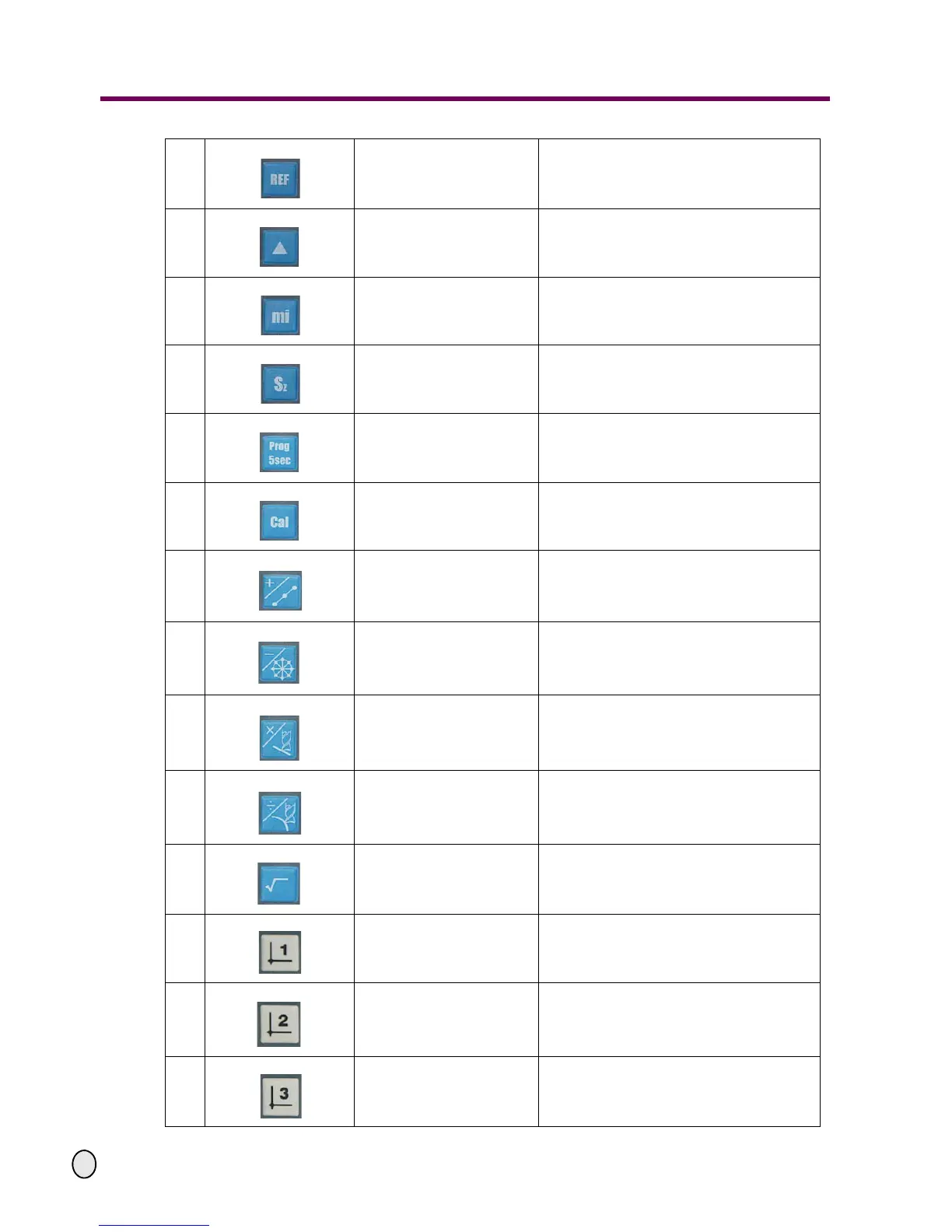
The grating reference mark
key
To put the grating to zero position
(the indicator light is located above it)
13
The machining datum mark
setting key
For machining datum mark setting
(the indicator light is located above it)
14
The lathe/miller function swit-
ching key
For lathe/miller function switching
(the indicator light is located above it)
15
Z+Z0 key (3 axes) For display of the Z+Z0 value
16
Programming key For internal parameter settings
17
The calculator function key
Calculator functions
(the indicator light is located above it)
18
The addition / dividing hole
along oblique line key
The addition operation of the calculator or
dividing hole along oblique line
19
The subtraction / dividing
hole on the circle key
The subtraction operation of the calculator or
dividing hole on the circle
20
The multiplication /
machining along oblique line
key
The multiplication operation of the calculator
or machining along oblique line
21
The division / arc machining
key
The division operation of the calculator or arc
machining
22
The square root key The square root operation of the calculator
23
The cutter 1 key
To display the datum mark coordinates of
cutter 1 (the indicator light is located above it)
24
The cutter 2 key
To display the datum mark coordinates of
cutter 2 (the indicator light is located above it)
25
The cutter 3 key
To display the datum mark coordinates of
cutter 3 (the indicator light is located above it)


 To Next Page