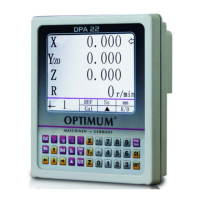
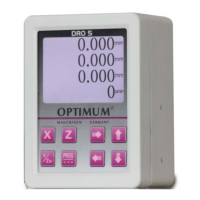
The front panel and rear panel
OPTIMUM
MASCHINEN - GERMANY
15 / 06 / 2011Page 10 The front panel and rear panel Digital position display DPA 2000/ DPA 2000S ; Version 2.1.2
© 2011
GB
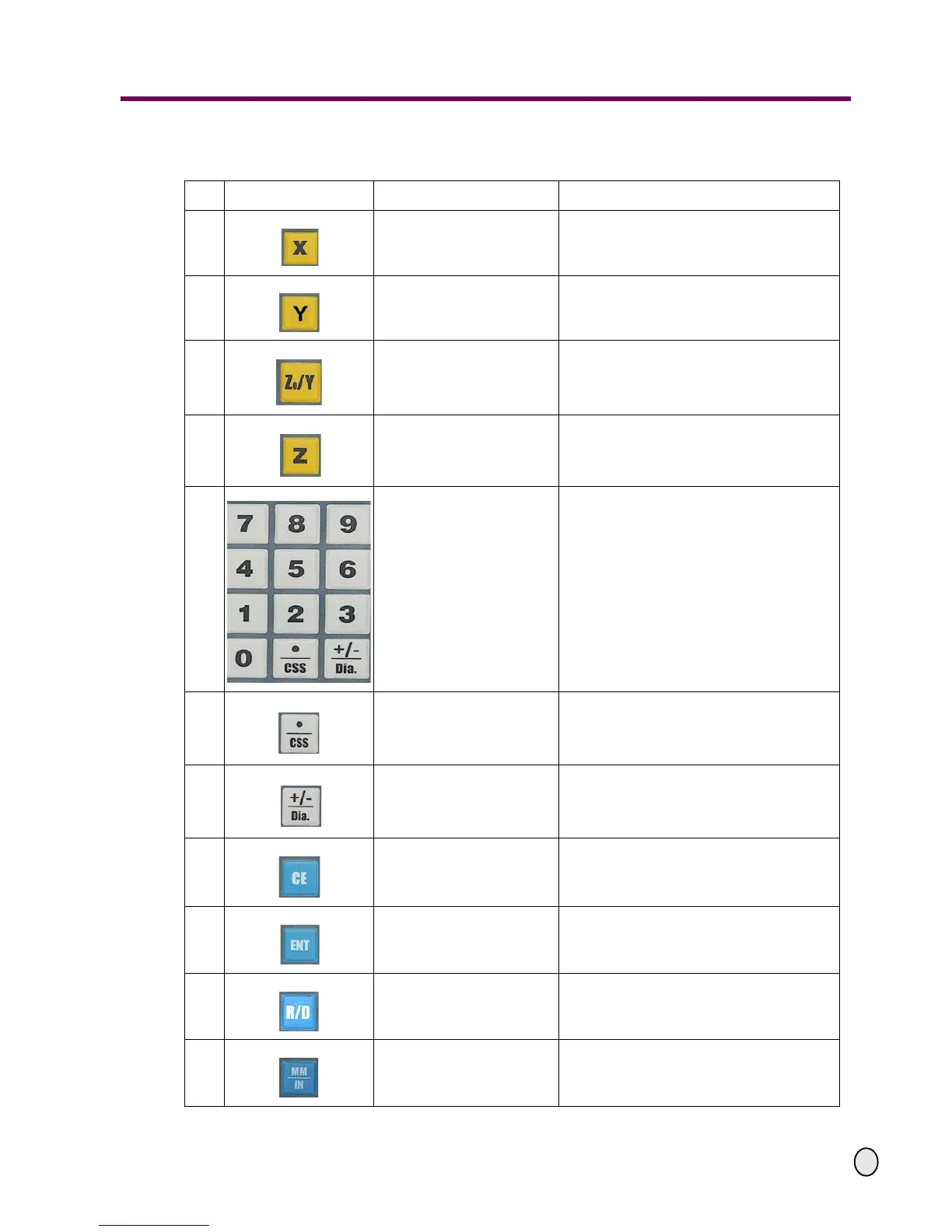
2.3 Description of the keys
No. Sign on the key Name of the key Function description
1
the X-axis key
To select the X coordinate axis
(the indicator light is located on its left)
2
the Y-axis key
To select the Y coordinate axis
(the indicator light is located on its left)
3
the Z0/Y-axis key
(3 axes)
To select the Z0/Y-coordinate axis
(the indicator light is located on its left)
4
the Z axis key
(3 axes)
To select the Z coordinate axis
(the indicator light is located on its left)
5
Numeric keys For numeric entry
6
The decimal point/linear cut-
ting speed setting key
For decimal point input or linear cutting speed
setting
7
The plus and minus signs /
initial (max.) work piece
diameter setting
For input of plus and minus numbers or set-
ting of initial (max.) work piece diameter
8
Delete key
To clear displayed value of a specific axis or
give up the current operation
9
Enter key To confirm the data input
10
Radius/diameter conversion
key
Radius/Diameter conversion
(the indicator light is located above it)
11
The metric/inch conversion
key
Metric/Inch conversion
(the indicator light is located above it)


 To Next Page