Internal parameter setting
OPTIMUM
MASCHINEN - GERMANY
15.6.11Page 36 Internal parameter setting Digital position display DPA 2000/ DPA 2000S ; Version 2.1.2
© 2011
GB
5 Internal parameter setting
5.1 Programming function
Function introduction: To set the counting direction, linear error compensation coefficient and the
resolution of the axes.
Operation procedures:
Return to the standard display;
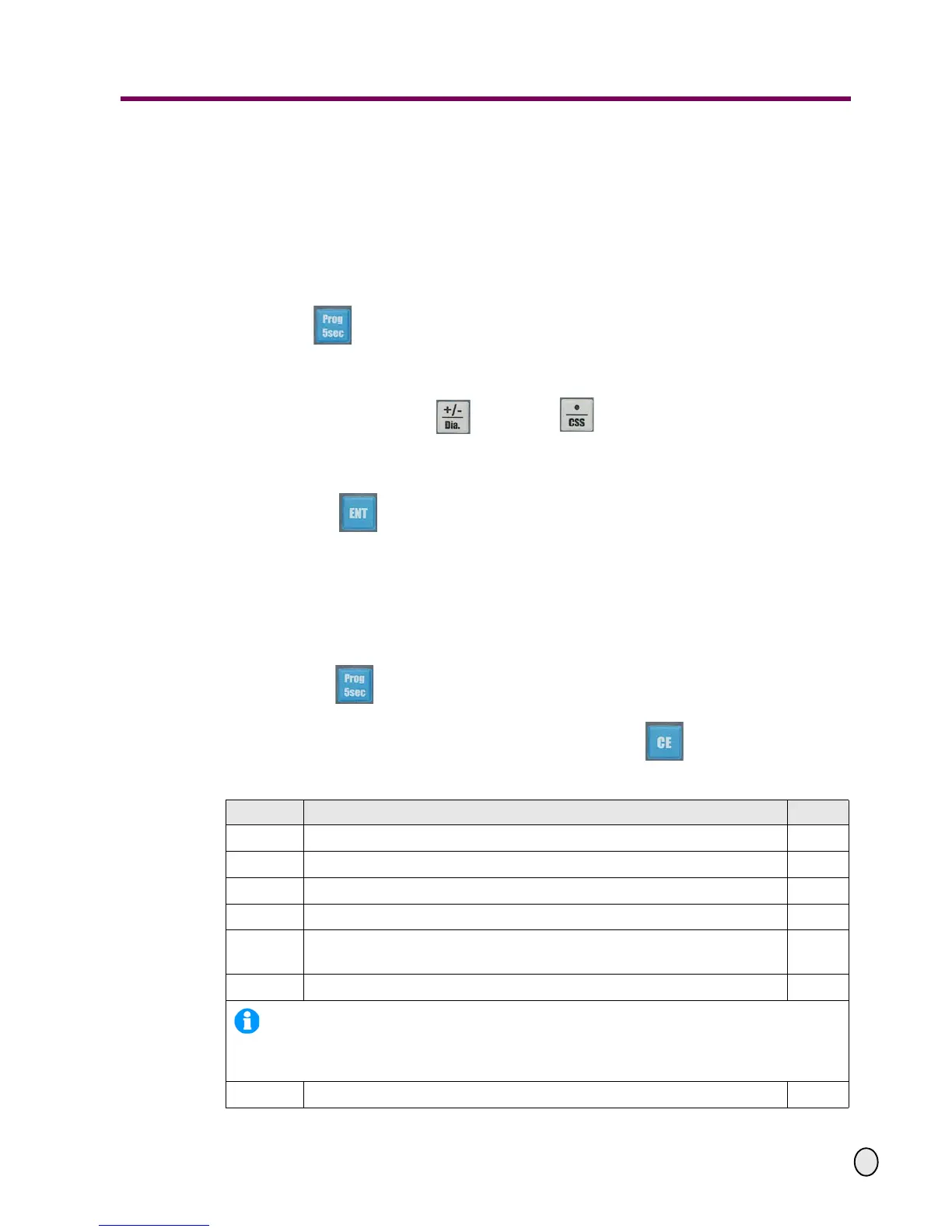
Press the key for 5 seconds until the X-axis displays "P-10", which indicates
that it has switched to the programming mode. Now the Z-axis (the Y-axis for 2-axes position
display) displays "0", which means that it is in the counting direction setting mode currently.
Press the numeral keys, the key and the key to input new programming
values (= parameters). If there is no change for the indicated parameter, you can skip this
step;
Press the key to switch over to the following parameter. by pressing this key, the pre-
vious parameter value respectively its modification will be confirmed at the same time. After
the first switching over the X-axes value "P-11" would be displayed. The Z-axis (respectively
the Y-axis for the 2-axes position display) will indicate the following programming value which
had been assigned to the parameter „P-11“.
Repeat the above steps and enter all the programming values in sequence.
Note:
- Press the key at any time to exit the programming mode.
- During the parameter entry processes, you may press the key to cancel the entry.
The meanings of the parameters and adjustments:
Parameter Specification Value
7 X axis display accuracy 50
8Z
0
axis display accuracy 50
9 Z axis display accuracy 50
10 the counting direction of the X -axis 0/1
11
the counting direction of the Z0-axis (respectively of the Y-axis for the 2-
axes position display)
0
12 the counting direction of the Z-axis 1
INFORMATION!
The counting directions can be set as "0" or "1", the first value represents the positive counting
whereas the last values represents the negative counting.
13 the counting resolution of the X-axis 50


 To Next Page