Description of the basic operation
OPTIMUM
MASCHINEN - GERMANY
15 / 06 / 2011Page 26 Description of the basic operation Digital position display DPA 2000/ DPA 2000S ; Version 2.1.2
© 2011
GB
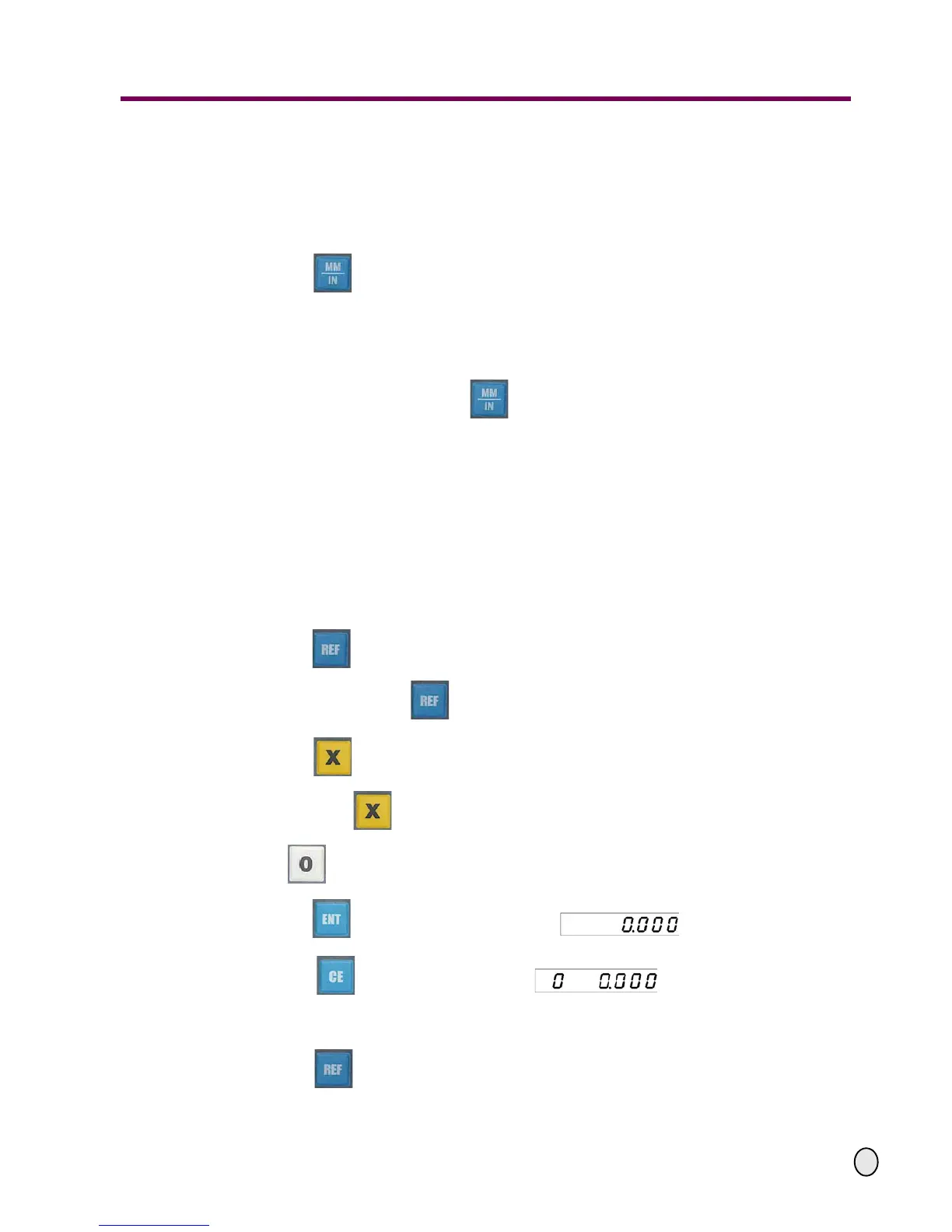
4.9 Metric/inch conversion
Function introduction: To switch the unit of the displayed measures between the metric system
(mm) and the British system (inch).
Operation procedures:
Return to the standard display;
Press the key to complete the change-over.
Note:
- When other modes are activated on the position display, you cannot change over. First
you have to return to the standard display.
- When the indicator light on the key is illuminated, i.e. the display measure unit
is inch, and the LEDs will display 5 decimal digits.
4.10 Function of the reference mark (zero position) of the reading device
Functional introduction: Start counting from the preset initial value when the reading device pas-
ses the reference mark of the reading device.
Example: In order to find out the reference mark of the reading device when the preset initial
value of the X-axis is 0.000.
Operating procedure:
Return to the standard display;
Press the key to find the initial values of the two axes
(the indicator light on the key is illuminated);
Press the key to select the X coordinate axis (the indicator
light beside the key is illuminated);
Enter ;
Press the key, and the X-axis will display ;
Press the key, the X-axis will display and it will stop;
Move the machine axis and therefore the length measuring device. When it passes the refe-
rence mark, it begins to count from the preset initial value 0.000;
Press the key, the REF indicator light turns off and the display returns
to the standard display.


 To Next Page