(9) MP3 Audio
MP3 message volume control. Values between 0
and 31.
(10) Local Emg. Source
Open the drop-down menu and select the sound
source whose signal is connected to the
EMERGENCY IN input of the amplifier.
(11) Local Priority Source
Open the drop-down menu and select the sound
source whose signal is connected to the
PRIORITY IN input of the amplifier.
(12) Local Program Source
Open the drop-down menu and select the sound
source whose signal is connected to the
PROGRAM IN input of the amplifier.
(13) Program Return
Enabled: The program signal audio continues
once any priority announcement has ended.
Disabled: After an announcement is made, the
program signal audio is cut off until the user
activates the program once again.
(14) Priority Return
Enabled: If during the course of an
announcement another one of a higher priority
arrives, the first one is interrupted, and once the
announcement of higher priority has ended,
broadcast of the first announcement is resumed.
Disabled: If during the course of an
announcement another one of a higher priority
arrives, the first one is interrupted, and even
when the announcement of higher priority comes
to an end, the first announcement is no longer
played.
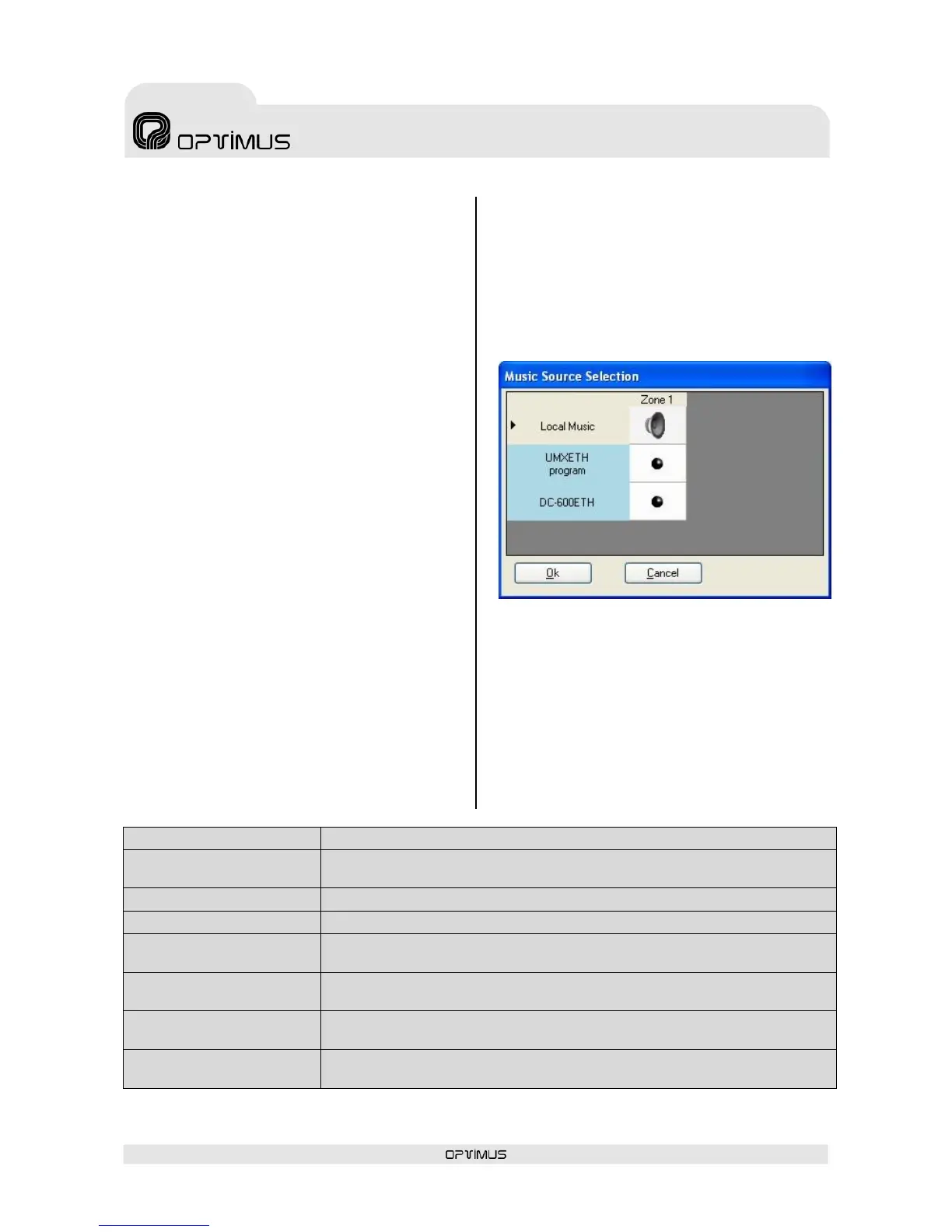
(15) Program Channel Selection Button
This is used to configure the music program of
the power unit.
When this button is clicked, a list of the program
audio sources available appears. The icon
indicates the music program selected.
This operation can also be performed from the
P.A. Manager software operator screen (see
section 8.4).
(16) PREOUT Contact Activation
This configures the cases in which the priority
contact of the PREOUT output of the amplifier will
be activated. The table below shows in which
situations this contact is activated according to
the configuration.


 To Next Page