6.3. Connecting the equipment in the installation structure
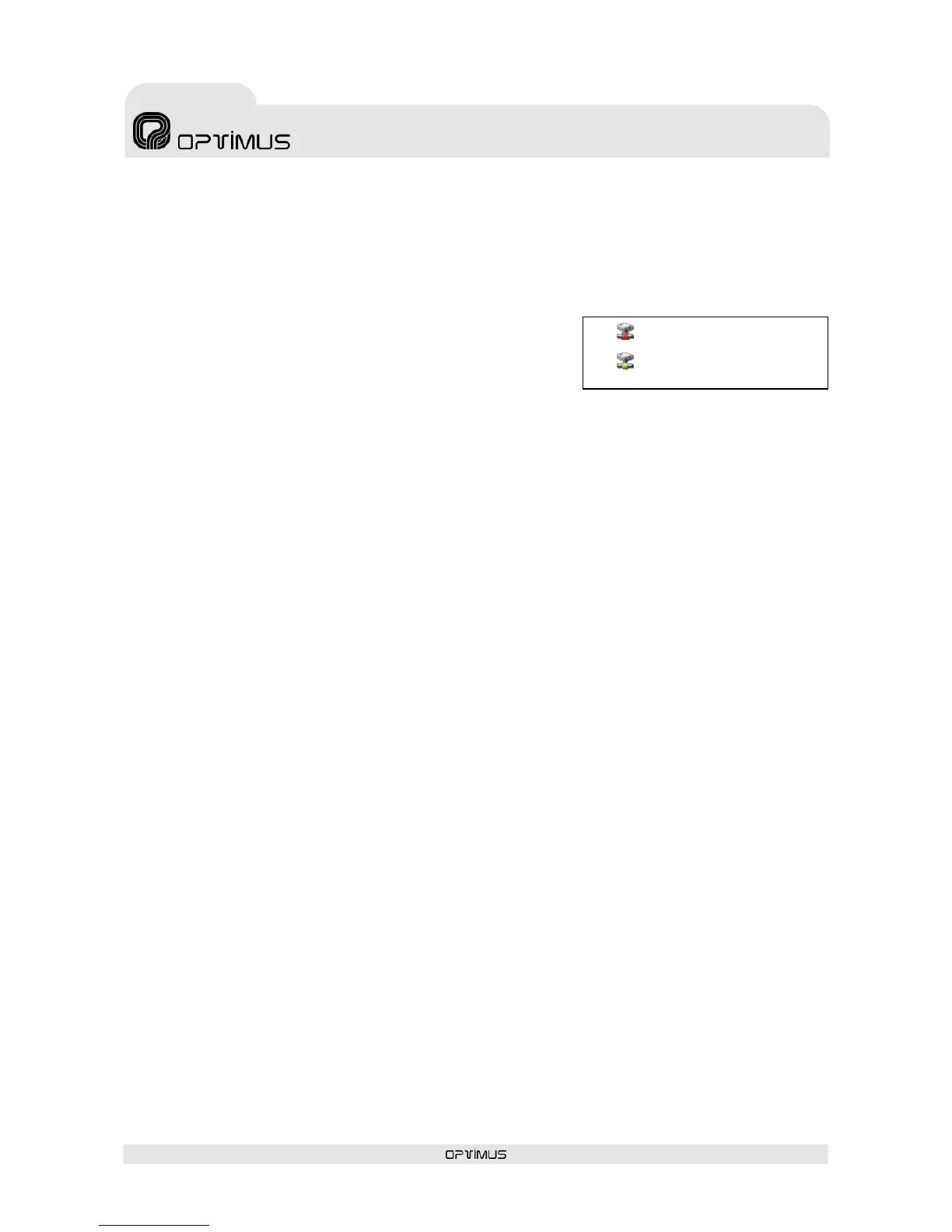
When equipment units are added to the installation, they appear in the structure with their name in red,
preceded by the “disconnection” icon. While their status is shown as disconnected, these equipment units
are not operative.
To connect the equipment, proceed as follows:
1. In the installation structure, right click with the mouse on the
disconnected equipment unit.
2. Click on Connect Equipment. The connection icon appears and
the name of the equipment is shown in green.
6.4. Connection to the installation network
1. Before connecting the amplifier, configure the IP address by means of the DIP switches on the rear
panel of the unit (see section 4.28) or by recording the IP in the Flash memory by means of software
(see section 7).
2. Connect the unit to the IP network.
3. Connect the unit to the power supply.
6.5. Sending configurations to the unit
Before sending configurations to any equipment unit, it is advisable to save the configuration. To do this,
open the File menu and select Save.
1. On the installation tree, right click with the mouse on the name of the unit and select the option Send
Configurations.
2. A progress bar appears. Upon completion, click on OK.
You can exit the Installation screen by opening the File menu and selecting Quit.
The P.A. Manager software will start up automatically.


 To Next Page