EP776 Series/EP782 Series
Condential
4-15
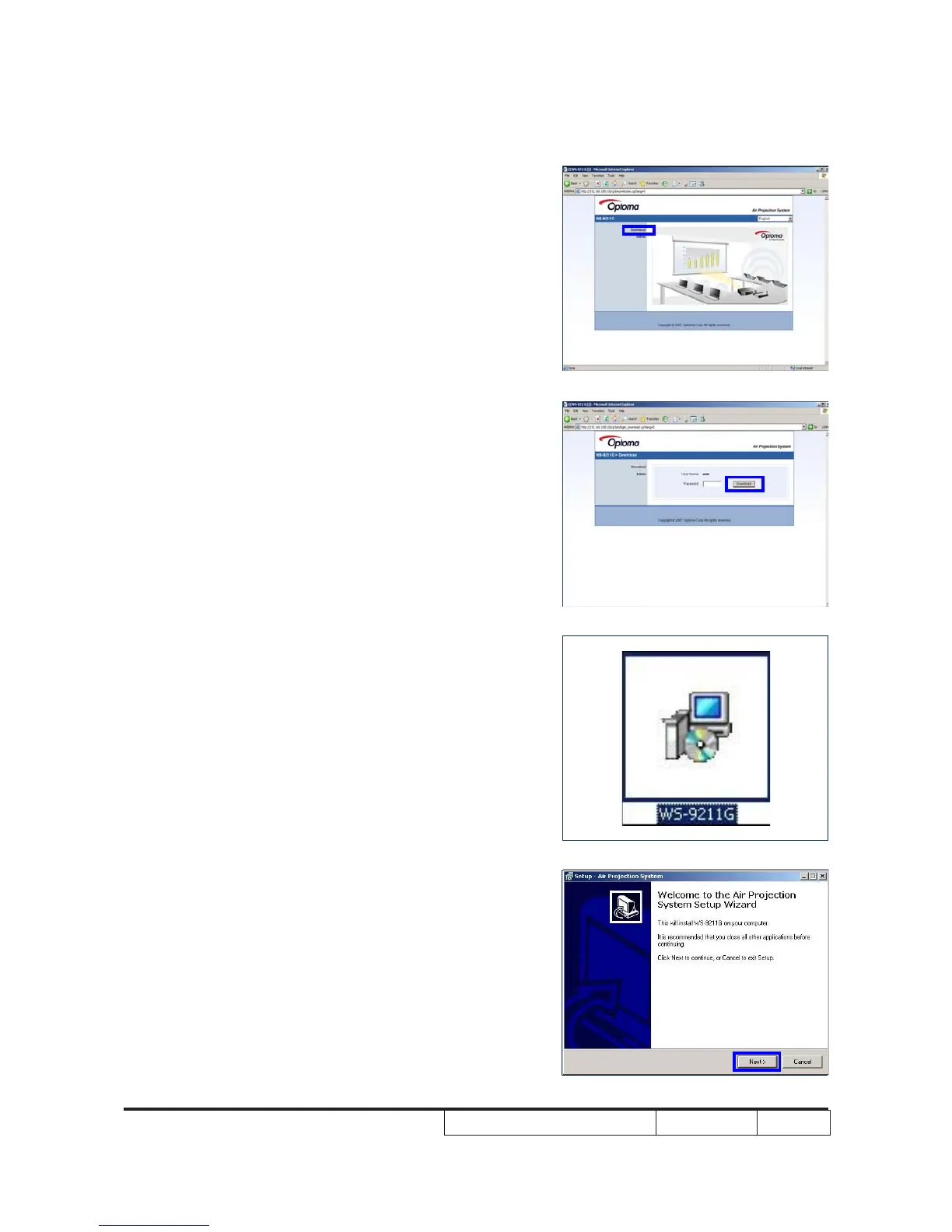
3. Download Software
- Click “Internet Explorer”
- Write the IE address:http://192.168.100.10
- Then the information will be shown on screen
- Click “Download Software”
- Click “Download” then we will download “WS-
9211G” le
4. Air Projection system setup procedure
- Click “WS-9211G” le
- Click “Next”



 To Next Page