Condential
4-6
EX556/ES556/EW556/ES555/EX555
a. Measure setting
Procedure - Please get into OSD menu, select “Lamp Setting”
under “Options”, press “Enter” button, then
select “Bright “mode.
- Press “Power→ Left→ Left→ Menu” to get into
service mode.
- Test equipment:Select “Spoke Test”.
b. Brightness
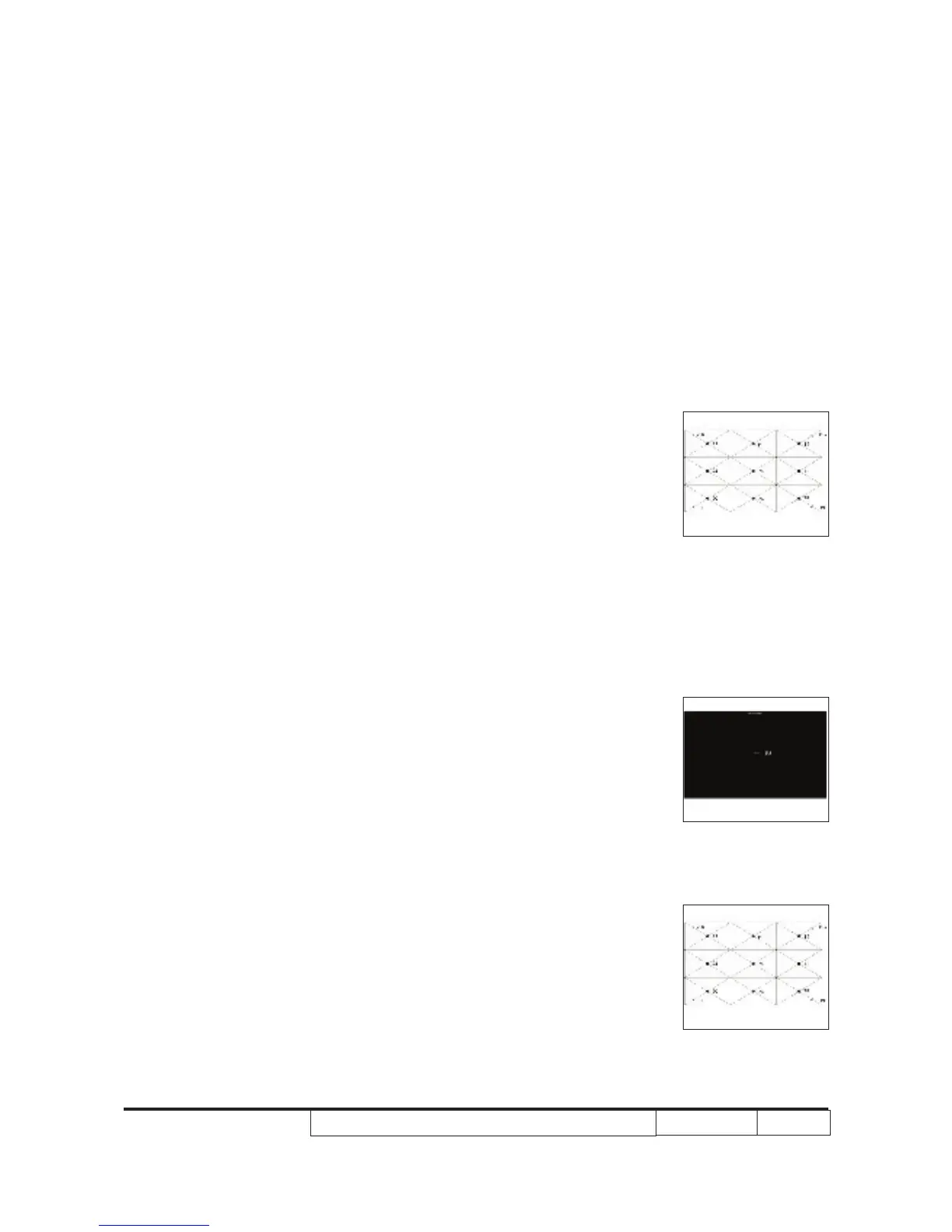
Procedure - Full white pattern
- Use CL100 to measure brightness values of
P1~P9.
- Follow the brightness formula to calculate
brightness values.
☼ Brightness Formula
Avg. (P1~P9)*1.1m
2
Criteria • 1200 ANSI lumen
c. Full On/Full Off Contrast
Procedure - Full white pattern & Full black pattern
- Use CL100 to measure brightness values of full
white pattern P5 & full black pattern B5 ( see
image: full white)
- Follow Contrast formula to calculate contrast
values.
☼ Contrast Formula
P5/B5
Note: P5 = Lux of center in full white pattern
B5 = Lux of center in full black pattern
Criteria • 6000:1
d. Uniformity
Procedure - Full white pattern
- Use CL100 to measure brightness values of
Full white pattern
Full black pattern
Full white pattern



 To Next Page