EasyManua.ls Logo

Optoma HD151X - Menu Tree

Optoma HD151X
66 pages
Print Icon
To Next Page IconTo Next Page
To Previous Page IconTo Previous Page
Loading...
EN-28
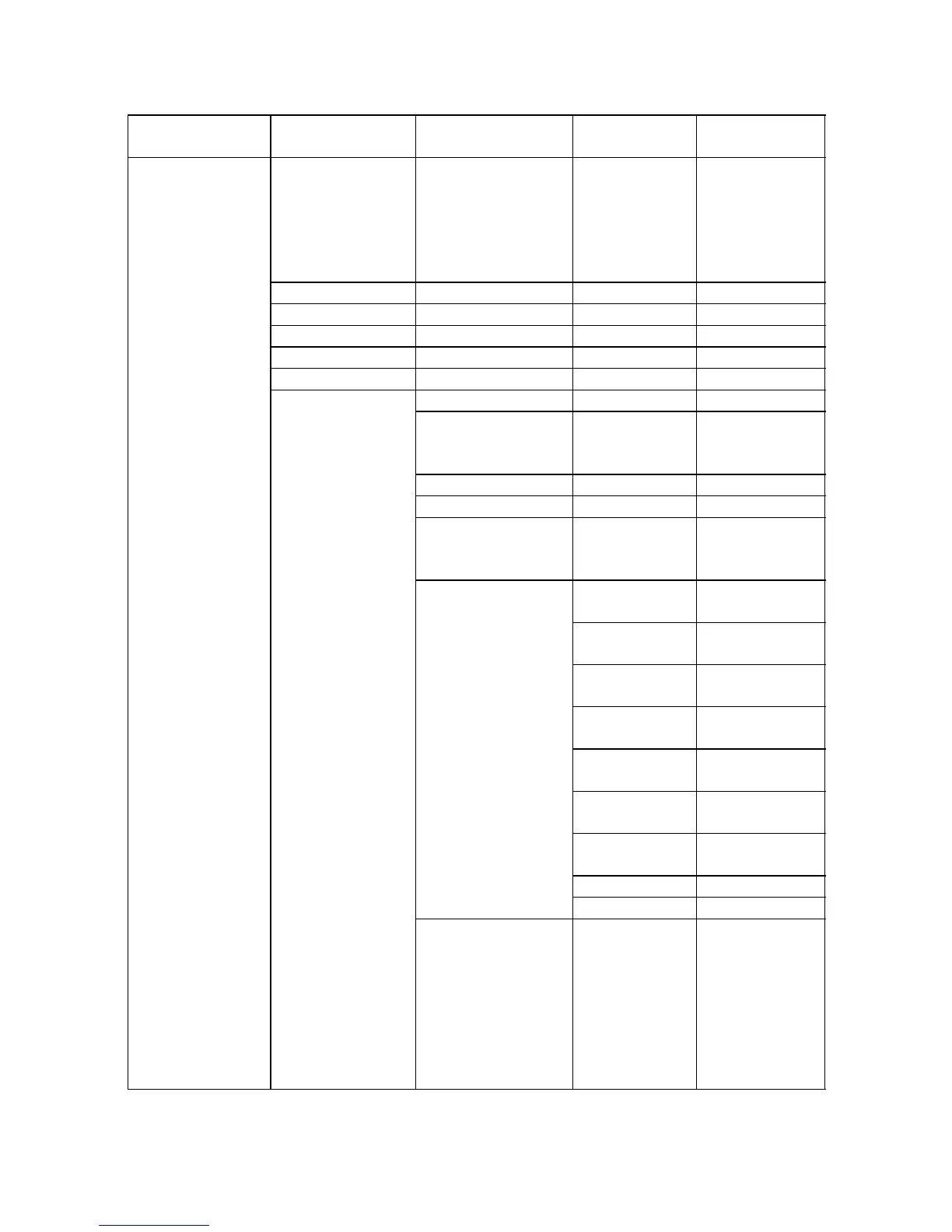
Menu tree
Main Menu Sub-Menu
Single-Item
Menu
IMAGE
Display Mode
Cinema /
Reference /
Vivid / Bright /
Game / 3D /
User /ISF Day /
ISF Night
Brightness
Contrast
Sharpness
Color
Tint
Advanced
Noise Reduction 0~10
Gamma
Film / Video /
Graphics / 2.2 /
1.8 / 2.0 / 2.6
BrilliantColor™
DynamicBlack On / Off
Color Temp.
Warm /
Standard / Cool/
Cold
Color Settings
Red
Hue / Saturation
/ Gain
Green
Hue / Saturation
/ Gain
Blue
Hue / Saturation
/ Gain
Cyan
Hue / Saturation
/ Gain
Magenta
Hue / Saturation
/ Gain
Yellow
Hue / Saturation
/ Gain
White
Red / Green /
Blue
Reset
Exit
Color Space
Not HDMI
Input: Auto /
RGB / YUV
HDMI Input:
Auto/
RGB(0~255) /
RGB(16~235)/
YUV

Related product manuals