EN-39
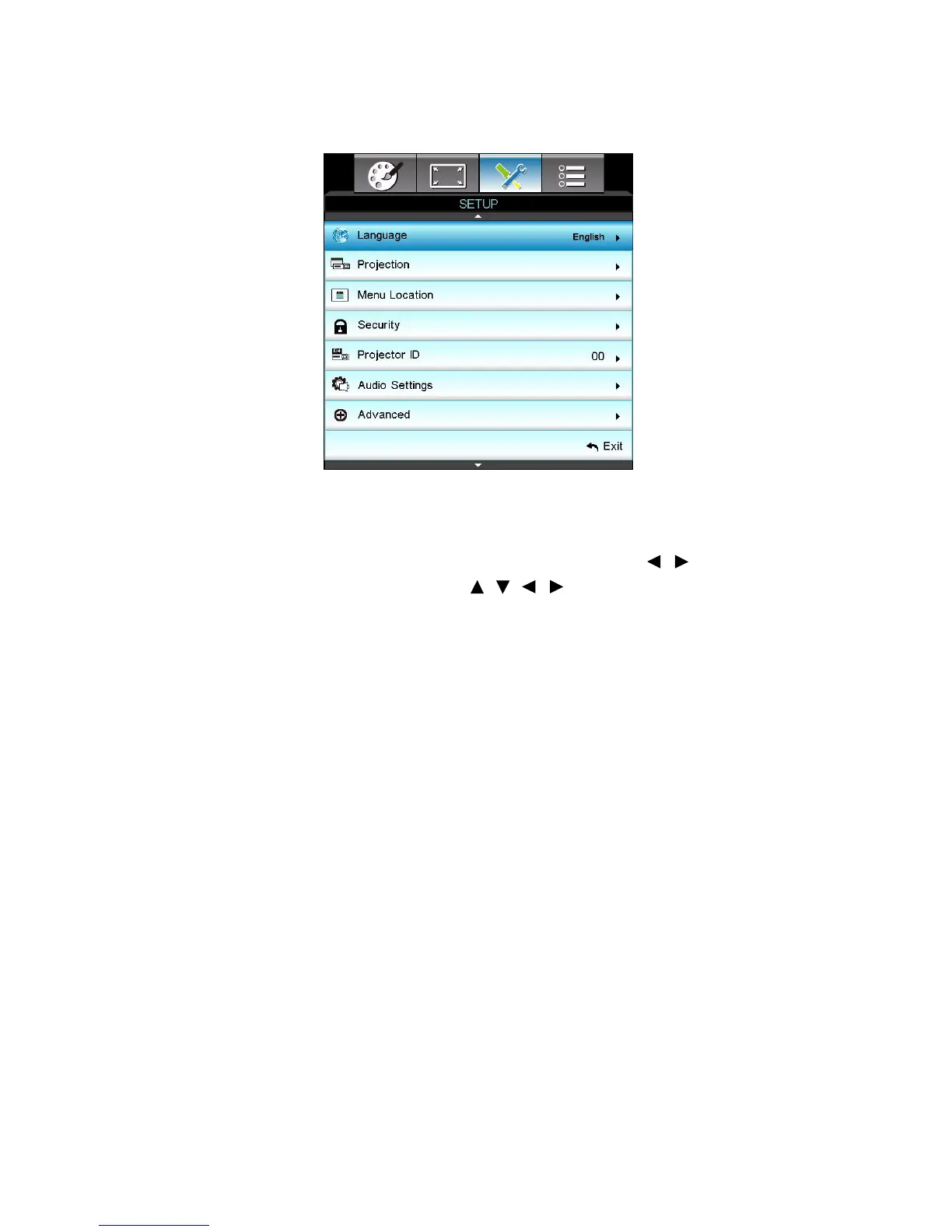
SETUP
Language
Select the language used by the on-screen menu. Press / /“Enter” key to
enter the sub menu and then use the / / / key to select your preferred
language. Press “Enter” to finalize the selection.
Projection
Adjust the picture to match the orientation of the projector: upright or upside-
down, in front of or behind the screen. Invert or reverse the image accord-
ingly.
Menu Location
Choose the menu location on the display screen.
Security
Security
On: Choose “On” to use security verification when the turning on the
projector.
Off: Choose “Off” to be able to switch on the projector without password
verification.
Security Timer
Use this function to set the how long (Month/Day/Hour) the projector can be
used. Once this time has elapsed you will be requested to enter your pass-
word again.



 To Next Page