30
English
User Controls
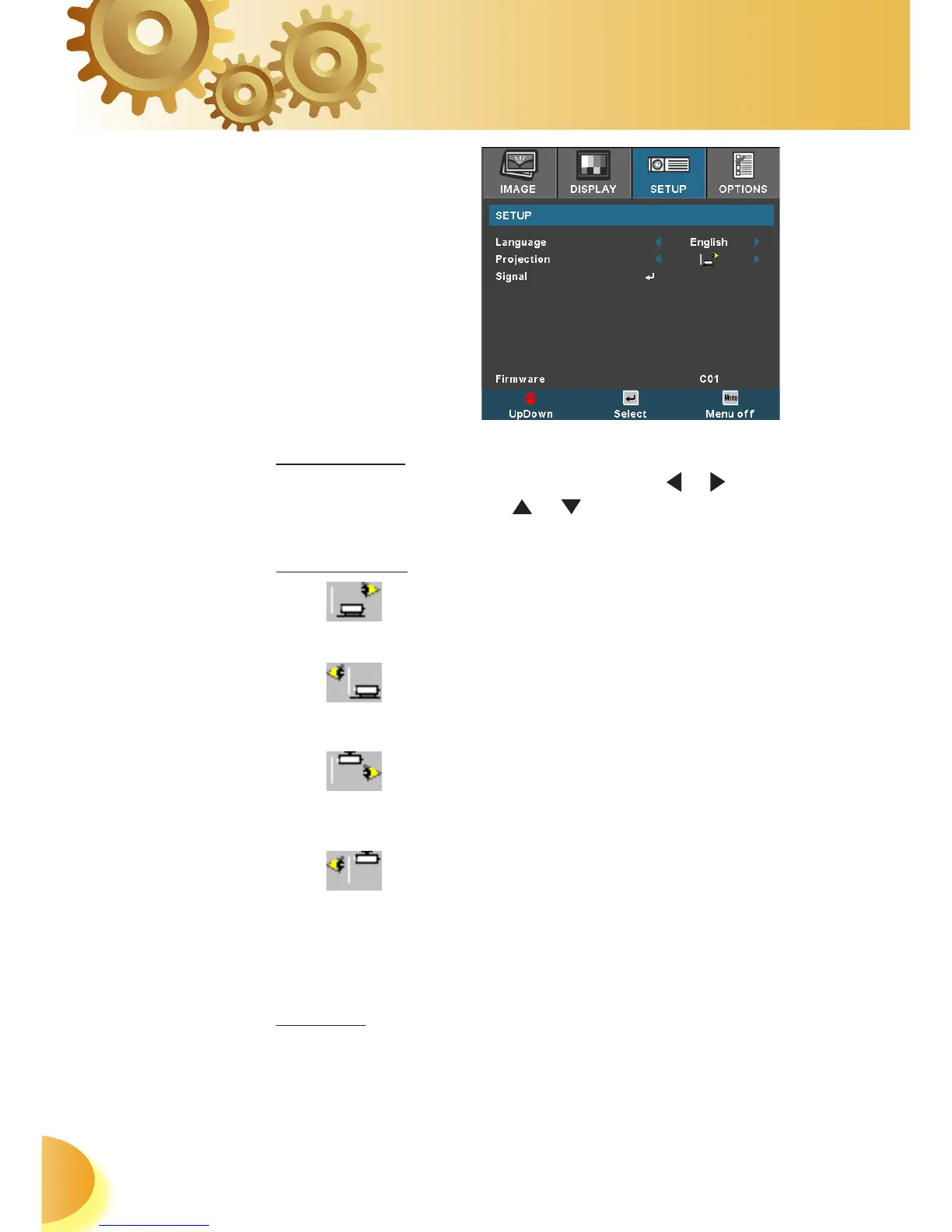
Language
Choose the multilingual OSD menu. Press or into the sub
menu and then use the or key to select your preferred
language. Press “Enter” to finalize the selection.
Projection
Front-Desktop
The factory default setting.
Rear-Desktop
When you select this function, the projector reverses the im-
age so you can project behind a translucent screen.
Front-Ceiling
When you select this function, the projector turns the image
upside down for ceiling-mounted projection.
Rear-Ceiling
When you select this function, the projector reverses and
turns the image upside down at same time. You can proj-
ect from behind a translucent screen with ceiling mounted
projection.
Signal
Phase: Changes the display data frequency to match the
frequency of your computer’s graphic card. When you expe-
Setup



 To Next Page