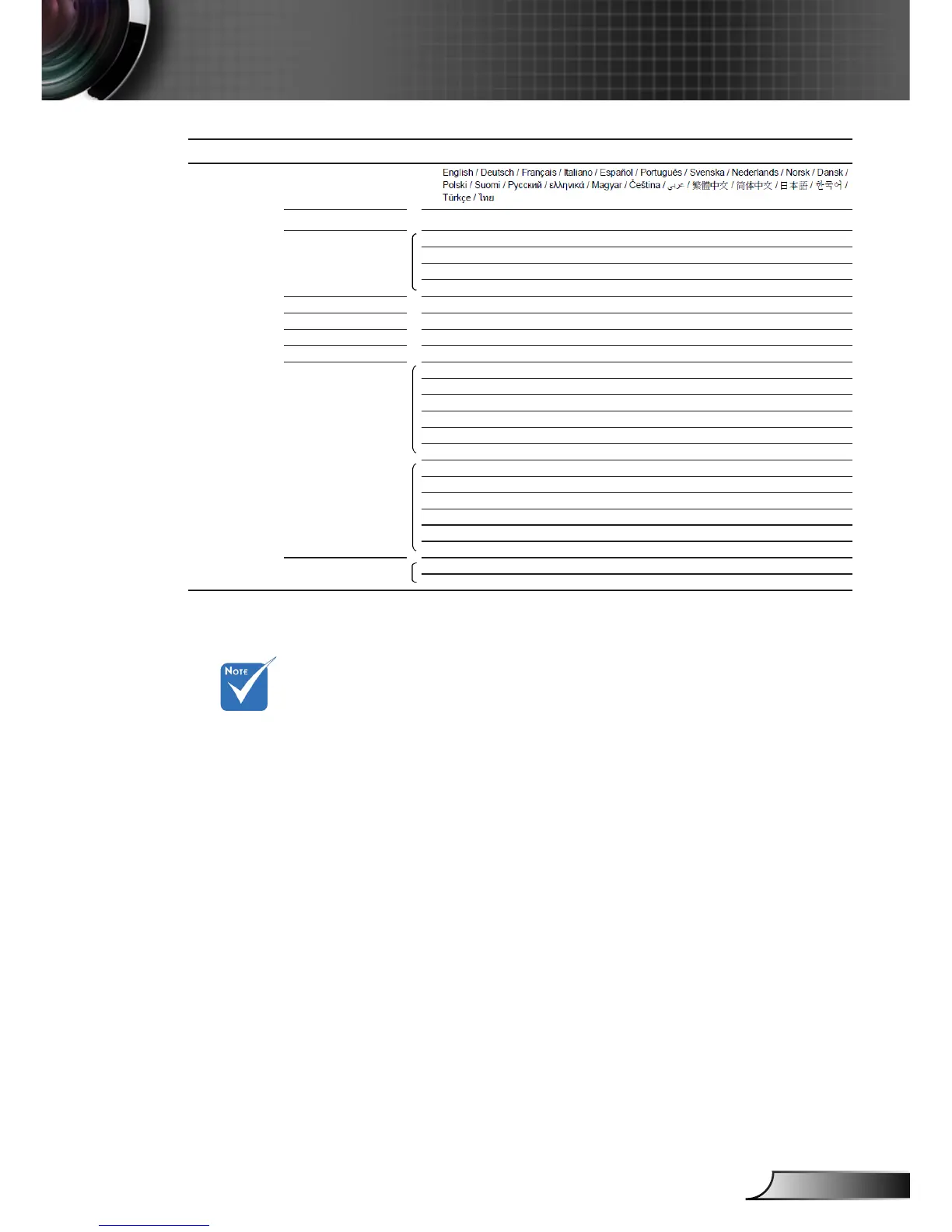
Please note that the on-screen display (OSD) menus vary according to the
signal type selected and the projector model you are using.
( #1) “Color” and “Tint” are only supported in Video mode.
( #2) “3D Sync. Invert” is only available when 3D is enabled.
Main Menu Sub Menu Settings
SETUP Language
Input Source HDMI 1 / HDMI 2 / Component / VGA / Video / Exit
HDMI Link Settings HDMI Link On / Off
Inclusive of TV Yes / No
Power On Link Mutual / PJ -> Device / Device -> PJ
Power Off Link On / Off
Source Lock On / Off
High Altitude On / Off
Information Hide On / Off
Auto Power Off (min) 0~180
Signal Frequency 0~100
Phase -50~50
H. Position -50~50
V. Position -50~50
Automatic Enable / Disable
Exit
White Level -50~50
Black Level -50~50
Saturation -50~50
Hue -50~50
IRE 0 IRE / 7.5 IRE
Exit
Reset Current Cancel / Yes
All Cancel / Yes



 To Next Page