“3D Sync. Invert”
function wouldn’t save
the setting. It will set to
“Off” when powers on
and changes source.
3D Format is only sup-
ported on 3D Timing
on page 55.
“3D Format” is only
supported on non-
HDMI 1.4a 3D timing.
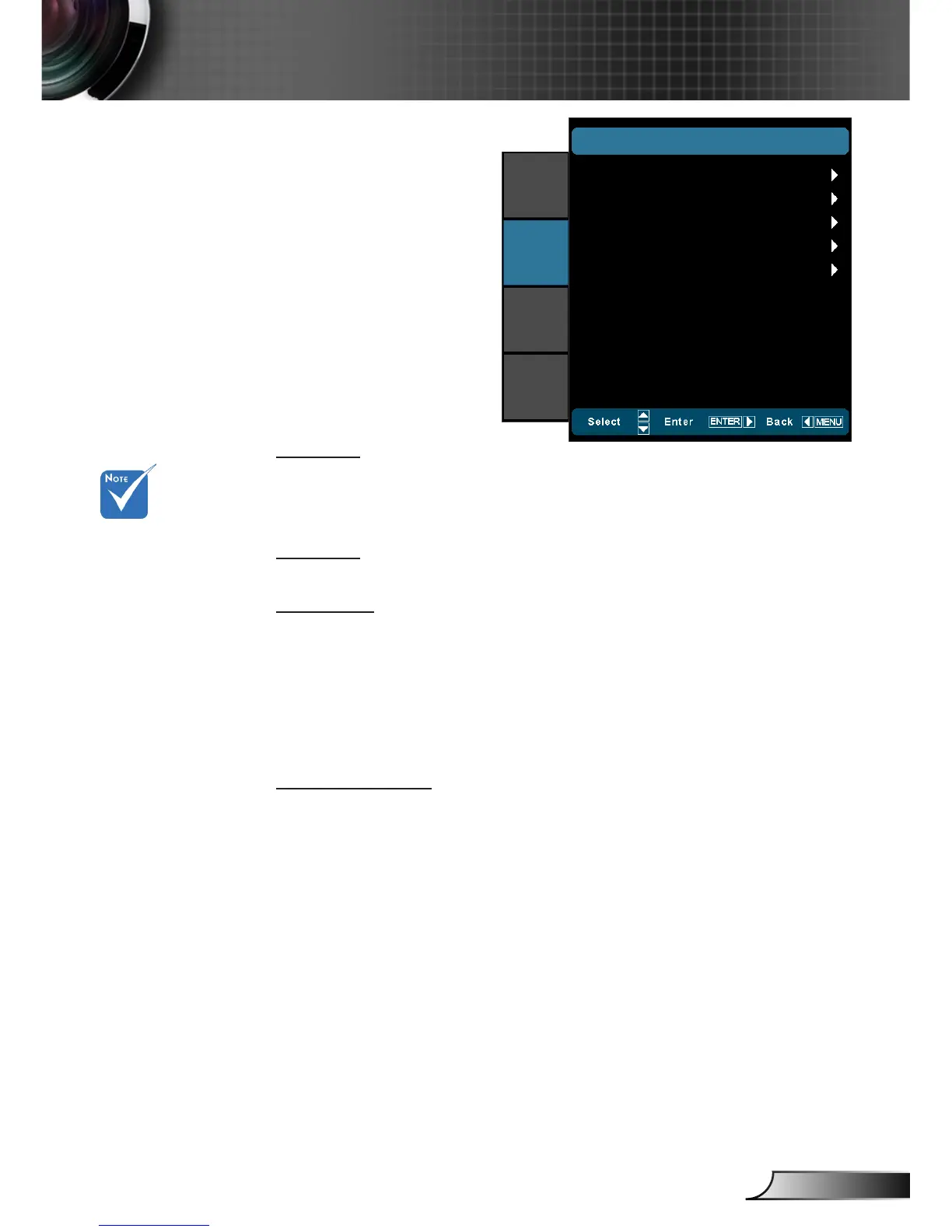
DISPLAY | 3D
3D -> 2D
3D: Display 3D signal. `
L (Left): Display the left frame of 3D content. `
R (Right): Display the right frame of 3D content. `
2D -> 3D
Select 3D depth of eld (or strength) from Low, Middle or High.
3D Format
Auto: Display the native format. `
SBS: Display 3D signal in “Side-by-Side” format. `
Top and Bottom: Display 3D signal in “Top and Bottom” format. `
Frame Sequential: Display 3D signal in “Frame Sequential” `
format.
2D -> 3D: 2D signal transform 3D signal `
3D Sync. Invert
Press the “On” to invert left and right frame contents. `
Press the “Off” for default frame contents. `
DISPLAY
|
3D
3D Format
3D -> 2D
2D -> 3D
3D Sync. Invert
Exit
IMAGE
DISPLAY
SYSTEM
SETUP
3D
Middle
Off



 To Next Page