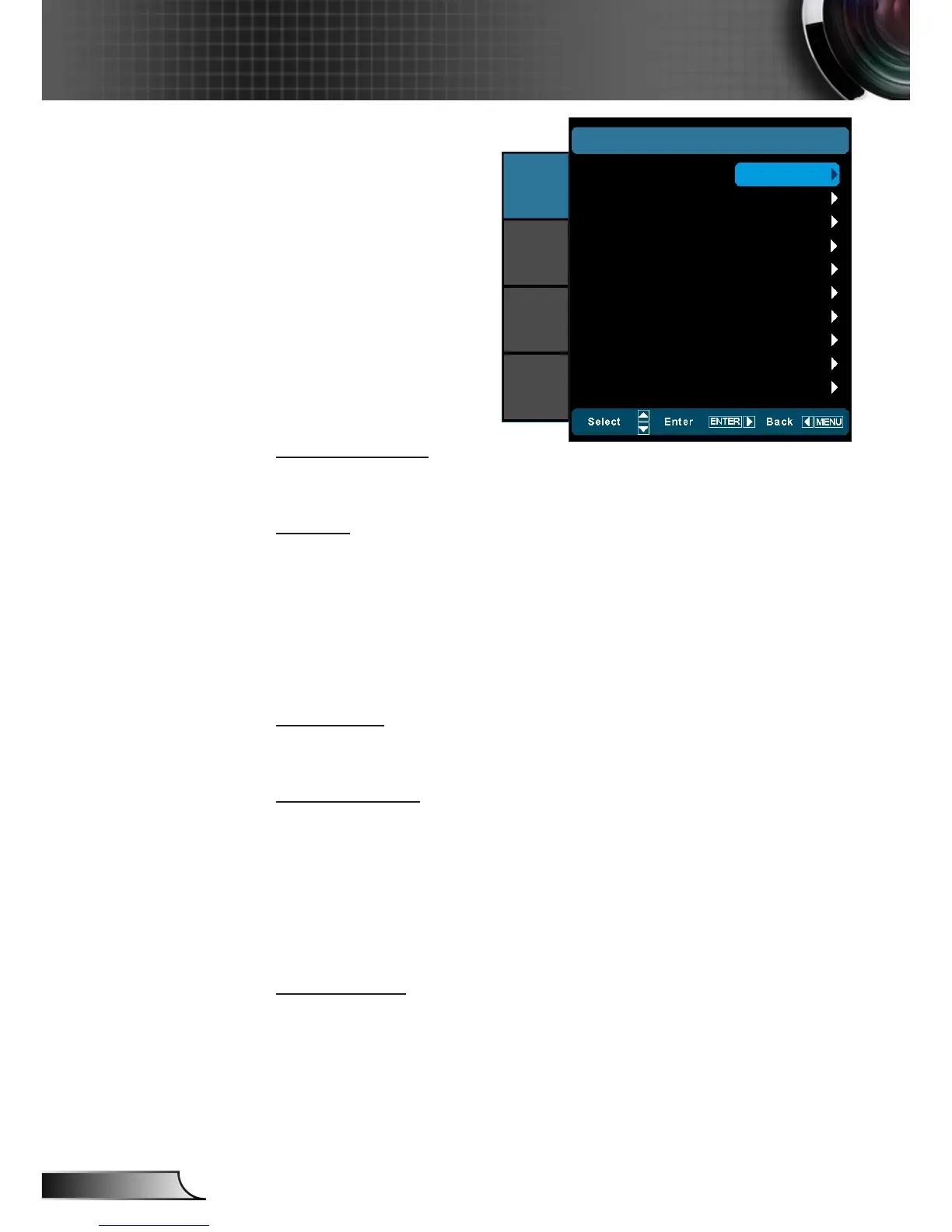
IMAGE | Advanced
Noise Reduction
The Noise Reduction reduces the amount of visible noise inter-
laced signals. The range is from “0” to “10”. (0: Off)
Gamma
This allows you to set up gamma curve type. After the initial setup
and ne tuning is completed, utilize the Gamma Adjustment steps
to optimize your image output.
Film: for home theater. `
Video: for video or TV source. `
Standard: for standardized setting. `
Graphics: for PC / Photo source. `
PureEngine
The PureEngine is a collection of advanced image processing
technologies that enhances the quality of the displayed image.
LED Brightness
Power: Manually adjust the LED brightness (100%~50%). `
DynamicBlack 1: Automatically adjusts the LED brightness `
between 100% ~ 13%.
DynamicBlack 2: Automatically adjusts the LED brightness `
between 100% ~ 5%.
DynamicBlack 3: Automatically adjusts the LED brightness `
between 100% ~ 0%.
Color Settings
Press ► into the next menu and then use ▲ or ▼ to select item.
Noise Reduction
IMAGE
|
ADVANCED
Gamma
PureEngine
LED Brightness
Color Settings
Exit
0
IMAGE
DISPLAY
SYSTEM
SETUP
Standard
100%



 To Next Page