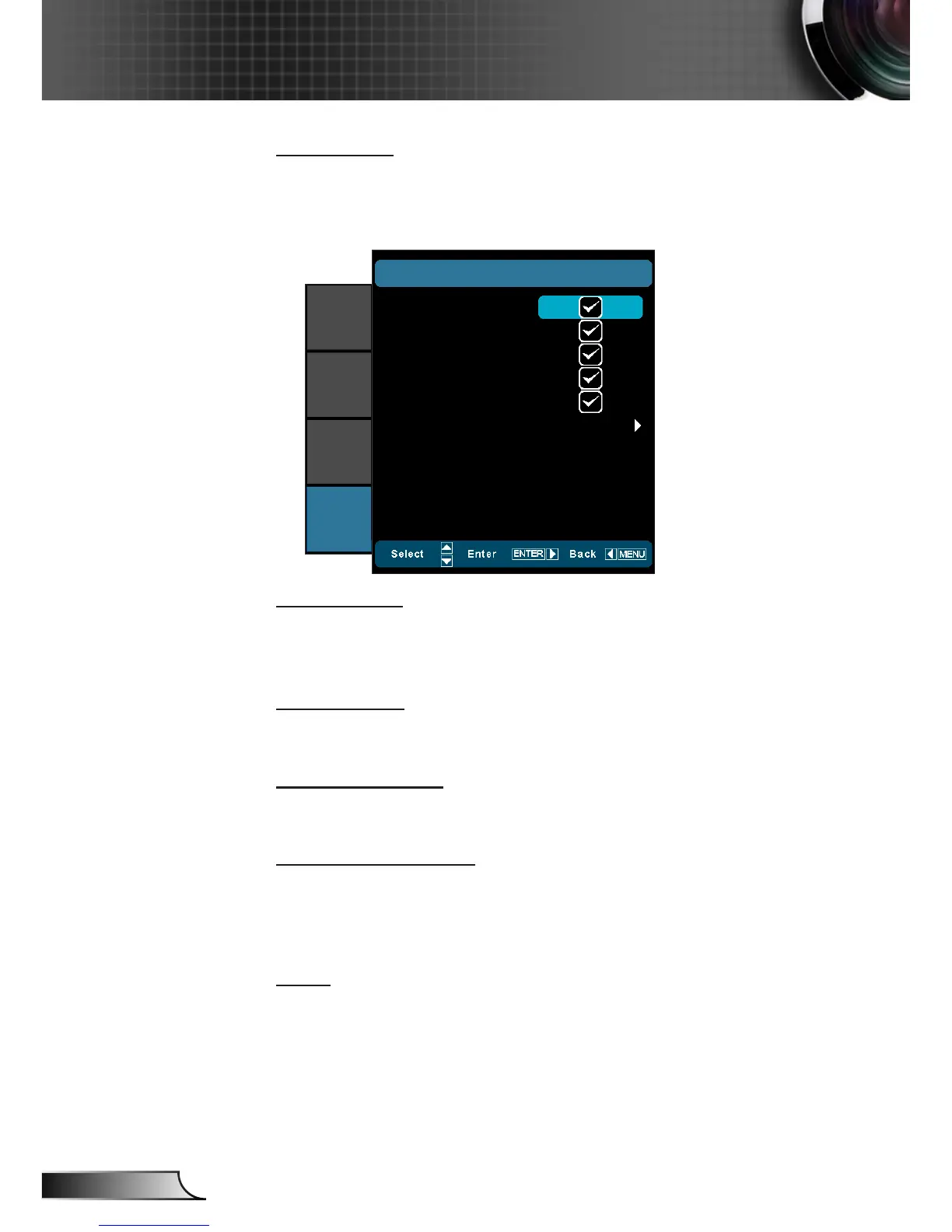
Input Source
Use this option to enable / disable input sources. Press ► to enter
the sub menu and select which sources you require. Press “Enter”
to finalize the selection. The projector will only search for inputs
that are enabled.
VGA
SETUP
|
INPUT SOURCE
Video
HDMI 1
HDMI 2
Component
IMAGE
DISPLAY
SYSTEM
SETUP
Exit
Source Lock
On: ` The projector will only search current input connection.
Off: The projector will search for other signals if the current `
input signal is lost.
High Altitude
When “On” is selected, the fans will spin faster. This feature is
useful in high altitude areas where the air is thin.
Information Hide
On: Choose “On” to hide the info message. `
Off: Choose “Off” to show the “searching” message. `
Auto Power Off (min)
Sets the countdown timer interval. The countdown timer will start,
when there is no signal being sent to the projector. The projector
will automatically power off when the countdown has nished (in
minutes).
Reset
Current: Choose “Yes” to return the display parameters on this `
menu to the factory default settings.
All: Choose “Yes” to return the display parameters on all `
menus to the factory default settings.



 To Next Page