IMAGE | Advanced
| Color Settings
Color Temperature
Select a color temperature from D50, D65, D75, D83, D93 and
Native.
Color Gamut
Select an appropriate color gamut from Native, Adobe, DLP-C,
HDTV, or SMPTE-C.
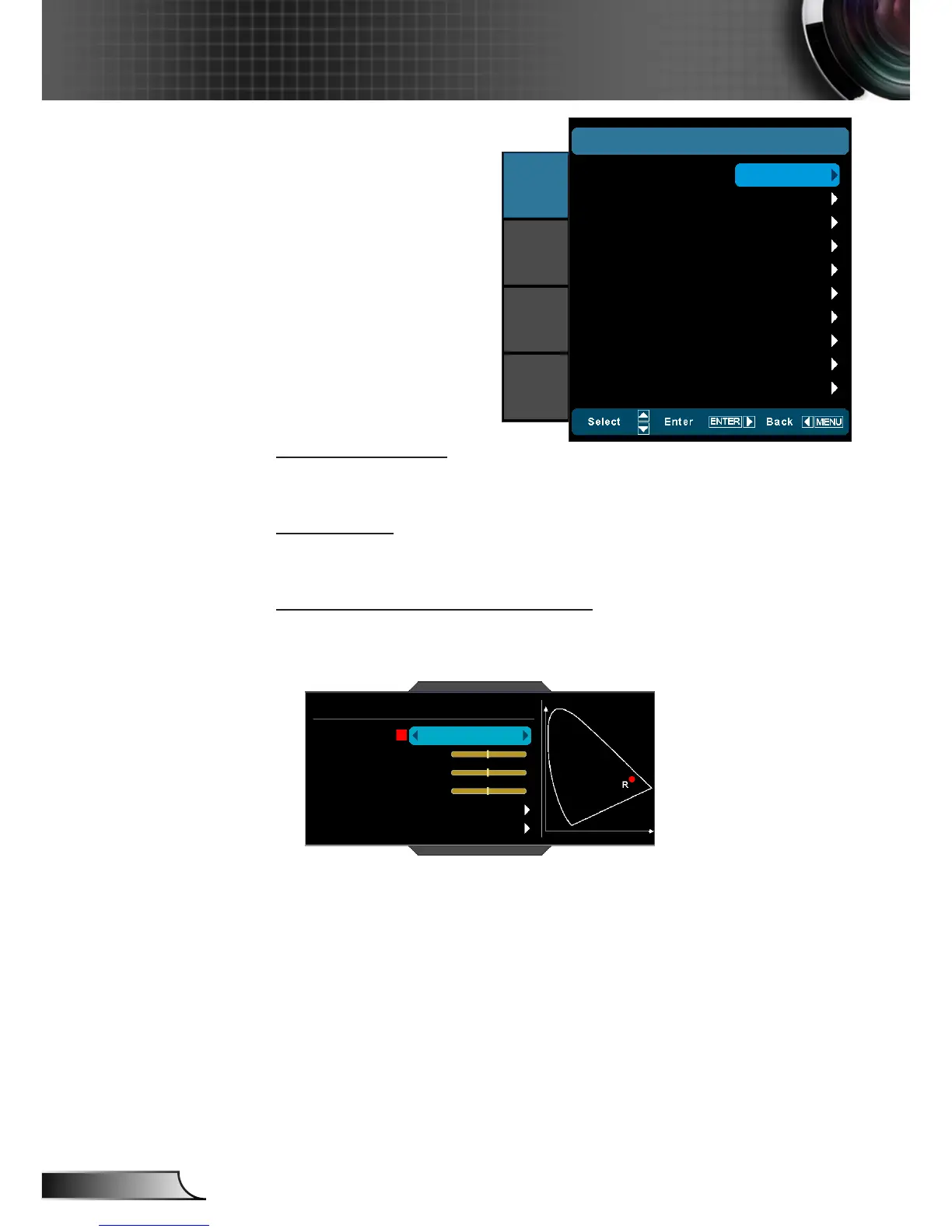
CMS (Color Management System)
Press ► into the next menu and then use ▲ or ▼ to select item.
Select one of the colors (R/G/B/C/M/Y) to adjust its x/y offset and
brightness.
CMS
Color Gamut : DLP-C
Color
x Offset
y Offset
Brightness
Reset
Exit
Red
0
0
0
Color: Use ◄ or ► to select from Red, Green, Blue, Cyan, `
Magenta or Yellow colors.
x Offset: Use ◄ or ► to adjust the x offset value of selected `
color.
y Offset: Use ◄ or ► to adjust the y offset value of selected `
color.
Brightness: Use ◄ or ► to adjust the brightness value of `
selected color.
Reset: Choose “Yes” to return the factory default settings for `
color adjustments.
Color Temperature
IMAGE
|
ADVANCED
|
Color Settings
Color Gamut
CMS
RGB Gain/Bias
Color Space
RGB Channel
D65
IMAGE
DISPLAY
SYSTEM
SETUP
Adobe
Auto
Normal
Exit



 To Next Page