IMAGE
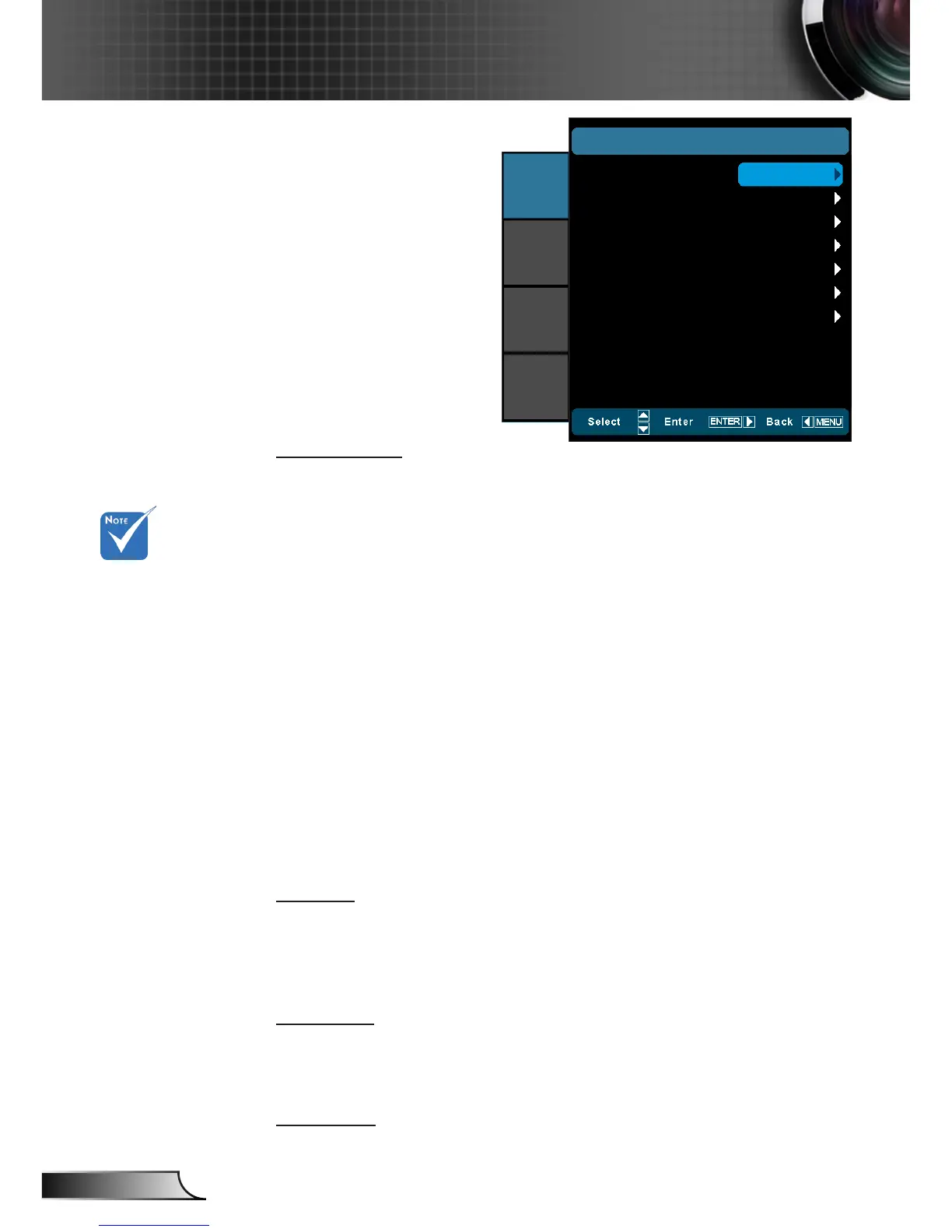
Display Mode
There are many factory presets optimized for various types of
images.
Cinema: Default settings for home theater. `
Reference: This mode is intended to reproduce, as close as `
possible, the image the way the movie director intended. Color,
color temperature, brightness, contrast and gamma settings are
all congured to standard reference levels.
Film: The purest color settings for home theater. `
Photo: Optimized for displaying photographic images. `
Bright: Maximum brightness from PC input. `
3D: Recommended setting for 3D mode enabled. Any further `
adjustments by the user in 3D will be saved in this mode for
further use.
ISF Day: Optimize the image with the ISF Day mode to be per- `
fectly calibrated and high picture quality.
ISF Night: Optimize the image with the ISF Night mode to be `
perfectly calibrated and high picture quality.
User: User’s settings. `
Contrast
The contrast controls the degree of difference between the lightest
and darkest parts of the picture.
Press the ◄ to decrease the contrast. `
Press the ► to increase the contrast. `
Brightness
Adjust the brightness of the image.
Press the ◄ to darken image. `
Press the ► to lighten the image. `
Sharpness
Adjust the sharpness of the image.
Display Mode
IMAGE
Contrast
Brightness
Sharpness
Color
Tint
Advanced
Cinema
IMAGE
DISPLAY
SYSTEM
SETUP
0
0
0
0
0
0
“ISF Day” and
“ISF Night” will
not be shown
when the ISF
modes have not
been calibrated.



 To Next Page