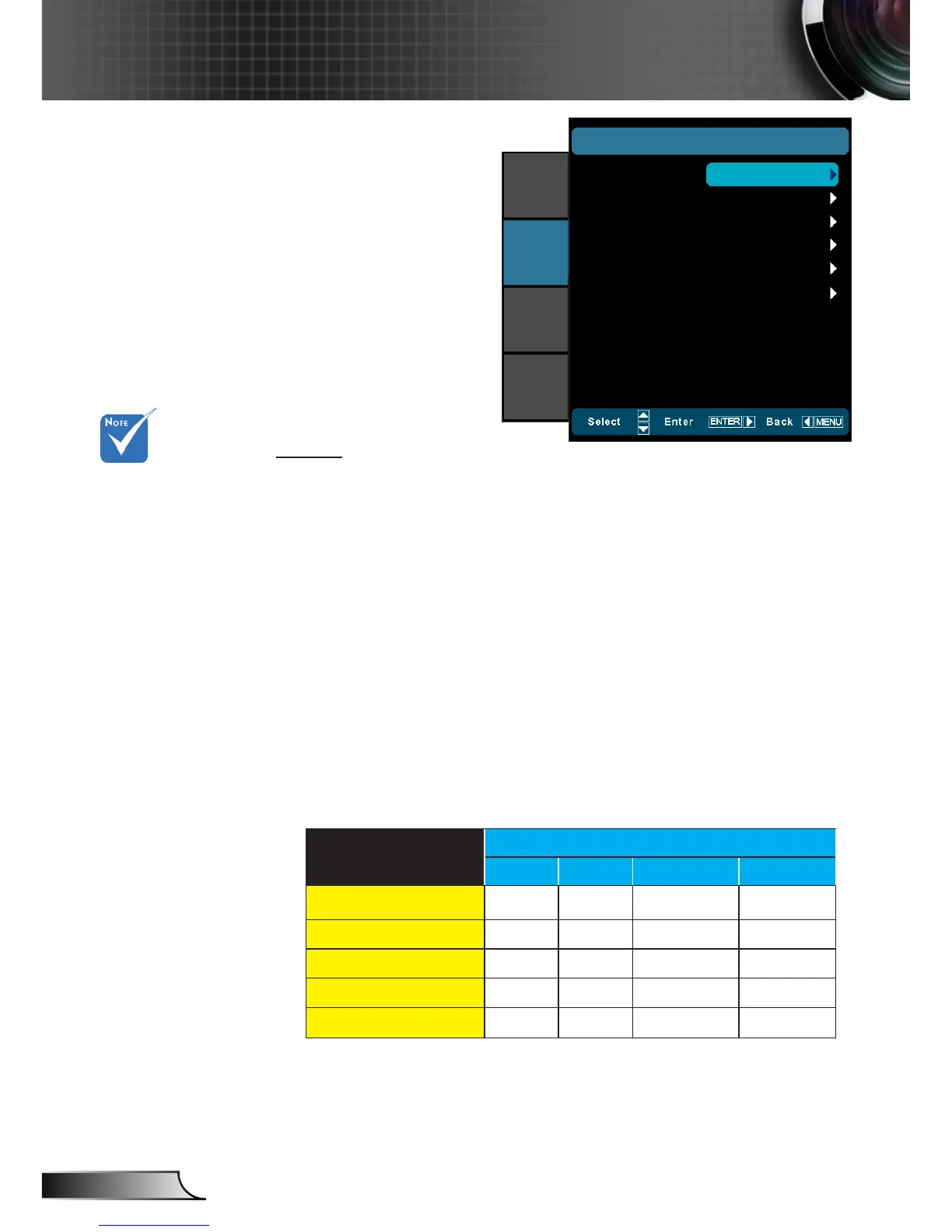
DISPLAY
Format
Use this function to choose your desired aspect ratio.
4:3: This format is for 4x3 input sources. `
16:9: This format is for 16x9 input sources, like HDTV and `
DVD enhanced for Widescreen TV.
LBX: This format is for non-16x9, letterbox source and for us- `
ers who use external anamorphic lens to display 2.35:1 aspect
ratio using full resolution.
Native `
(#1)
: This format displays the original image without scal-
ing.
Auto235 `
(#2)
: Automatically selects the appropriate display
format.
Auto235_Subtitle `
(#2)
: When Auto235 feature is selected the
12v trigger will send power to the anamorphic lens if the
source format is 2.35:1. It will not send the power when the
source format is 4:3 or 16:9.
HDMI
Auto235 OFF
4:3 16:9 LBX Native
2D/HQFS/2D->3D
SBS
Top and Bottom
1080p24FP
720pFP
Format
DISPLAY
Zoom
Edge Mask
Image Shift
V Keystone
3D
16:9
IMAGE
DISPLAY
SYSTEM
SETUP
0
0
0
(#1) This function is
not supported in the
movable or xed of
anamorphic lens.
(#2) This function is
only supported when
System/Anamorphic
Lens is Fixed or Mov-
able.



 To Next Page