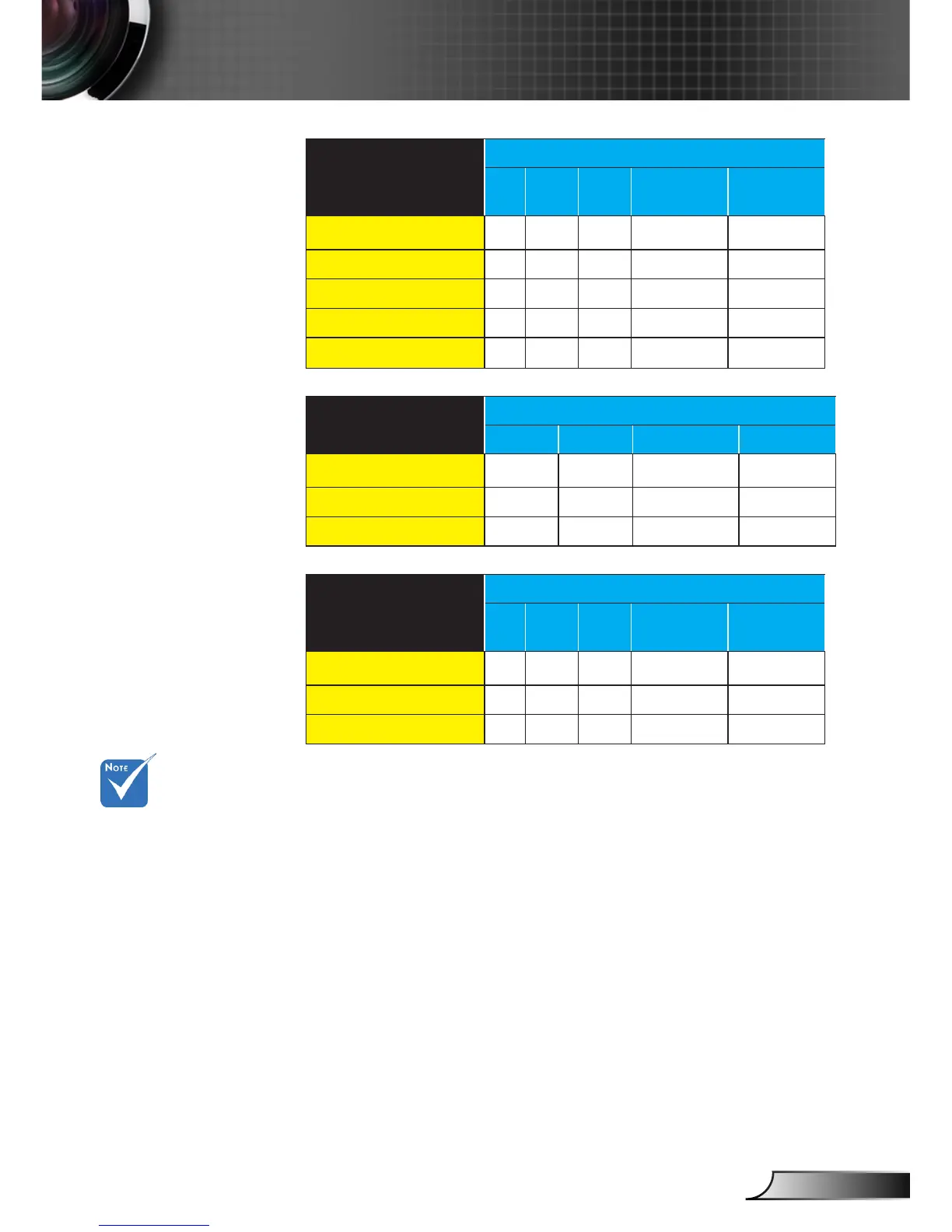
Pressing “Native”
button on the remote
will be “Auto235” when
Anamorphic lens is
xed or movable.
HDMI
Auto235 ON
4:3 16:9 LBX Auto235
Auto235
subtitle
2D/HQFS/2D->3D
SBS
Top and Bottom
1080p24FP
720pFP
Component
Auto235 OFF
4:3 16:9 LBX Native
2D/HQFS/2D->3D
SBS
Top and Bottom
Component
Auto235 ON
4:3 16:9 LBX Auto235
Auto235
subtitle
2D/HQFS/2D->3D
SBS
Top and Bottom
Detail informations about LBX mode:
Some Letter-Box Format DVDs are not enhanced for 16x9 1.
TVs. In this situation, the image will not look right when dis-
played in 16:9 mode. In this situation, please try to use the 4:3
mode to view the DVD. If the content is not 4:3, there will be
black bars around the image in 16:9 display. For this type of
content, you can use LBX mode to ll the image on the 16:9
display.
If you use an external anamorphic lens, this LBX mode also 2.
allows you to watch a 2.35:1 content (include Anamorphic
DVD and HDTV lm source) that support anamorphic wide
is enhanced for 16x9 Display in a wide 2.35:1 image. In this
case, there are no black bars. LED power and vertical resolu-
tion are fully utilized.



 To Next Page