48
English
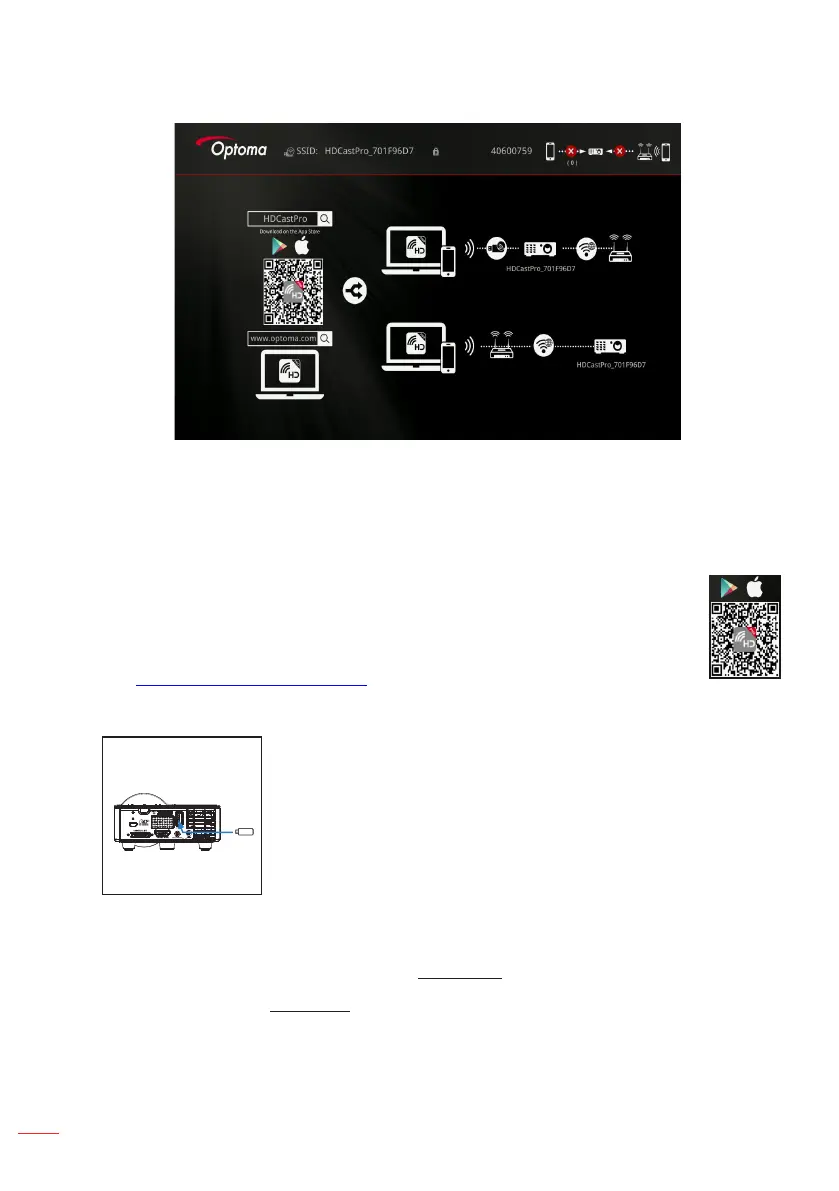
The HDCast Pro menu opens.
Password:
3. Do one of the following:
• Depending on the operating system of your mobile device, open the App Store
(iOS) or Google Play (Android) and install the HDCast Pro app on your mobile
device.
• Scan the QR code on the HDCast Pro menu with your mobile device
and then follow the on-screen instructions to install the HDCast Pro
app.
If you are using a laptop, download HDCast Pro app from
www.optoma.com/hdcastpro website.
4. Plug in a Wi-Fi dongle to your projector.
5. Connect your portable device via Wi-Fi to the projector. An example connection
parameters are as follows:
• SSID of the projector: HDCastPro_701F96D7
• Wi-Fi password: 40600759
Note: The projector SSID and Wi-Fi password varies depending on the connected Wi-Fi dongle.
6. Open HDCast Pro app on your portable device.



 To Next Page