49
English
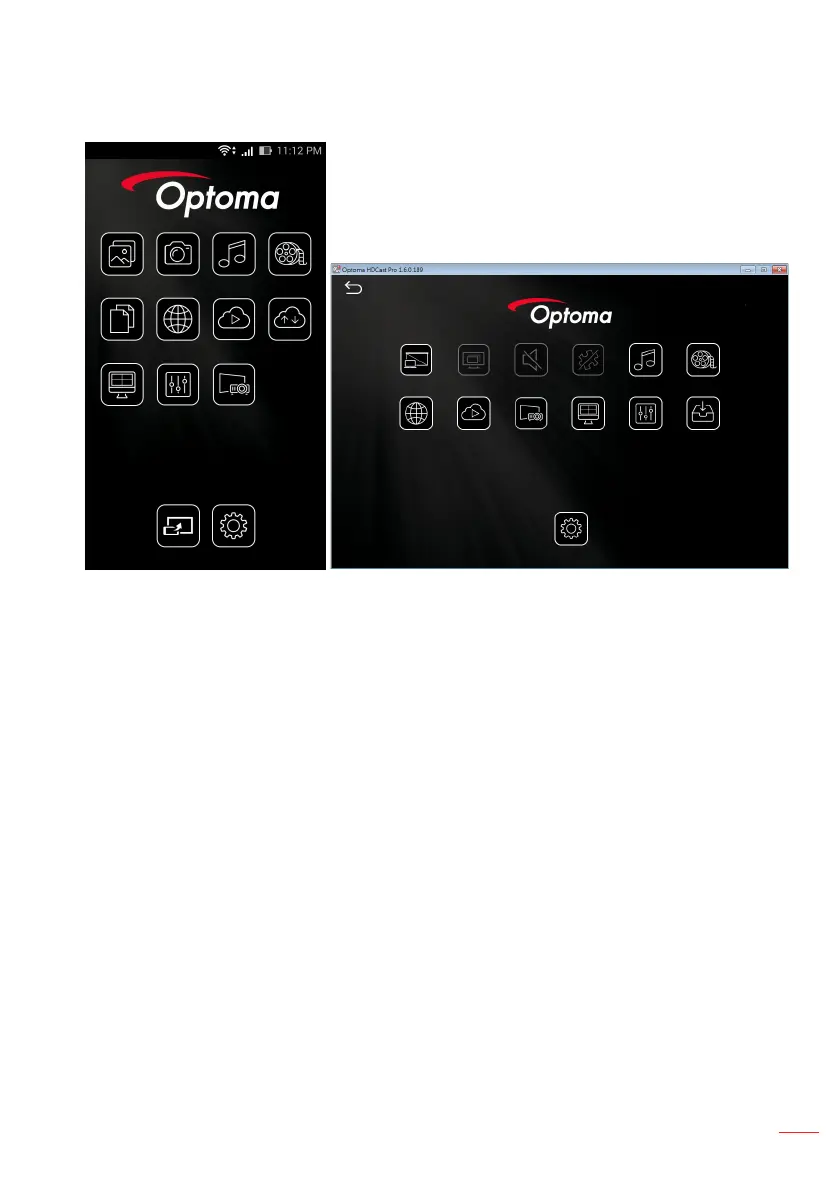
The following screen opens.
Android
Windows
Photo Camera Music Video
Document Web Cloud Video Cloud Storage
Split Screen Preference AirView
HDMirror Setting
Mirror Off Quality Audio Compatible Music Video
Web Cloud Video Air View Split Screen Preference Update
Setting
7. Select HDMirror (Android) from the menu to start mirroring the screen of your por-
table device.



 To Next Page